Can you really get paid to use apps in the USA?
Yes. But not in the way the ads make it sound.
Individuals searching for apps that pay real money usa are often seeking a more fundamental question. Which apps are legitimate, which ones waste time, and which ones fit how I already live? That’s the part most roundups miss. They throw cashback, surveys, game rewards, and task apps into one giant list without explaining the trade-offs.
The answer is simple. These apps can help you earn extra money, but they work best when the earning model matches your routine. If you shop a lot, cashback apps make sense. If you like giving opinions, survey apps are easier. If you already spend time testing apps or playing mobile games, reward platforms can turn that screen time into something useful.
You also need to manage expectations early. Some legitimate apps pay small amounts steadily. Others delay withdrawals, use points instead of cash, or make your first payout take longer than expected. That’s normal in this category. What matters is whether the app is transparent about how rewards are earned and how money gets out.
That transparency matters even more now because scam activity has grown fast. The FTC reported that losses to job scams, including gamified task apps, rose from $90 million in 2020 to $286 million in 2023, and the first half of 2024 alone topped $223 million, according to the FTC’s data spotlight on gamified job scams. So yes, real apps exist. You just need to choose carefully.
This guide gets to the point. It covers reliable options, how each one works, what kind of user it suits best, how payouts usually feel in practice, and where beginners often get stuck. If you're also exploring broader ways to make money from home, these apps can be one easy starting point.
1. Klink Finance
Want one app that lets you test several earning methods before you commit to just surveys, cashback, or games?
Klink Finance works better than many single-purpose apps for that job. It puts short tasks, app installs, game offers, surveys, social actions, and partner promotions in one account, so beginners can see which earning model fits their routine.
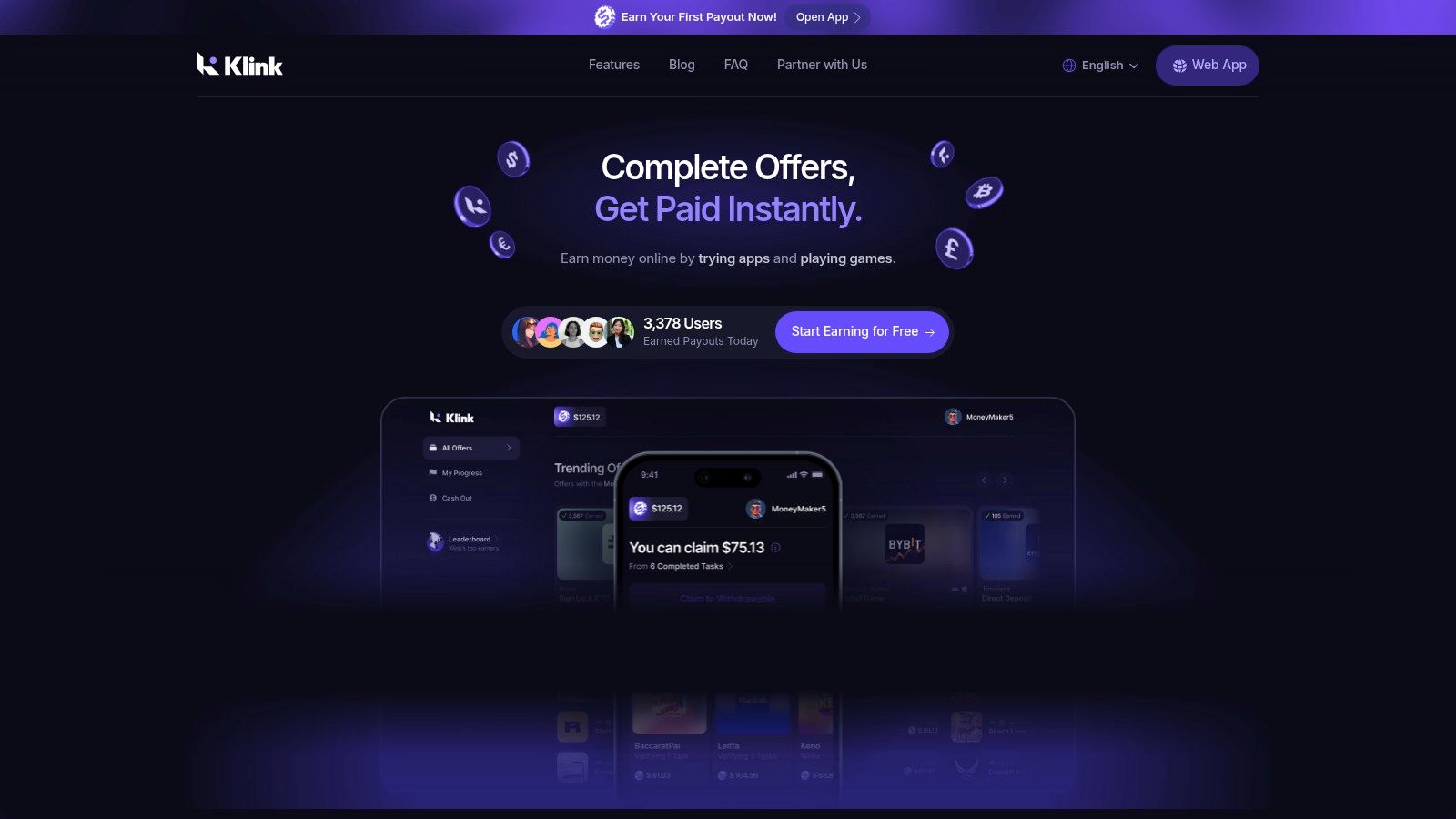
That matters more than it sounds. A cashback app only pays when you shop. A survey app depends on qualification rates. A game rewards app can take time before the payout feels worthwhile. Klink’s main advantage is flexibility. You can try different task types in one place instead of downloading several apps and learning each payout system separately.
How it works in practice
Klink Finance is available on web, iOS, and Android. After signup, you complete listed actions and watch for the reward to track inside the platform. In actual use, that tracking visibility is one of the stronger points here because it helps you catch problems early, especially if an offer fails to credit.
For beginners, that reduces one of the biggest frustrations in this category. You should know fairly quickly whether a task registered or whether you need to follow up.
If you are comparing earning models, Klink is also a useful reference point for the rest of this list. Apps like Ibotta, Rakuten, Upside, and Fetch are tied to spending. Survey apps depend on available questionnaires. Game apps depend on time and retention bonuses. Klink sits closer to an all-in-one task platform, which gives it more range, but that also means offer quality and availability can vary more from day to day.
Expected earnings, safety, and signup tips
This is side money. Treat it that way.
You can usually earn small amounts faster on simple tasks, while higher-paying offers tend to ask for more steps, more time, or a purchase requirement. That trade-off is normal. The practical win is that you are not locked into one earning lane. If surveys are dry, you can switch to app offers or game tasks without leaving the platform.
A few things beginners should keep in mind:
Best for: Users who want to test multiple earning styles in one app.
Typical payout feel: Better for steady small wins than large single-day income.
Trust and safety note: Read each offer’s terms before you start. Some rewards depend on finishing a full sequence, not just the first click.
Signup tip: Start with the shortest no-spend tasks first. That gives you a quick read on tracking and payout flow before you spend more time.
Another signup tip: Turn on tracking permissions if the app asks for them during offer setup. A lot of missed credits come from skipped permissions or incomplete installs.
Klink also gives you more reward flexibility than many apps that only push users toward gift cards. That broader payout setup is part of what makes it a practical starting point for beginners who are still figuring out what kind of app earnings they want.
If cashback is still your preferred model, it helps to compare Klink’s task-based structure with more shopping-focused tools. This roundup of the best cashback apps in the USA is a useful reference before you decide where to spend your time.
One more trade-off matters. Klink is built for a wider international user base, so task availability is not identical in every location. That is good for accessibility, but it also means U.S. users may see rotating offer depth rather than a fixed set of opportunities every day.
If you like mobile-first earning apps, there is some overlap in audience with people searching for an automated crypto trading app. The difference is simpler execution. You are completing clear tasks for listed rewards, not managing market risk or automated strategies.
2. Ibotta
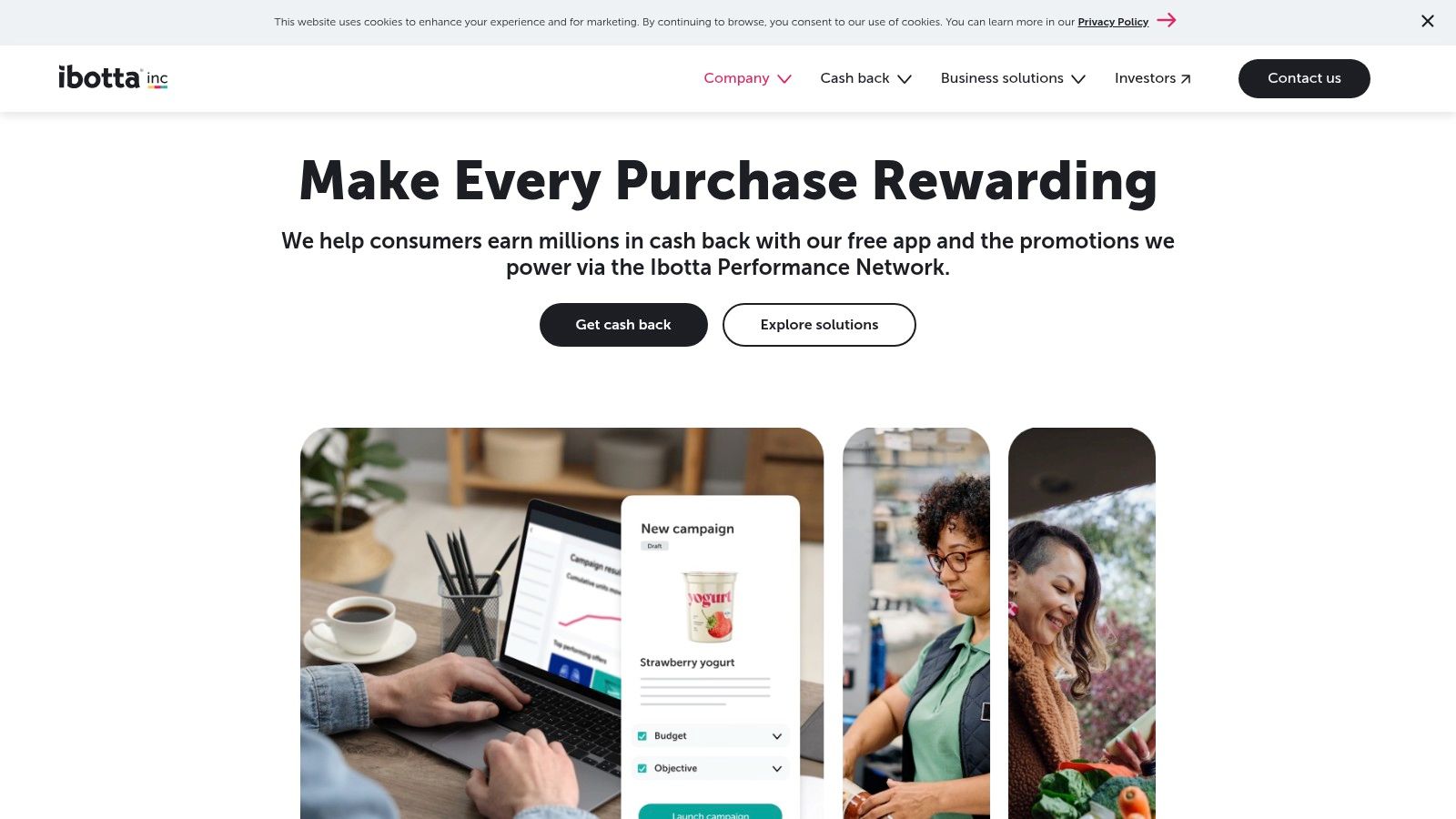
Ibotta is one of the easiest apps to understand because the value is tied to something concrete. You buy groceries or household items, activate an offer, and get cashback.
That makes it a good fit for people who already shop regularly and don't want to fill out surveys or test games to earn. If you’re spending on essentials anyway, cashback feels less like side-hustle work and more like reducing the cost of normal life.
How it works in real life
You activate offers before shopping, then either scan your receipt or let linked shopping track the purchase. It supports in-store and online shopping, plus a browser extension for some web purchases.
The main upside is consistency. If you buy the same categories each week, you can build a repeatable routine. The downside is just as obvious. If the offers don’t match what you normally buy, you can end up spending extra just to “save.”
A lot of beginners make that mistake.
Buy what you already planned to buy. If an offer changes your shopping list too much, it’s not savings anymore.
What to expect
Ibotta is best for grocery shoppers, families, and anyone who already shops at participating retailers. The dashboard is clean, and the earnings history is usually easy to follow.
A few practical notes:
Withdrawal threshold: You’ll need to build up enough balance before cashing out.
Best use case: Weekly grocery runs and routine retail spending.
Common friction: Receipt errors and occasional payment-linking issues can happen, so save receipts until rewards post.
If you want more apps in this category, Klink’s guide to best cashback apps in the USA is worth checking after this one.
Ibotta works best when you treat it like a long-term habit, not a quick-cash tool.
Website: Ibotta
3. Rakuten
Want a cashback app that asks almost nothing from you after setup? Rakuten is one of the easiest options on this list if you already shop online and can wait for your money.
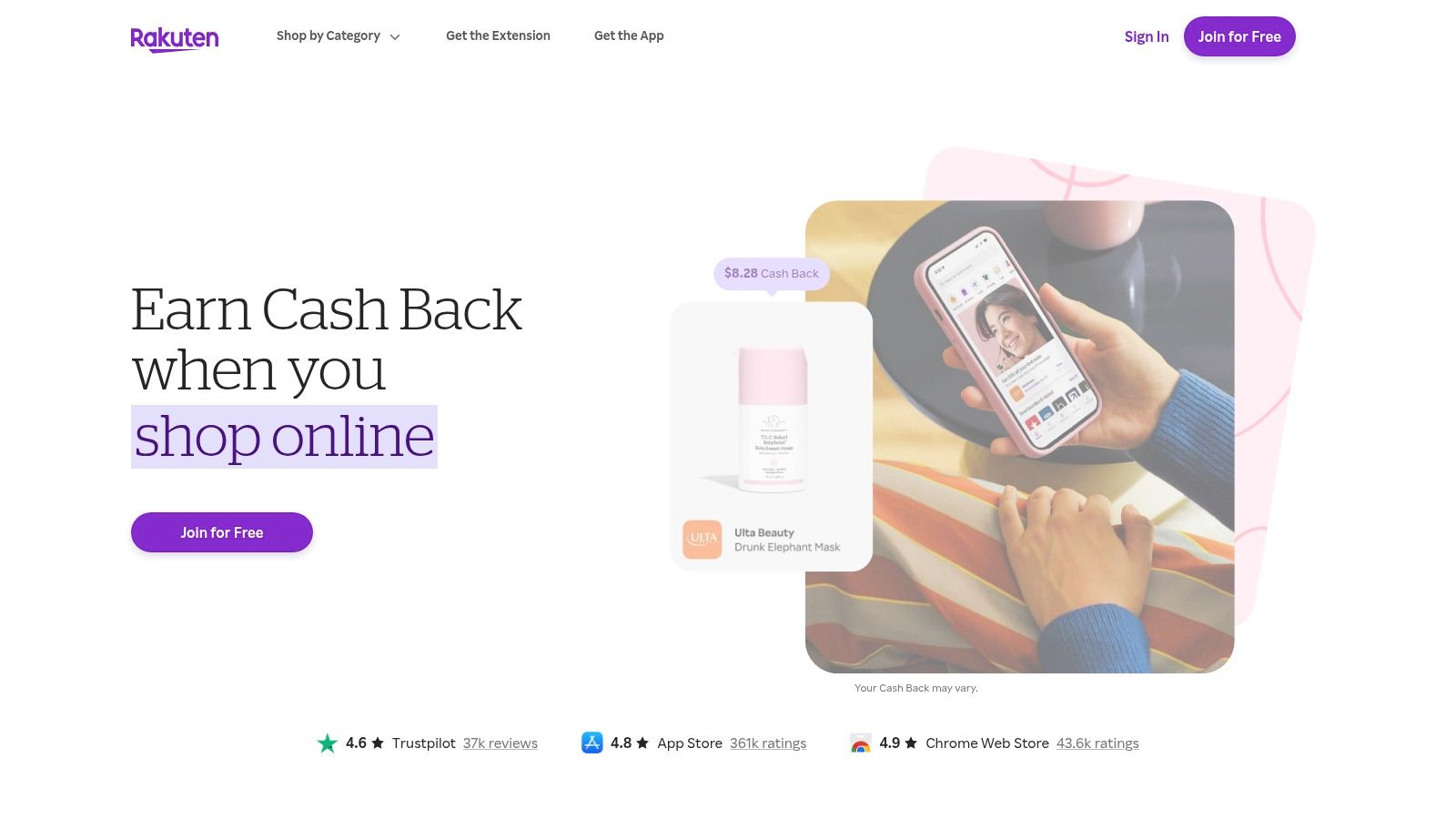
You start through the app, website, or browser extension, shop with a participating store, and get cashback on eligible purchases. The model is simple, but the trade-off is timing. Rakuten is built for planned spending, not quick payouts.
Where it fits best
Rakuten works well for people who already buy from major online retailers and want to get paid for habits they already have. The browser extension helps because it catches the common beginner mistake. Forgetting to activate cashback before checkout.
That makes Rakuten lower effort than survey and game apps, but also less flexible. You only earn when you spend. Klink Finance takes a broader task-based approach, so it can make more sense for users who want different ways to build rewards instead of waiting for online purchases alone.
The main trade-off
Rakuten pays on a fixed schedule. Some people like that because it feels organized and predictable. Others try it for a week, see pending cashback, and assume the app is too slow.
Both reactions are fair.
If you need money this week, Rakuten is a poor fit. If you want a set-it-up-once cashback tool for purchases you were going to make anyway, it holds up well. The key is to treat it like a rebate system, not an income app.
Signup and safety notes
A few practical points make the experience smoother:
Best use case: Regular online shopping from stores you already use
Expected earnings: Usually modest unless you spend consistently or time bigger purchases around stronger cashback rates
Common friction: Missed tracking, excluded product categories, and returns that cancel cashback
Signup tip: Install the browser extension early. It does more for your earnings than checking the app after you already bought something
Trust note: Rakuten is established, but you still need to read each store's terms because not every item qualifies
Keep your expectations realistic. Rakuten can save you money over time, but it will not replace a paycheck or solve a short-term cash gap.
Website: Rakuten
4. Upside
Upside is one of the few apps on this list that can make sense even if you hate side hustles.
Why? Because it focuses on gas, groceries, and dining. If you drive a lot or commute regularly, you’re already spending in the categories where Upside operates.
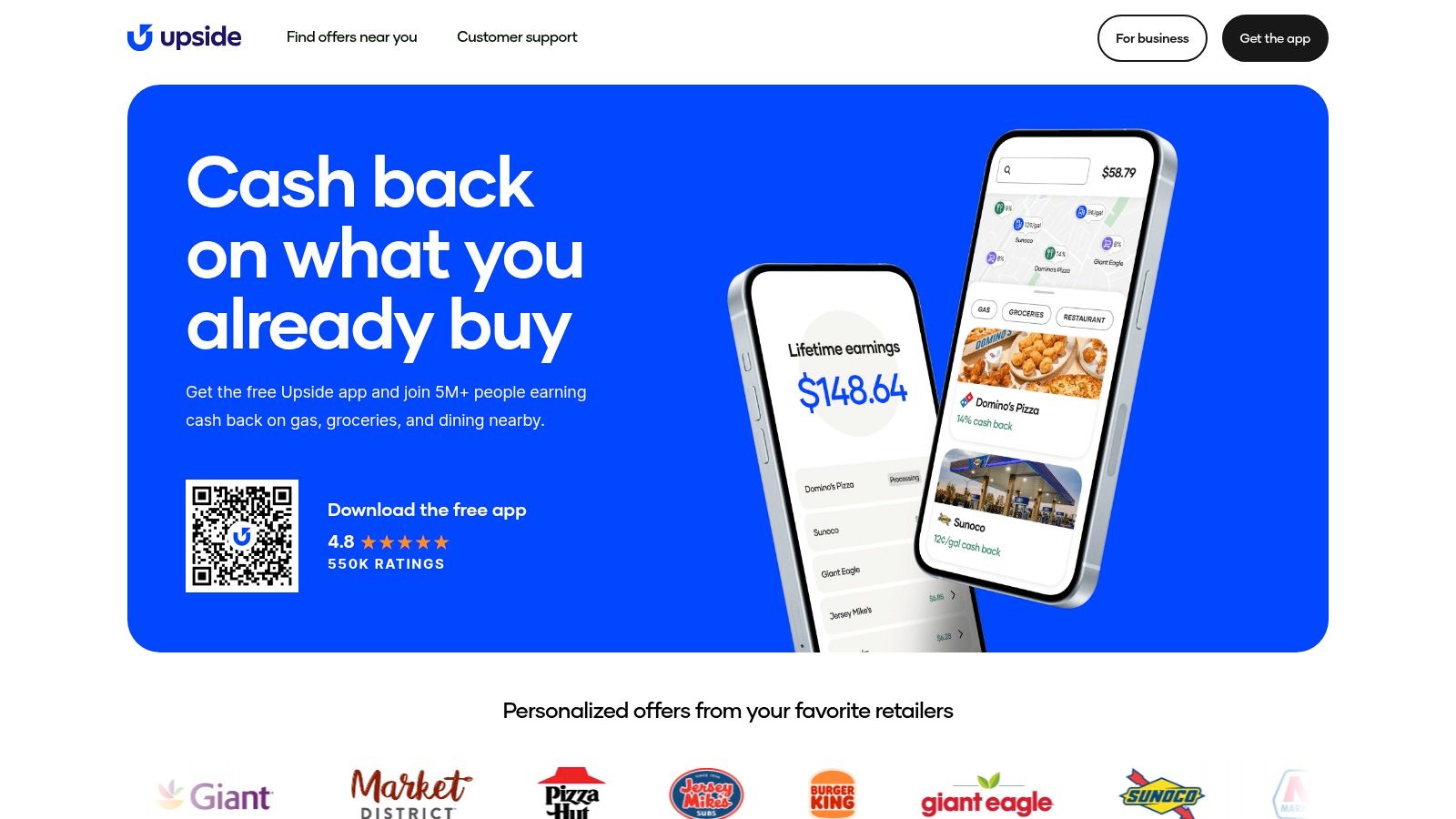
You claim a local offer before purchasing, then confirm the transaction through a linked card or receipt. That local angle matters. Unlike general shopping portals, Upside is useful when your spending happens offline and on the move.
Where it works best
This app is strongest for people with fixed routines.
If you use the same gas station area, buy groceries on the same route, or stop at similar restaurants, it becomes easier to check for matching offers before you pay. It can also stack with store loyalty programs, which is where cashback apps get more interesting.
The weak point is coverage. Some areas have better offers than others. If your neighborhood has limited participating businesses, the app won’t feel very useful.
What beginners should know
There’s a passive income trap with some “easy money” apps. They sound effortless, but they still depend on habits or resources you already have. A YouTube analysis cited in the research gap notes that many passive-leaning apps require existing spending patterns, location fit, or some form of capital, which often mismatches younger users looking for low-barrier earning options, discussed in this video about apps that pay real money.
Upside is a good example of that reality. It’s great if you already buy fuel and groceries often. It’s not useful if you’re trying to earn without spending.
Best fit: Drivers, commuters, delivery workers, and suburban shoppers
Less useful for: People without regular car or grocery spending
Biggest mistake: Driving farther just to use an offer and wiping out the savings
Website: Upside
5. Fetch
Fetch is one of the lowest-effort apps in this whole category.
You scan receipts or connect e-receipts, collect points, and redeem for gift cards. It’s simple enough that even people who usually give up on reward apps can stick with it.
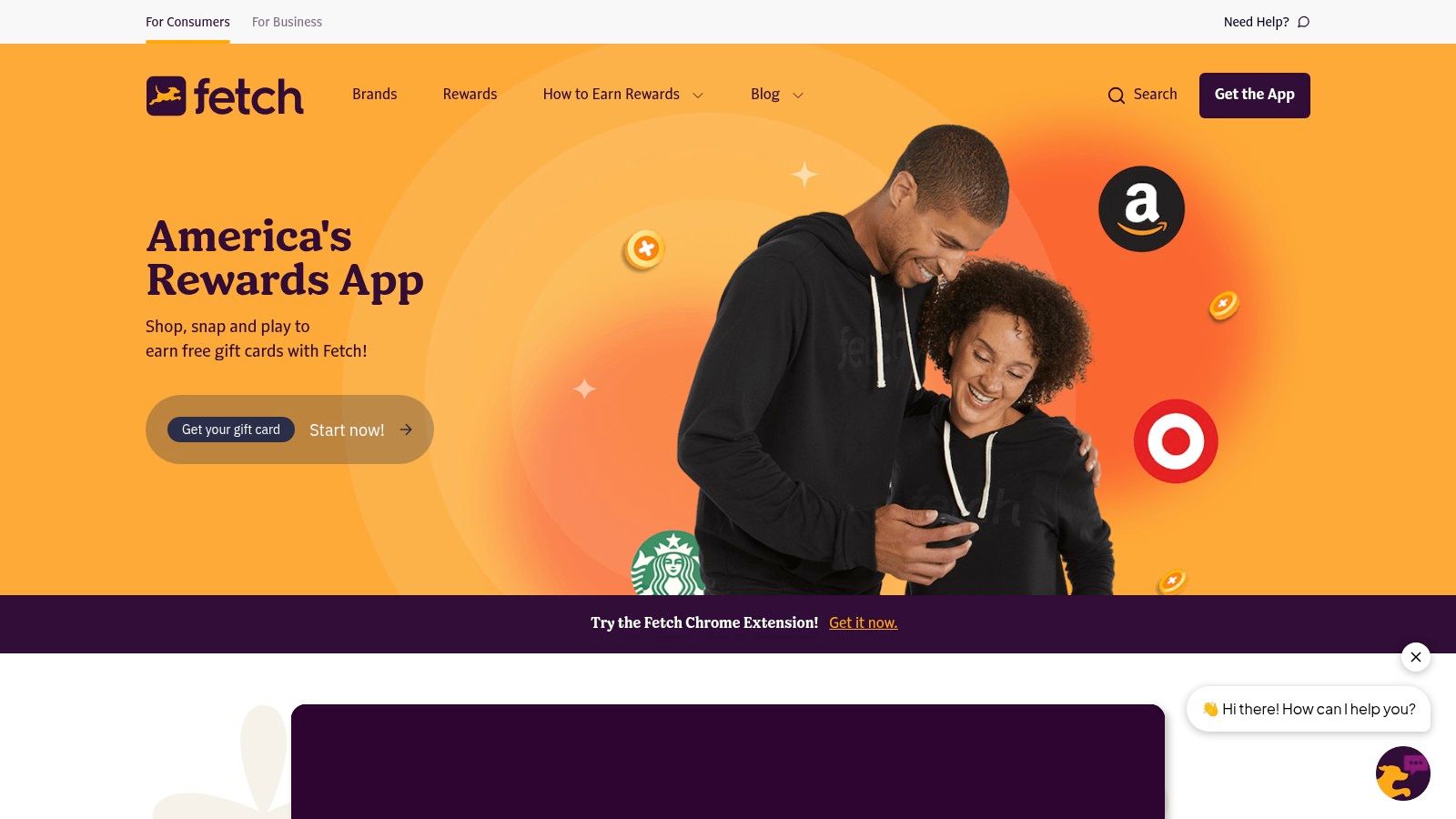
That said, Fetch is not really a cash app in the strict sense. It’s more of a rewards app that pays through gift cards. If direct cash is your priority, that limitation matters.
Why people keep using it
The answer is convenience.
You don’t need to pre-activate every deal the way you do with some cashback apps. You just shop and scan. That lowers the friction a lot, especially for beginners who forget to activate offers ahead of time.
The strongest use case is everyday purchases. Grocery receipts, pharmacy receipts, and basic retail runs are where Fetch feels easiest.
The best rewards app is often the one you’ll actually remember to use. A lower payout with less friction can beat a higher payout you never claim.
Real trade-offs
Fetch is worth using if you like simple habits and don’t mind gift card redemptions. It’s not ideal if you want money sent to your bank or PayPal.
A few practical notes help:
Best habit: Scan receipts right after shopping so you don’t lose them.
Best user type: Anyone who shops regularly but doesn’t want a complicated setup.
Main downside: Rewards are tied to gift cards, which gives you less flexibility than cash.
Fetch works well as a background app. It’s not exciting, but that’s part of the appeal. It asks very little from you.
Website: Fetch
6. Swagbucks
Want one app that lets you test several earning methods without installing five different platforms?
Swagbucks is still one of the better starting points for that. It combines surveys, cashback shopping, game offers, videos, and promo deals in one account, which makes it useful for beginners who are still figuring out what they find tolerable. Some people like survey screens. Others would rather click through shopping offers or complete app trials. Swagbucks gives you room to test all of that.
According to Side Hustle Nation’s review of apps that pay you, Swagbucks has paid out hundreds of millions to users over the years, includes a sign-up bonus, and regularly features surveys and offers with a wide range of payouts. That payout history matters. In this category, a long operating record is one of the clearer trust signals.
Where it fits
Swagbucks sits closer to Klink Finance than a single-purpose app like Fetch or Survey Junkie because it offers multiple ways to earn inside one setup. The difference is how flexible the task mix feels. Klink is built around a broader task-based approach, while Swagbucks can feel more offer-wall heavy depending on what is available that day.
That trade-off cuts both ways. Variety helps if you get bored easily. It also means quality is uneven. One survey may be fine, while the next sends you through a long screener and pays very little.
For readers comparing survey-heavy options, this breakdown of highest-paying survey apps in the United States helps set expectations.
How to use it without wasting time
Swagbucks rewards selectivity more than effort. The app is most useful when you ignore the noisy offers and take the straightforward ones.
Start with your profile: A completed profile usually improves survey matching and cuts some avoidable disqualifications.
Prioritize clear payouts: If the reward, time estimate, or tracking rules are vague, skip it.
Use shopping offers only for planned purchases: Cashback is helpful. Buying things just to earn points usually wipes out the gain.
Cash out in smaller batches: Regular redemptions reduce the chance that you sit on points for too long.
Swagbucks is practical for users who want options in one place and do not expect strong hourly earnings from every task. Used well, it can produce steady small payouts. Used poorly, it turns into a lot of tapping for very little return.
Website: Swagbucks
7. Survey Junkie
If you want the most direct survey-first option, Survey Junkie is usually one of the safer recommendations.
It doesn’t try to be a shopping portal, gaming hub, and cashback engine all at once. It focuses on surveys and keeps the core experience fairly straightforward. That makes it easier for beginners who want a cleaner path from task to payout.
Where it fits
Survey apps work best for people who have short gaps in the day. Ten minutes while commuting, waiting in line, or winding down at night is enough to complete shorter surveys without feeling like you’re starting a whole job shift.
The appeal is speed and simplicity. The frustration is disqualification. That’s true across nearly every survey platform. You answer a few screener questions, then find out you’re not the target demographic.
A practical fix is to stop taking disqualifications personally. They’re part of the system.
How to use it well
The best approach is simple.
Complete your profile accurately: Better profile data usually means better survey matching.
Cash out regularly: Smaller, more frequent redemptions feel better than hoarding points.
Avoid multitasking: Rushed answers can trigger quality flags.
For readers who want more survey-focused options, Klink has a good breakdown of highest paying survey apps in the United States.
Worth remembering: Surveys are easiest when you treat them as spare-time filler, not as a replacement for hourly work.
Survey Junkie is one of the better choices when your only goal is answering questions and converting that time into small payouts.
Website: Survey Junkie
8. Mistplay
Want an app that pays you for gaming, or just one that makes your screen time feel a little less wasteful? That question matters with Mistplay.
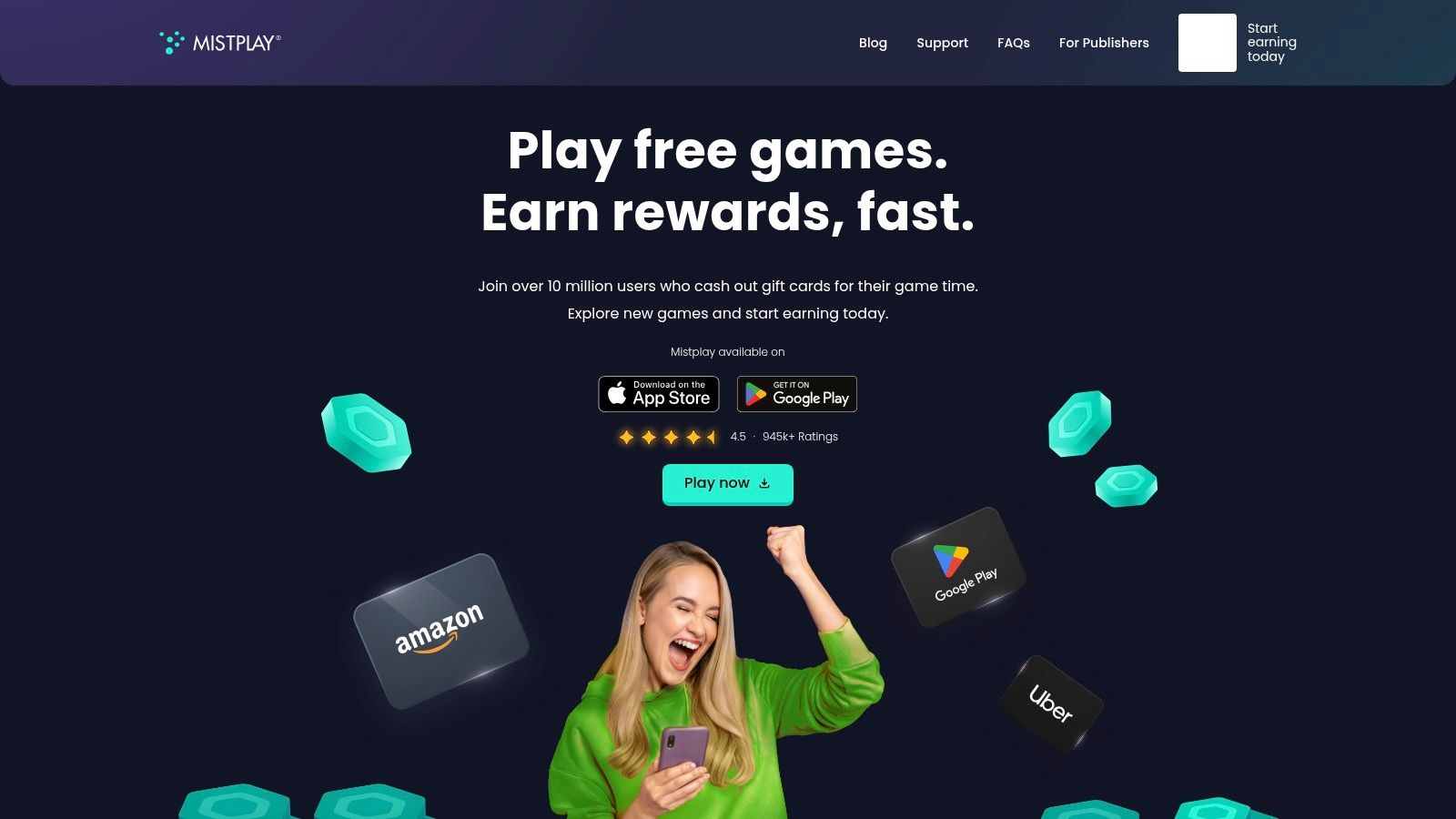
Mistplay pays users for downloading and spending time in featured Android games, then converts that activity into points you can redeem for gift cards. The model is simple, but the trade-off is clear. You are earning store credit, not building a reliable cash side hustle.
For the right person, that is still useful. If you already test mobile games for fun, Mistplay can turn an existing habit into small rewards. If you have to force yourself to play just to earn, the hourly return usually feels weak fast.
What to expect before you sign up
Mistplay works best if expectations are realistic. Earnings are modest, and they tend to slow down after the easiest early offers are gone. That pattern is common in game reward apps.
The app also fits a narrower audience than cashback or survey apps because it is tied to mobile gaming behavior. Compared with Klink Finance’s task-based setup, which gives users more than one way to earn inside the same app, Mistplay is more specialized. You are choosing one lane and staying in it.
Who should use it
Mistplay makes the most sense for three groups:
Android users who already play mobile games regularly
People who do not mind getting paid in gift cards instead of cash
Beginners who want a low-effort side app, not a primary earning app
It is a weaker fit for iPhone users, anyone looking for PayPal cashouts first, or anyone trying to squeeze strong hourly value out of every minute.
Practical tips
A few habits make Mistplay less frustrating.
Start with games you would try: Reward rates do not fix a boring game.
Watch redemption options early: Gift card choices matter more than point totals.
Cash out once you hit a reasonable threshold: Holding points too long adds risk with no real upside.
If you want to compare similar options, this list of apps that pay you to play games gives you a broader look at the category.
Website: Mistplay
9. MyPoints
MyPoints feels like an older-school rewards platform, and that’s not a bad thing.
It combines shopping, surveys, and occasional promos in one account, with redemption options that include PayPal, gift cards, and travel-related rewards. If Swagbucks feels too busy, MyPoints can feel a bit calmer, even though the earning models overlap.
Why some users prefer it
The biggest advantage is flexibility without too much novelty. It’s familiar. You shop through the portal, answer some surveys, and collect points over time.
For users who like rotating between tasks, that variety helps. For users who hate points systems, it can still feel a bit indirect. That’s the main compromise.
The practical issue with apps like this is patience. Some offers credit slowly, and occasional follow-up may be needed when something doesn’t track correctly.
Best use case
MyPoints is a good fit if you want one backup app alongside a primary rewards app.
Use it for shopping offers you were making anyway
Treat surveys as optional, not mandatory
Keep records of bigger offers until points post
One no-nonsense rule applies here. Don’t spread yourself too thin across too many nearly identical apps. MyPoints is solid, but it works better as part of a small stack, not a giant one.
Website: MyPoints
10. InboxDollars
Want an app that shows earnings in actual dollars instead of another points system you have to translate?
That is InboxDollars' main advantage. Beginners usually understand it faster because the balance looks like cash from the start. You can see what a survey, game, or offer is worth without stopping to calculate points.
InboxDollars covers the usual mix of surveys, paid offers, games, and shopping rewards. The primary trade-off is pace. The platform is easy to understand, but early progress can feel slow, especially if you start with low-value tasks. As noted earlier, normal earnings tend to fit the small-side-income category, not anything close to a part-time wage.
Compared with Klink Finance, the difference is flexibility. Klink lets users rotate across task types with a broader all-in-one feel, while InboxDollars is better for people who stay motivated by seeing cash values directly on screen. That sounds minor until you use both. For some beginners, that clearer display helps them stick with the app long enough to reach payout.
What to know before you sign up
The first cash-out is the part that frustrates new users most. If you go in expecting quick money from short surveys alone, InboxDollars can disappoint.
A better approach is simple:
Start with the highest-paying offers you can complete safely
Read offer terms before signing up for trials or partner promos
Keep screenshots of confirmation pages for larger tasks
Use surveys to fill spare time, not as your main earning method
Trust and safety matter here. InboxDollars is established, but many offers come from third-party advertisers, and that is where beginners make mistakes. Skip anything that asks for payment details unless you fully understand the terms and cancellation rules.
InboxDollars works best as a secondary app in a small stack. Use cashback apps for purchases you already planned to make, use a task-based app like Klink for more variety, and use InboxDollars when the dollar-based interface helps you stay consistent.
Website: InboxDollars
Top 10 USA Apps That Pay Real Money
Platform | Core features | Payouts & speed | Best for | Key USP | Main drawback |
|---|---|---|---|---|---|
Klink Finance | Global rewards (tasks, app installs, social quests), real-time tracking, daily offers | Fiat & crypto (USD, EUR, GBP, BTC, ETH, SOL…), instant/fast withdrawals; availability varies by region | Side-hustlers, students, mobile gamers, app testers, global users | Flexible fiat+crypto payouts, transparent live tracking, promos & leaderboards, large community support | Earnings vary by geography; crypto volatility; some offers restricted |
Ibotta | Cashback for groceries/retail, receipt scan, browser extension | Bank, PayPal or e-gift cards; $20 withdrawal min | Grocery and retail shoppers | Broad retailer coverage and frequent bonus promos | $20 min payout; occasional PayPal linking hiccups |
Rakuten | Shopping portal + extension, works with thousands of stores | Quarterly payouts (check or PayPal); low min (~$5.01) | Online shoppers who accept scheduled payouts | Trusted brand, predictable payout cadence | Quarterly payouts, not for users needing instant cash |
Upside | Location-based offers for gas, groceries, dining; card-link or receipt | Bank, PayPal or gift cards; small fee on low PayPal cash-outs (e.g., under ~$15) | Drivers and commuters buying fuel regularly | Real-time local offers and stacking with store loyalty | Small withdrawal fees; some earnings may take time to post |
Fetch | Receipt scanning and e-receipt rewards, brand bonuses | Redeem for e-gift cards only; digital delivery | Low-friction earners from everyday shopping | Fast universal receipt rewards and frequent brand bonuses | No cash option, gift cards only; occasional processing delays |
Swagbucks | Surveys, shopping, games and offers; points system | Redeem SB for PayPal cash or gift cards; payout timing varies | Users who want multiple earning modes | Long track record and broad partner network | Low earnings per hour; some PayPal redemption friction |
Survey Junkie | Survey panel with straightforward points-to-cash | PayPal, bank (US) or e-gift cards; low min (~$5) | Survey takers seeking small, frequent cash-outs | Clean survey flow and low minimum redemption | Frequent disqualifications; occasional verification steps |
Mistplay | Android-only app rewarding game play with units for gift cards | Redeem units for e-gift cards only (in-app shop) | Mobile gamers on Android | Boost multipliers and curated games for faster earning | Gift cards only; Android-only availability |
MyPoints | Shopping portal, surveys and tasks; points system | PayPal, gift cards or travel miles; timing varies | Shoppers wanting PayPal cash or travel rewards | Flexible redemptions and long-standing rewards brand | Some offers credit slowly; occasional follow-up needed |
InboxDollars | Surveys, offers, games and shopping with direct cash payouts | PayPal, gift cards or prepaid Visa; first cash-out min generally higher | Users wanting direct-to-cash redemptions across modes | Direct cash payouts and multiple earn avenues | Higher initial payout threshold; occasional delays/verification |
Your Next Step to Earning Real Money With Apps
Which app should you start with if you want your first payout to happen soon and without confusion?
Start by matching the app to something you already do. That is the part beginners often miss. Cashback apps work best for regular shopping. Gas apps make sense if you drive often. Survey apps fill short idle blocks. Game reward apps only hold up if you would play anyway. General task platforms cover more ground, which is why Klink Finance stands out against single-purpose apps. It lets you test surveys, offers, games, and app installs in one place instead of guessing which earning model fits you best.
A practical first setup is one primary app and one backup. More than that usually turns into clutter, missed offers, and tiny balances spread across too many accounts. If your spending is predictable, Ibotta or Rakuten can fit well. If fuel is a weekly expense, Upside is the cleaner pick. If you want a straightforward survey app, Survey Junkie is easier to read than broader rewards platforms. If you want variety without juggling several logins, Klink Finance is the more flexible starting point.
Trust matters as much as earning potential.
Some apps pay reliably. Some are badly run. Some look polished until you try to cash out. As noted earlier, independent testing of this category found that many apps were not worth the time. That lines up with what new users run into in practice. The actual test is not the signup screen. It is whether the app explains payout rules clearly, tracks completed tasks properly, and pays without making you chase support.
That is why payment thresholds deserve more attention than headline earning claims. A beginner might earn a few dollars quickly, then hit a wall because the cash-out minimum is higher than expected or the reward only comes as a gift card. Low friction usually beats flashy promises. An app that pays smaller amounts consistently is more useful than one that advertises bigger rewards but slows everything down with exclusions, delays, or unclear terms.
Klink Finance is a good example of that trade-off. It will not replace a paycheck, and neither will the other apps on this list. What it does offer is flexibility. You can try different task types, see what credits properly, and learn which offers are worth your time without building your whole routine around one narrow format.
Keep the first week simple.
Pick one app that fits your routine. Complete one small task. Confirm how the rewards post. Cash out as soon as the math makes sense. Then decide whether the app deserves a permanent spot on your phone.
That process sounds basic, but it saves time. Your first successful withdrawal tells you more than any promo page ever will.
If you want one place to start without juggling several apps, Klink Finance is a practical option. You can sign up free, browse daily offers, complete simple tasks, and track rewards in real time. It suits beginners who want flexible ways to earn from surveys, app trials, games, and partner offers without making the process harder than it needs to be.

High Quality Offers,
Real Payouts
Start Earning with Klink Now!






Share Article
Related Articles
Read more, Earn more