
Most “best earning apps” lists make the same mistake. They treat every app like it pays the same, works in every country, and fits every schedule. It doesn’t.
If you’re trying to find the best earning apps Europe 2026 readers can effectively use, the primary question isn’t “Which app is best?” It’s “Best for what?” Fast cash-outs. Better hourly potential. Gaming. Local errands. Background earning. Reliable surveys. Those are different categories, and mixing them leads to bad choices.
That matters even more now because Europe’s app economy is rewarding monetization quality over raw installs. In a Euronews report on Europe’s mobile app market, TikTok was estimated to earn over €740 million while ranking only fourth in downloads, and ChatGPT reached €448 million. The big takeaway for side hustlers is simple. Apps don’t need to be the most downloaded to be worth your time. The ones with stronger payout systems, better retention, and clearer incentives usually beat the noisy apps everyone installs once and forgets.
So this guide skips the fluff. You’ll get a realistic list of apps people in Europe use to earn extra money, plus the trade-offs that matter before you sign up. Some are good for spare minutes. Some work better if you live in a city. Some are only worth using as a second or third app, not your main one.
If you’re also trying to get your budget sorted while you build extra income, this guide on planning personal finance for 2026 is worth reading alongside it.
1. Klink Finance
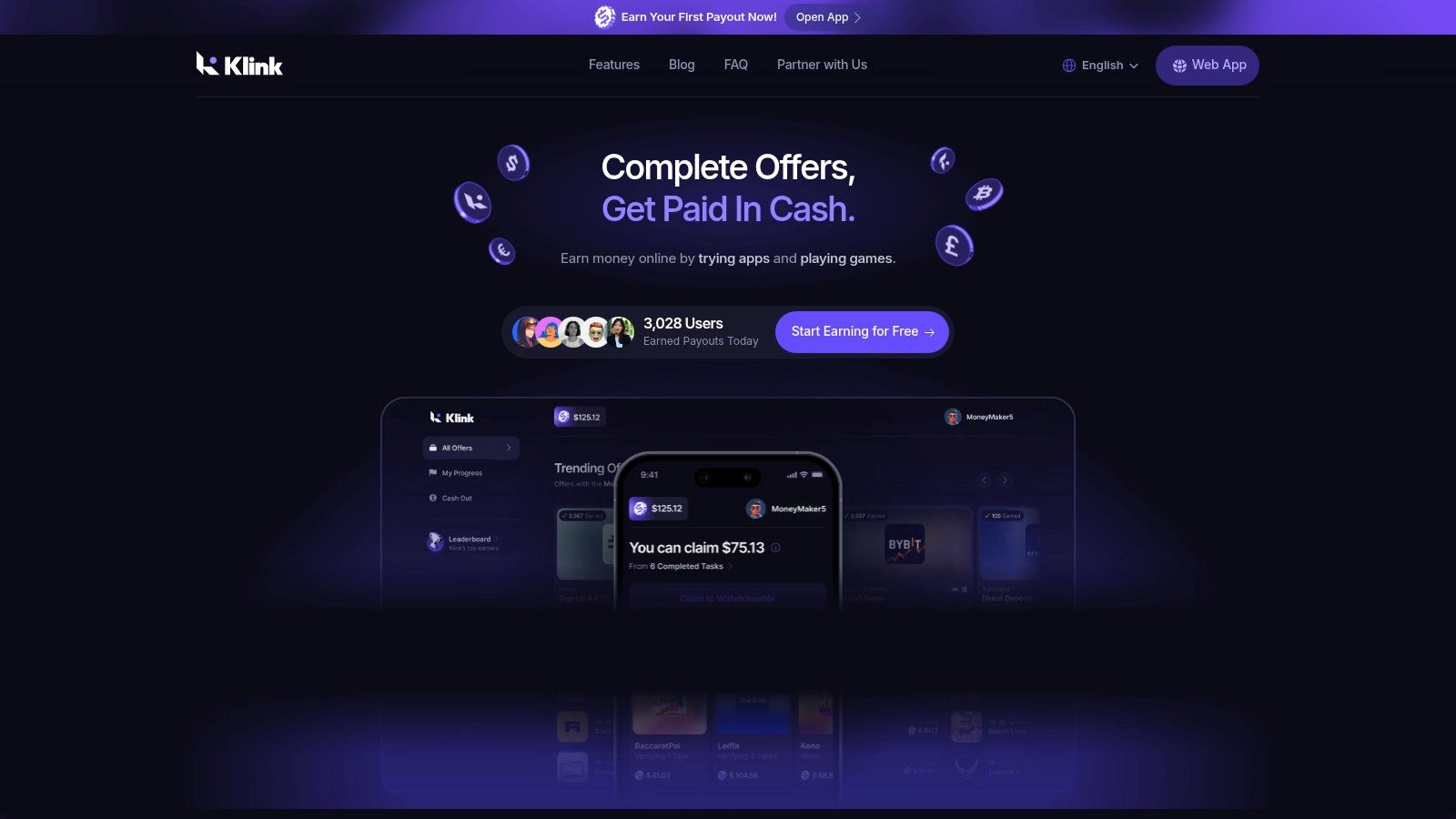
Want one app that lets you test several earning methods before you commit your time? Klink Finance is a practical starting point for that. It combines app offers, games, surveys, and social tasks in one place, and it runs on web, iOS, and Android. For a Europe-focused reader, that matters because device limits and country restrictions are often what make an app annoying after the first few days.
The main reason Klink makes this list is flexibility at the payout stage, not just at the task stage. It supports withdrawals in fiat and digital currencies, including EUR and GBP, and it shows live tracking for completed actions and pending rewards. If you have used reward platforms before, you already know why that matters. Clear tracking saves time when an offer credits late or fails to register.
Why Klink fits 2026 better than single-purpose apps
A lot of earning apps still force you into one lane. Surveys only. Gaming only. Cashback only. Klink is more useful for readers who are still figuring out what suits them, especially students, casual gamers, and anyone trying to fill short gaps in the day with small tasks.
Its business model is simple. Brands pay for installs, signups, and completed actions, and users get a share of that spend through rewards. That setup means your earning potential depends heavily on offer quality, region, and timing. Some days the board looks good. Some days it does not.
If you want a broader survey-focused comparison after this, Klink’s guide to the highest-paying survey apps for real cash rewards is a useful follow-up.
Practical rule: Use Klink like a rotating task board. Check the reward-to-time ratio first, then skip anything that looks slow, vague, or underpaid.
Earnings, payout options, and who it suits
Typical returns are modest if you only do low-value surveys and quick clicks. They improve if you focus on higher-paying installs, game milestones, and limited-time offers with clear tracking. For most users, this sits in the extra-cash category, not the part-time-income category.
The payout side is stronger than on many basic rewards apps because it supports both standard currency withdrawals and digital asset options. That gives it a wider appeal than apps that trap users inside gift cards. For Europe-based users, having EUR support is more useful than stacking points and then doing conversion math later.
Klink tends to work well for three groups:
Students: Good if you want variety and can switch between short tasks, offers, and game rewards.
Gamers: Worth a look if you already spend time on mobile games and do not mind chasing milestone-based payouts.
Busy professionals: Better as a secondary app for spare minutes than as something to monitor all day.
The trade-offs to know before you install it
The upside is range. The downside is inconsistency.
Offer availability changes by country, and some of the better payouts depend on advertiser demand rather than your effort alone. That is a common issue with reward apps, but it is still the point that catches new users off guard. You can log in ready to earn and find that your best options are limited that day.
There is also the usual learning curve. Users who do well on apps like this tend to be selective. They read offer terms, avoid low-value filler tasks, and cash out before building a large balance. Users who tap everything often end up with weaker hourly returns.
Klink is a solid first app if your goal is to test multiple earning styles in one account and see what fits. Just go in with the right expectation. It is useful, flexible, and better than juggling random low-quality apps, but it still rewards strategy more than effort alone.
2. Prolific
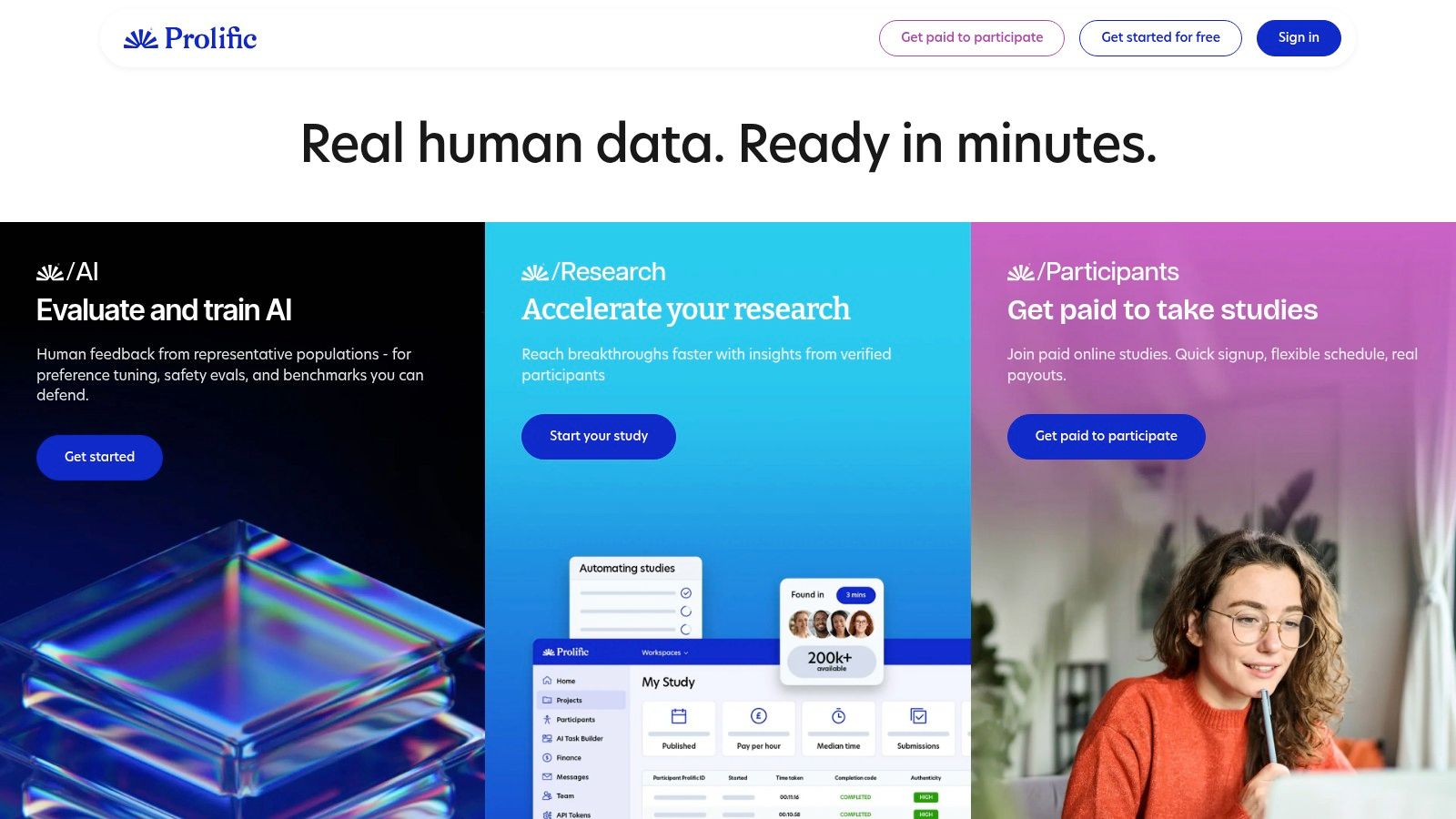
Prolific is one of the few platforms that survey users regularly describe as worth checking daily. It focuses on academic and user research studies rather than the usual low-quality survey flood. That difference matters because you usually spend less time getting screened out.
If your goal is cash, not gift cards, Prolific is one of the cleaner options. It’s web-based, simple to use, and usually feels more serious than typical survey apps.
Where Prolific beats standard survey apps
The best thing about Prolific is that it reduces wasted effort. On low-end survey apps, you can spend a lot of time answering qualifying questions only to get rejected. Prolific’s profile-based matching usually cuts that down.
It also suits people who like quieter, more focused tasks. You’re not chasing streaks, fake urgency, or flashy reward wheels. You log in, claim available studies, complete them carefully, and cash out.
If you want more survey-specific options after this one, Klink’s guide to the highest-paying survey apps for real cash rewards is a useful next step.
Prolific is the app I’d recommend to someone who values fewer headaches over constant notifications.
Who should use it and what goes wrong
Prolific works best for students, remote workers, and anyone who can keep a browser tab open during the day. Studies can appear and disappear fast, so being available matters.
A few practical points:
Fill your profile accurately: Demographic mismatches can lead to fewer studies or account problems.
Read every instruction: Attention checks are common, and careless answers can hurt your standing.
Don’t rely on it alone: Study availability changes with your profile, country, and time of day.
The main weakness is volume. Some days are good. Some are quiet. That makes Prolific excellent as part of a stack, but less reliable as a single-app strategy. For many people, that’s still a good trade because the quality of work is usually better than what you get on generic survey platforms.
3. UserTesting
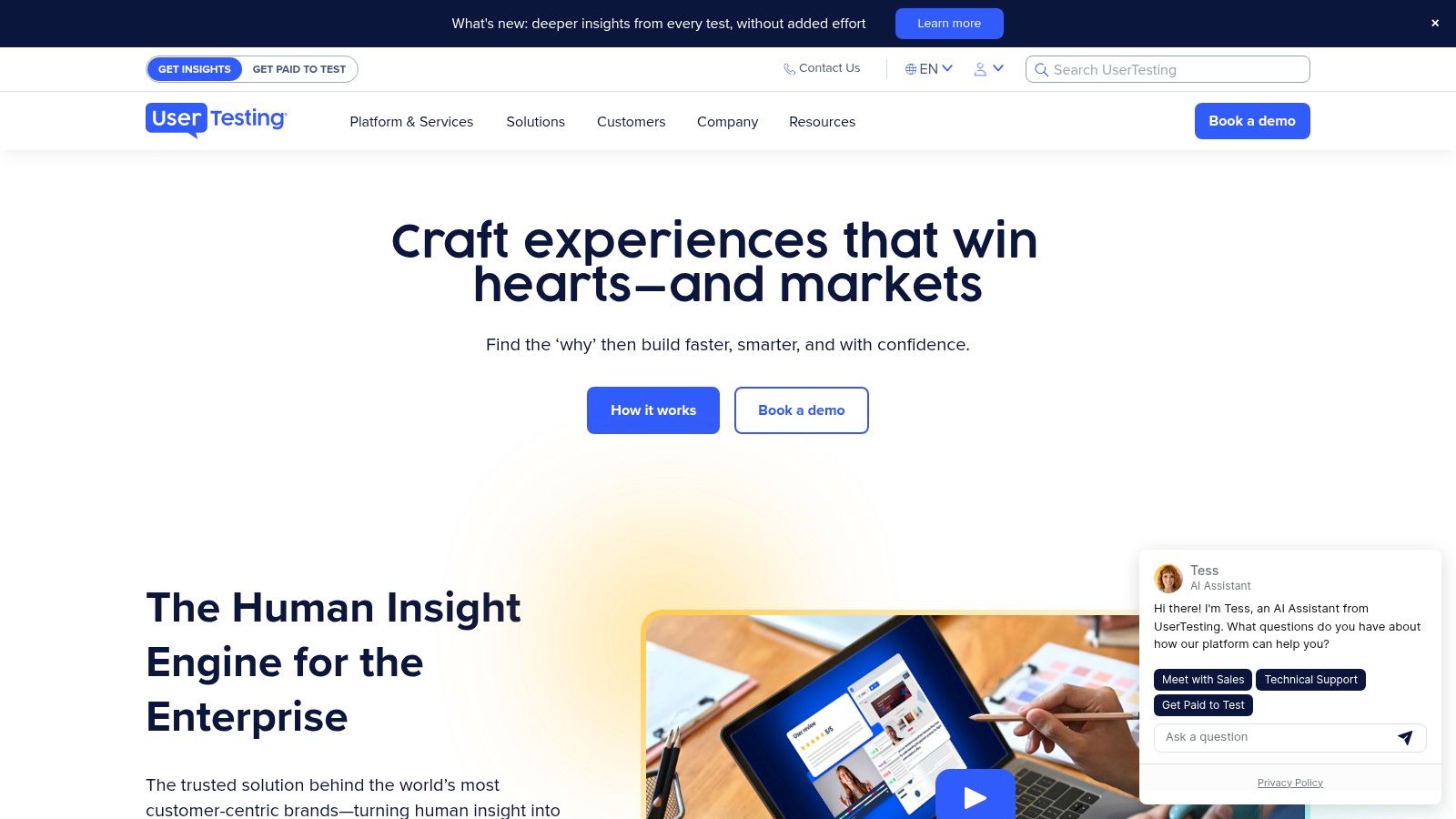
UserTesting pays contributors to test websites and apps and talk through what they’re experiencing. If you’re good at explaining what’s confusing, what feels slow, or what would make you trust a page more, this can be a better use of time than filling endless surveys.
This isn’t passive income. You need to speak clearly, follow prompts, and give useful feedback. But for the right person, that’s a good thing because the skill barrier filters out some of the crowd.
Why some users earn better here
UserTesting works because businesses pay for detailed feedback, not just clicks. Pay is shown up front, and there’s a mix of short unmoderated tests and longer moderated interviews. The better-paying opportunities usually require stronger communication and quicker responses to screeners.
That’s why this platform often suits people who are comfortable talking while navigating an app or site. If that sounds easy to you, it can be a strong category. If you hate speaking out loud while recording your screen, skip it.
Klink’s article on how to get paid to test apps from home is useful if you want to build around this type of work.
The trade-offs most people notice fast
The biggest issue is competition. Popular tests fill quickly, and the best contributors tend to keep notifications on and respond fast. Payment also runs on a fixed cycle through PayPal, so it’s not ideal if you need same-day cash.
Good fit: Clear speakers, detail-oriented users, people who already notice bad UX.
Bad fit: Anyone who wants silent tasks or instant withdrawals.
Most common mistake: Rushing the screener and giving vague feedback.
Speak like a normal user, not a consultant. Companies want honest reactions, not fancy wording.
If you can stay calm on microphone and explain your thoughts clearly, UserTesting can be one of the better effort-to-reward options in this list.
4. Toloka
Toloka is for people who don’t mind repetitive microtasks. Think data labeling, search relevance checks, AI training tasks, and related jobs that can be done in short bursts. It’s not glamorous, but it’s one of the more practical options if you want work available around the clock.
This kind of platform makes sense when you have fragmented time. Ten minutes here, fifteen there, late night, early morning. That’s Toloka’s lane.
Where Toloka fits in a real earning stack
Toloka is useful when you want constant task flow more than premium hourly potential. You’re trading variety and availability for the fact that a lot of tasks are small and require attention to detail.
That can still be worthwhile. Some users do better with repetitive work than with surveys or speaking-based tasks. If you like rules, examples, and clear right-or-wrong answers, Toloka can feel easier than platforms that depend on demographic matching.
What to watch before you commit
Its main weakness is payout setup and regional variation. Payment methods and speeds depend on country and provider, which means the user experience isn’t equally smooth everywhere in Europe.
A few things help:
Start small: Test a few task types before spending serious time.
Track your best categories: Some tasks are not worth repeating.
Check payment settings early: Don’t wait until cash-out day to discover a verification issue.
The people who get frustrated with Toloka usually expect every task to feel worthwhile. It won’t. You have to learn which jobs to ignore. Once you do, it can become a solid background earner, especially if you prefer structured microtasks over surveys and social offers.
5. Roamler
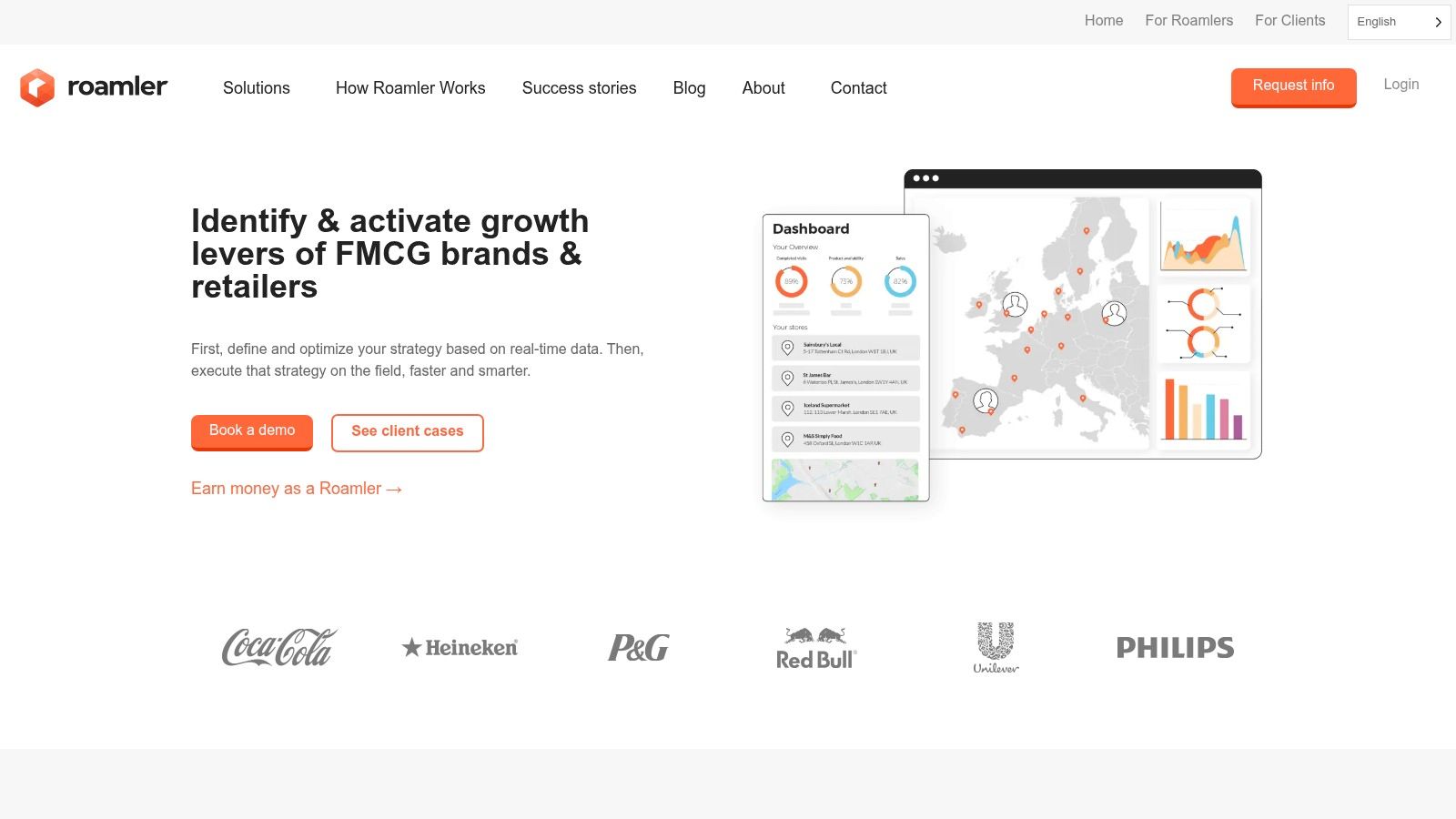
Roamler is a very different type of earning app. It pays for location-based tasks such as store checks, shelf photos, retail audits, and mystery shopping. If you spend time moving around a city anyway, this can make a lot of sense.
If you live in a rural area, it may not.
Best for people already out and about
Roamler shines when you can stack tasks into errands you were already doing. That’s the trick. If you start treating each task like a standalone trip, the time cost rises fast and the value drops.
For city users, though, it can be one of the more practical apps because the work is concrete. Visit a place. Take photos. Confirm details. Submit. Get paid through PayPal.
Don’t calculate Roamler by task alone. Calculate it by route. Nearby tasks can work well. One isolated task often doesn’t.
Who should skip it
Roamler isn’t for everyone.
Use it if: You live in a city, commute regularly, or don’t mind in-person gigs.
Skip it if: You want work from home or you’re far from major retail zones.
Be careful if: You dislike tasks with location and timing constraints.
This is one of the better apps for turning dead travel time into extra money, but only in the right setting. For urban users in Europe, that setting is common enough to make Roamler worth keeping installed. For everyone else, it may sit unused for weeks.
6. Premise
Premise mixes surveys with local data collection work like price checks and photos. That hybrid model is the reason some users like it. You’re not stuck doing one type of task, and the local map can make it easy to spot quick jobs near you.
It’s more useful in active towns and cities than in quieter areas. That’s true for most field-task apps, but especially here.
What Premise gets right
Premise can be handy if you want something between surveys and real-world gigs. The local tasks are often simple enough to fit into a normal day, and the app is available in many markets where some US-focused platforms are weaker.
That broad reach matters because localization is still a weak spot across Europe. A Spocket overview of online earning in Europe points out that existing guides rarely explain which platforms work best by country or how payout conditions differ across regional markets. Premise is one of those apps you have to judge locally, not by global reputation alone.
Why I’d still treat it as supplemental
The problem is payment consistency. Premise has had periods where users reported payout issues, delays, or changing payment methods. That doesn’t make it useless. It just means you shouldn’t build your weekly cash needs around it.
Use Premise for opportunistic earnings.
Good use case: City-based users stacking quick local tasks during normal routines.
Bad use case: Anyone who needs predictable payout timing.
Smart approach: Cash out when available rather than letting earnings sit too long.
Premise can absolutely add value, but it belongs in the “extra app” category, not the “main app” category.
7. AttaPoll
AttaPoll is one of the simplest earning apps on this list. It’s mobile-first, built around short surveys, and known for low cash-out thresholds and quick payouts to PayPal or gift cards.
That simplicity is the whole point. You open it, check what’s available, do a few short surveys, and cash out once you hit the minimum.
Why beginners often start here
AttaPoll has a low learning curve. There’s no strategy layer, no route planning, no long onboarding, and no speaking on microphone. For someone new to earning apps, that makes it an easy starting point.
The downside is familiar. Survey matching drives everything. Your demographics, location, and the quality of your profile all affect what you see and how often you get screened out.
The realistic expectation
AttaPoll is for fast, small wins. It’s not where I’d send someone chasing higher upside.
A practical breakdown:
Best for quick checks: Commutes, waiting rooms, lunch breaks.
Best feature: Low-friction cash-outs.
Biggest frustration: Disqualifications still happen, even on decent survey apps.
The key is not overcommitting. Use AttaPoll when you want a lightweight app for spare minutes. If you need a deeper earning system with more task types, combine it with something broader instead of expecting one survey app to do everything.
8. Freecash
Freecash is one of the better-known GPT platforms. It combines surveys, offers, app installs, and gaming tasks, then layers on bonuses, streaks, and leaderboard-style features to keep people active.
That setup appeals to users who like constant options and a more game-like feel. It also comes with the usual GPT platform risk. Offer quality isn’t equal, and tracking can be inconsistent.
Where Freecash can be useful
Freecash is strongest for users who enjoy rotating between task types instead of repeating one thing. You can do a survey, switch to a game offer, then try an install-based task without leaving the platform.
It also supports multiple payout routes, which matters if you don’t want to be stuck with gift cards. For Europe-based users, that flexibility gives it an edge over gaming-only reward apps.
The 2026 reality check
There is one practical issue worth knowing up front. The iOS app was removed from the Apple App Store in April 2026, so iPhone users need to use the web version, while Android users still have app access.
That’s not a deal-breaker, but it changes the experience. If you only like using native apps on iPhone, Freecash becomes less convenient than some competitors.
Freecash is worth trying if you like GPT platforms, but test tracking with smaller offers first. Don’t jump straight into the longest tasks.
The app can work well for users who enjoy gamified earning. It works less well for people who want a plain, low-distraction setup.
9. Mistplay
Mistplay is for mobile gamers first and side hustlers second. That’s not a criticism. It’s exactly why it works for the right user. You earn by playing featured games and progressing through levels, then redeem rewards for gift cards.
If you already spend time trying mobile games, Mistplay can convert some of that time into something useful. If you don’t enjoy mobile games, it’ll feel painfully slow.
Best use case for Mistplay
Mistplay fits casual Android gamers who want a low-stress reward app. The game catalog, recommendations, and periodic promotions make it easier to stay engaged than on apps that throw random offers at you.
It’s not cash-first, though. Rewards are typically gift cards, and iOS availability is more limited. That means it’s less flexible than platforms that pay direct cash.
If game-based earning is your thing, Klink’s guide to the best apps that pay you to play games gives a broader shortlist.
What most people get wrong
People often install Mistplay expecting easy money. That’s the wrong mindset. This is better thought of as “offset your gaming habit” money.
Good fit: Android gamers who already play regularly.
Weak fit: Anyone who wants direct bank cash-outs.
Main trade-off: Better entertainment value, lower payout flexibility.
Mistplay is solid inside its niche. Just make sure that niche is yours.
10. Sweatcoin
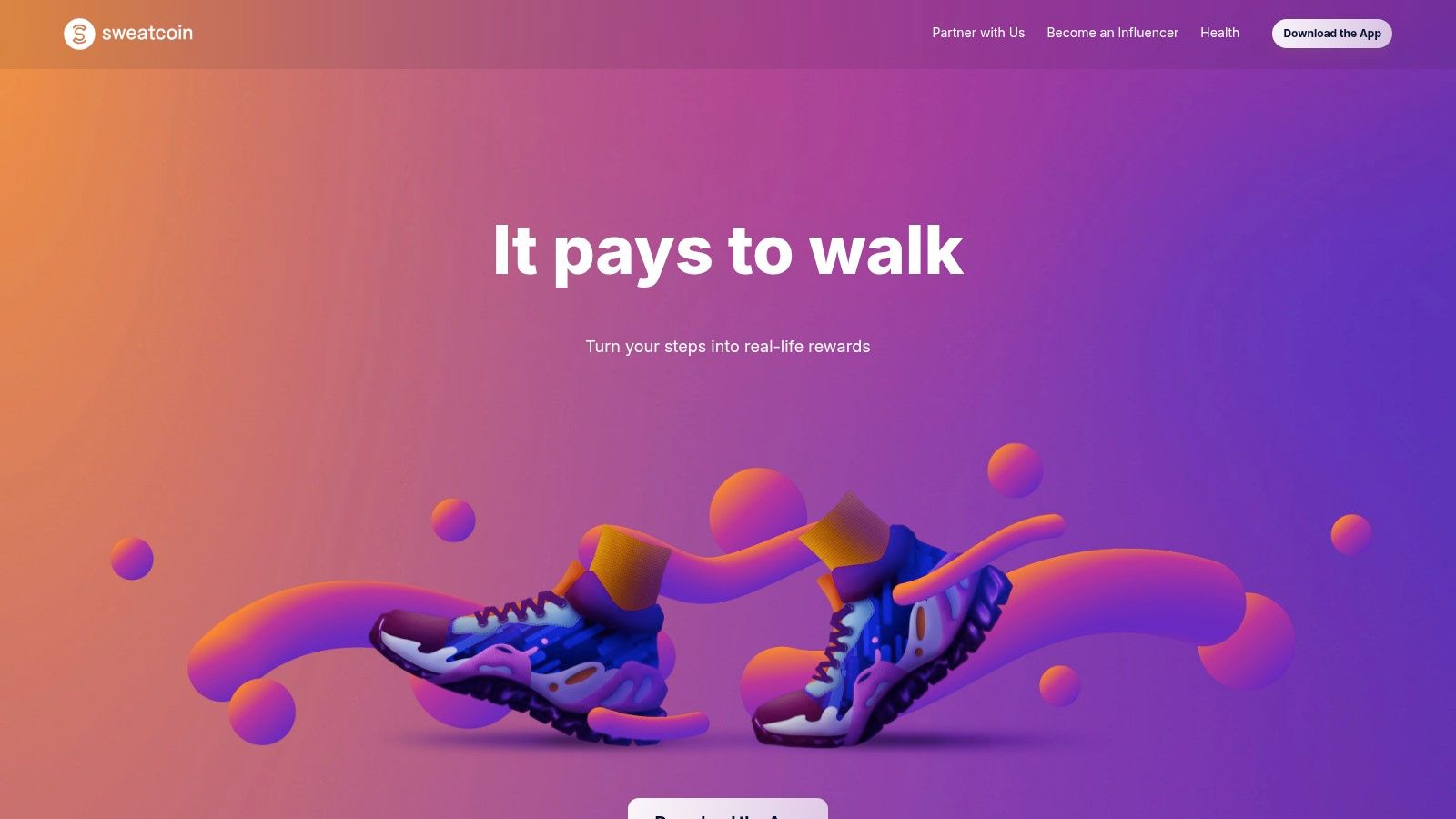
Sweatcoin turns your daily steps into in-app rewards, with an added wallet ecosystem in supported regions. The appeal is obvious. You don’t need to complete surveys, record feedback, or visit stores. You just walk.
That also explains its limit. Walking-based rewards are low effort, so the earning power is modest compared with active task apps.
When it makes sense
Sweatcoin is best used as a passive side layer. If you already walk a lot for commuting, classes, or city life, there’s no reason not to collect rewards in the background. But I wouldn’t put it in the same category as task platforms that pay for direct actions.
This lines up with a broader gap in the market. A Honeygain article on passive income apps highlights how most app guides blur the line between active and passive earning and rarely explain the true time-to-earnings trade-off. Sweatcoin sits firmly on the passive side. Easy to run. Slower to matter.
The honest verdict
Sweatcoin is fine as an extra. It’s weak as a main plan.
Use it if: You already walk a lot and like background rewards.
Don’t use it as: Your main earning app.
Expect: Offers, gift-card style rewards, and a slower path than active tasks.
For busy people who hate doing surveys, that trade may still be worth it. Just keep expectations grounded.
Top 10 Earning Apps in Europe (2026), Features & Earnings Comparison
Platform | Primary earning methods | Payouts & speed | Typical earnings & target audience | Key strengths / unique selling points |
|---|---|---|---|---|
Klink Finance (Recommended) | App installs, games, surveys, social quests, partner offers (daily curated) | Fiat & crypto (USD, EUR, GBP, BTC, ETH, SOL), fast cashouts, flexible withdrawals | Supplemental earner: passive ~$100/mo, top ~$1,000/mo; global users | Real-time tracking, partner-backed revenue share, instant signup, active community |
Prolific | Academic & UX studies (research participant marketplace) | Cash payouts, low withdrawal (~$6), fast | Above-average hourly rates; suited to reliable study participants | Transparent pay guidelines, screened studies, consistent per-hour pay |
UserTesting (Contributor) | Website/app usability tests, spoken feedback, moderated & unmoderated sessions | PayPal payouts, pay shown up front, 14‑day cycle | Medium–high per task; experienced testers; competitive opportunities | Clear task pay, enterprise demand, higher pay for live interviews |
Toloka | Microtasks, AI data‑labeling, UHRS partner tasks | Multiple payout channels (varies by region); PayPal via Tipalti where available | Steady microtask flow; global contributors | Wide task variety, 24/7 availability, AI training task access |
Roamler | Location-based field tasks (store checks, shelf photos, mystery shopping) | PayPal payouts via app | Best for city-based users doing on‑the‑go gigs | Earn while running errands, varied retail task types |
Premise | Local data collection + surveys (city/task map) | Multiple payment partners (varies); intermittent platform issues reported | Good for city users stacking quick field tasks; supplemental earner | Localized tasks in markets underserved by US-centric apps |
AttaPoll | Short mobile surveys (mobile-first) | PayPal & gift cards, very low cash-out (~$3/€3) | Quick micro-earnings; mobile users wanting fast payouts | Rapid small cash-outs, low barrier to entry |
Freecash | GPT hub: surveys, offers, games, app installs; gamified | PayPal, crypto, gift cards (minimums vary); iOS app removed (web/Android) | Broad user base, variable earnings; gamified bonuses | Diverse earning methods, daily bonuses, fast payouts reported |
Mistplay | Play-to-earn mobile games (leveling & promotions) | Redeem units for major-brand gift cards (no direct cash); Android-focused | Casual gamers seeking gift cards and promos | Monetize gaming time, curated catalog and bonus multipliers |
Sweatcoin (+Sweat Wallet) | Move-to-earn: steps → in‑app Sweatcoins; optional $SWEAT via Sweat Wallet | In-app rewards; $SWEAT conversion where supported via Sweat Wallet | Passive earners who walk regularly; modest earnings | Passive low-effort accrual, crypto ecosystem for engaged users |
FAQs Your Questions About Earning Apps Answered
Want to avoid wasting a week on the wrong app stack?
Start small. Pick two or three apps that fit how you already spend time, then track which ones pay well in your country, on your device, and for the kind of effort you can repeat. Klink Finance is one practical starting point because it lets you test more than one earning method in a single account, which is useful if you still do not know whether surveys, offers, or lighter passive options suit you best.
The bigger 2026 reality check is simple. Earning apps are getting better at keeping users engaged, but that does not automatically make them better for earners. A 2026 Adapty market analysis found that Europe’s app subscription market saw prices rise year over year and highlighted stronger willingness to pay for premium features in high-engagement categories. For side hustlers, the practical takeaway is clear. Choose apps with clear payout rules, reliable withdrawal options, and a track record of treating users fairly. Big download numbers do not tell you that.
Which earning app is best for beginners in Europe
Beginners usually do best with one easy app and one higher-quality app. AttaPoll is simple and fast to test. Prolific is stronger for users who want better-paid academic studies and can wait for slots. Klink Finance makes sense if you want one account that lets you try different earning routes before committing.
Can you really make consistent extra money from earning apps
Yes, as supplemental income. Students, commuters, and people with short downtime windows can build a steady trickle by stacking a few apps and ignoring low-value tasks. Full-time income is rare. A useful target is to compare earnings per hour, not just total cash-outs.
Which app pays the fastest
Fast payouts usually come from survey apps and GPT-style platforms, but speed depends on your withdrawal method and local availability. PayPal often feels quickest. Crypto can be fast too on platforms that support it, though price swings add a trade-off. Gift cards may clear quickly, but they are only useful if you were going to spend with that retailer anyway.
Are these apps better for cash or gift cards
Cash offers greater flexibility, making it the better default option. Gift cards work fine for gamers and brand-loyal users who already buy from those stores. The key is not the reward label. It is whether the payout matches your actual spending habits.
Should I use passive earning apps or active task apps
Use passive apps as background extras. Active task apps usually pay more because you are completing a survey, test, or field job with a clear result. Passive apps are easier to keep running, but the upside is usually modest. A balanced setup works best for busy professionals and students alike: one passive app, one or two active apps, and regular pruning.
Do earning apps work the same in every European country
No. Country and even city-level differences matter more than many rankings admit. Roamler and Premise can be useful in one area and thin in another. Payout methods also vary. Some apps are strong on PayPal, some on bank transfer, some on gift cards, and some add digital currency options that are helpful for certain users and irrelevant for others.
What’s the biggest mistake new users make
They spread attention too thin. Installing ten apps at once sounds productive, but it usually leads to poor task selection and weak earnings. Test a small stack for two weeks, record payout speed and hourly return, then drop anything that consistently underperforms.
If you’re also signing up for new platforms and need help managing account setups safely, this guide to virtual phone numbers for verification can help.
If you want one place to start, Klink Finance is a sensible first app to test. It gives you multiple earning options in one platform and lets you see what fits your time, device, and region before you start juggling a larger stack.

High Quality Offers,
Real Payouts
Start Earning with Klink Now!







Share Article
Related Articles
Read more, Earn more