
Can you earn money on your phone for free?
Yes, but many individuals start with the wrong expectation. They look for one magic app that will somehow replace a paycheck. That is where disappointment starts.
The benefit of the best money earning apps no investment is smaller and more practical. You use a few good apps for different moments in your day. Surveys when you are sitting around. Game offers when you have more time. Local gigs when you are already out. User testing when you want higher-value tasks and can focus.
That mix matters.
Some apps are active. You do tasks and get paid faster. Others are passive or semi-passive, but slower. Some are great in the US and weak elsewhere. Some look generous until you realize the best rewards depend on strict offer terms. And some are not worth the hassle if they bury the payout rules.
This guide keeps it simple. It rounds up 10 legitimate apps that let you earn without putting money in first. You will see how each app works, who it suits best, where the trade-offs are, and how to start without wasting time on the usual junk.
If you are also open to broader online work beyond reward apps, you can explore other job opportunities.
The short version is this. Yes, you can earn extra money with no investment. No, it will not make you rich overnight. But the right apps can turn spare time into something useful, especially if you stack them the smart way.
1. Klink Finance
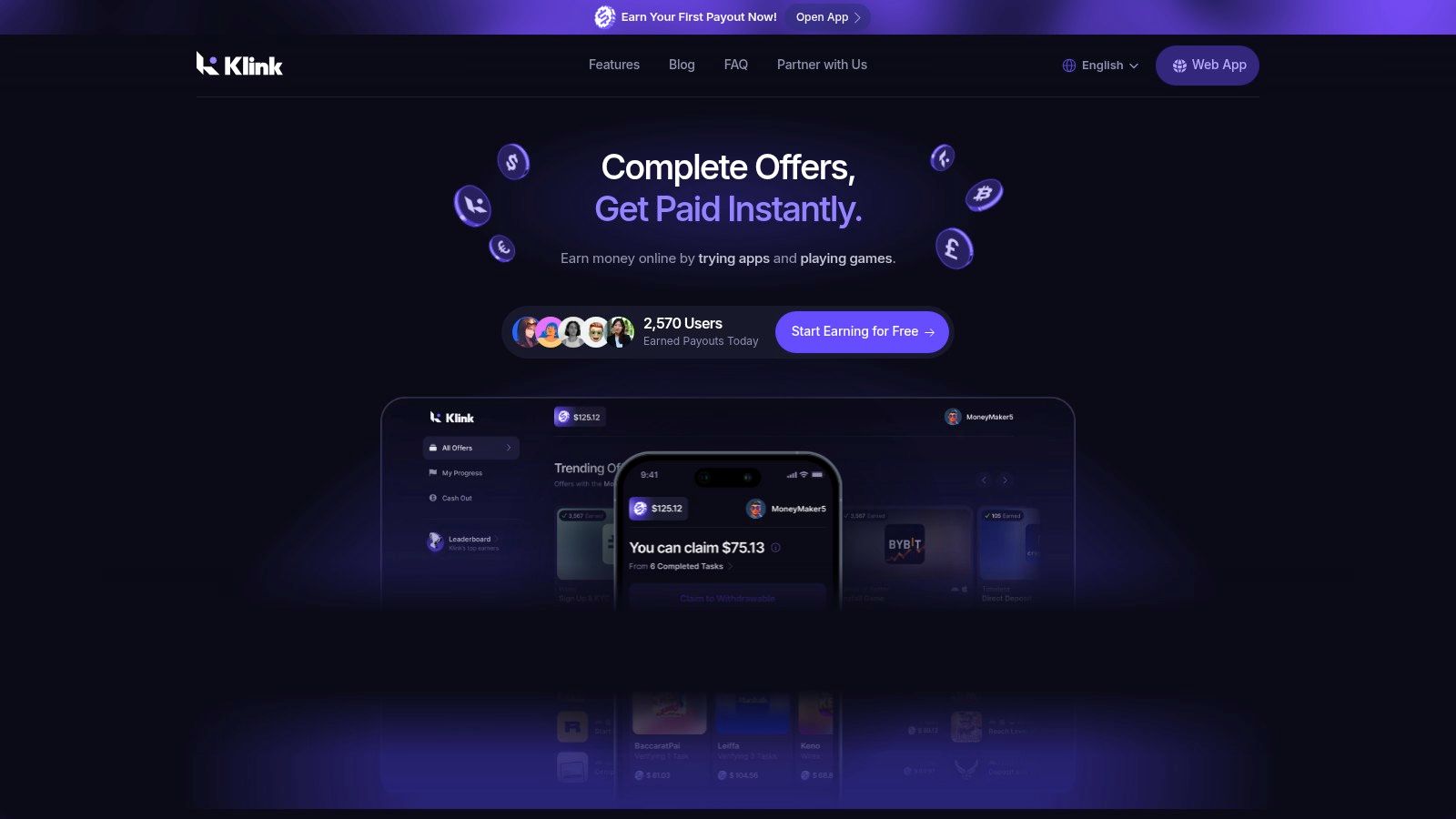
Klink Finance is a good starting point if you want one app that covers several earning styles instead of forcing you to pick just one lane on day one. It mixes surveys, game offers, app tasks, and social quests in a single platform, which makes it useful for beginners who are still figuring out what pays well for their time.
This mix is the primary draw here.
Some people do better with survey-heavy apps. Others earn more from install offers or gaming milestones. Klink brings those categories together, so it works well as a starter app in a stack rather than a single app you expect to carry all your earnings.
Where Klink Finance works best
Klink Finance suits users who want flexibility and are willing to check offers selectively.
If you like switching between short tasks during the day, it can save time. If you already know you only want one type of work, such as research studies or local gig tasks, a more specialized app later in this list will usually be a better fit.
A few practical strengths stand out:
Multiple earning styles: Surveys, app installs, games, and social tasks are available in one place.
Real-time tracking: Progress updates help you confirm whether an offer registered, which matters with partner-based tasks.
Different payout formats: Cash-style rewards and digital payout options give users more flexibility at redemption.
Broader country support: Klink is one of the apps in this category that aims for a more global user base, though offer volume still depends on region.
Real trade-offs to keep in mind
Convenience does not guarantee high earnings.
The biggest variable is offer quality. That changes based on your country, device, and whatever advertisers are running campaigns at the time. A user in the US or UK may see a stronger mix than someone in a smaller market. Android users also often get more app and game offers than iPhone users.
Tracking is another area where beginners need to stay sharp. Some tasks credit fast. Others only pay after you hit a milestone, keep an app installed for a set period, or pass partner verification. If you rush through the instructions, you can burn time for nothing.
My practical take: use Klink as a category tester. Try a few surveys, one game offer, and one app task. After a week, keep doing the task type that converts best for you and ignore the rest. That is how you turn a general rewards app into something useful.
2. Swagbucks
Swagbucks is the classic general-purpose rewards app. If you want one platform with a little bit of everything, it is one of the first names people try.
You earn by taking surveys, watching content, searching, shopping through offers, and completing app or game tasks. That broad menu is both its strength and its weakness. There is always something to do, but not everything is equally worth your time.
Where Swagbucks works best
Swagbucks makes the most sense for people in the US who want daily activity rather than one-off opportunities.
It is a decent “filler” app. You open it, check what is live, and pick the easiest offers that fit the time you have. If you like routine, this can work well. If you hate sifting through mixed-quality offers, it can feel noisy.
The redemption side is straightforward. Users can redeem to PayPal cash or gift cards after verification. It also has clear help documentation, which matters because these apps quickly become confusing when points, holds, and payment windows are poorly explained.
What to watch before you click
The biggest mistake on Swagbucks is chasing the headline offers without reading the conditions.
Some of the stronger payouts are tied to trials or purchases. If you cancel something, return something, or miss a requirement, the reward can be reversed. That is not unique to Swagbucks, but it trips up beginners all the time.
A practical approach looks like this:
Prioritize simple offers: Surveys, free app tasks, and routine daily actions are easier to manage.
Read terms before starting: Especially for shopping and trial-based offers.
Use it as a mix app: Swagbucks is stronger as part of a stack than as your only earnings source.
Swagbucks is not the app I would choose for the highest-quality survey experience or the best gaming rewards alone. But as a broad rewards hub, it still earns its spot.
Visit Swagbucks.
3. InboxDollars
InboxDollars appeals to people who hate points systems.
Instead of making you convert abstract rewards in your head, it shows earnings in cash terms. That sounds small, but it changes the user experience a lot. You know what a task is worth immediately. No mental math. No wondering whether a reward rate is decent.
It is US-focused and covers surveys, reading emails, games, short tasks, and trial offers.
Why beginners often prefer it
The cash balance format is the main point of appeal.
Many reward platforms feel slippery because they obscure the value behind points, gems, units, or coins. InboxDollars is easier to understand at a glance. That makes it beginner-friendly, especially if you are trying to compare this category of apps for the first time.
From the verified data, similar task-based apps can be viable side earners. For example, InboxDollars is described as offering up to $225 per month from short surveys and activities in the referenced comparison. That should not be read as a promise for every user, but it does show the model can produce meaningful extra income when used consistently.
If you want a wider look at this style of platform, this guide to GPT sites to earn money online is useful background.
The catch with cash-reward apps
Simple does not always mean effortless.
InboxDollars still has the same core issue as many task apps. The best-looking offers often need the most attention. Trial terms, completion requirements, and platform rules matter. If you rush, you can waste time on something that looked easy but had a hidden condition.
A good rule is to treat every offer like a small contract. Check what you need to do, how long you have, and what could void the reward.
If you want a no-nonsense app for short tasks and straightforward balances, InboxDollars is one of the cleaner options. If you want premium studies or local gigs, it is not that kind of platform.
Visit InboxDollars.
4. Survey Junkie
Want a survey app that does one job and keeps the interface simple?
Survey Junkie fits that lane. It is built for people who want paid surveys without the usual mix of shopping offers, games, and side tasks. That focus makes it easier to judge whether survey apps work for you as an earning style, which matters if you are still figuring out where to spend your time.
The setup is straightforward. Points convert on a clear scale, and the cashout threshold is low enough that beginners can test the app without waiting forever for a first payout. It also offers familiar redemption options, including PayPal, bank transfer, and gift cards.
If you want a broader list in the same category, this roundup of survey sites that pay cash is a useful next step.
Where Survey Junkie works well
Survey Junkie is easiest to recommend to beginners who want less friction. The dashboard is simple, the reward system is easy to follow, and you know what a survey is worth before you start. That sounds basic, but it solves a real problem. Many reward apps hide the value behind uneven point systems or cluttered offer walls.
It also helps as a starter app for learning survey economics. You can quickly see how profile matching, screen-outs, and timing affect your results.
Real talk on earnings
This is still survey income. Earnings are usually modest, and qualification is the bottleneck.
A survey-only app has a clear trade-off. The experience is cleaner, but there are fewer backup ways to earn if surveys are slow or you do not match the target demographic. Users with detailed profiles and flexible check-in habits get more value than users who open the app once a week and hope for high-paying surveys on demand.
A practical approach:
Fill out your profile carefully: Good profile data improves matching and cuts down on wasted starts.
Check at different times of day: Better surveys fill fast.
Use it with other earning styles: Surveys work best as one category in your mix, not your whole plan.
Watch for disqualifications early: If a platform screens you out often, cap the time you spend chasing it.
Survey Junkie is a solid beginner pick for the survey category. If you want a clean app, quick proof of concept, and realistic side cash from spare minutes, it does the job well.
5. Prolific
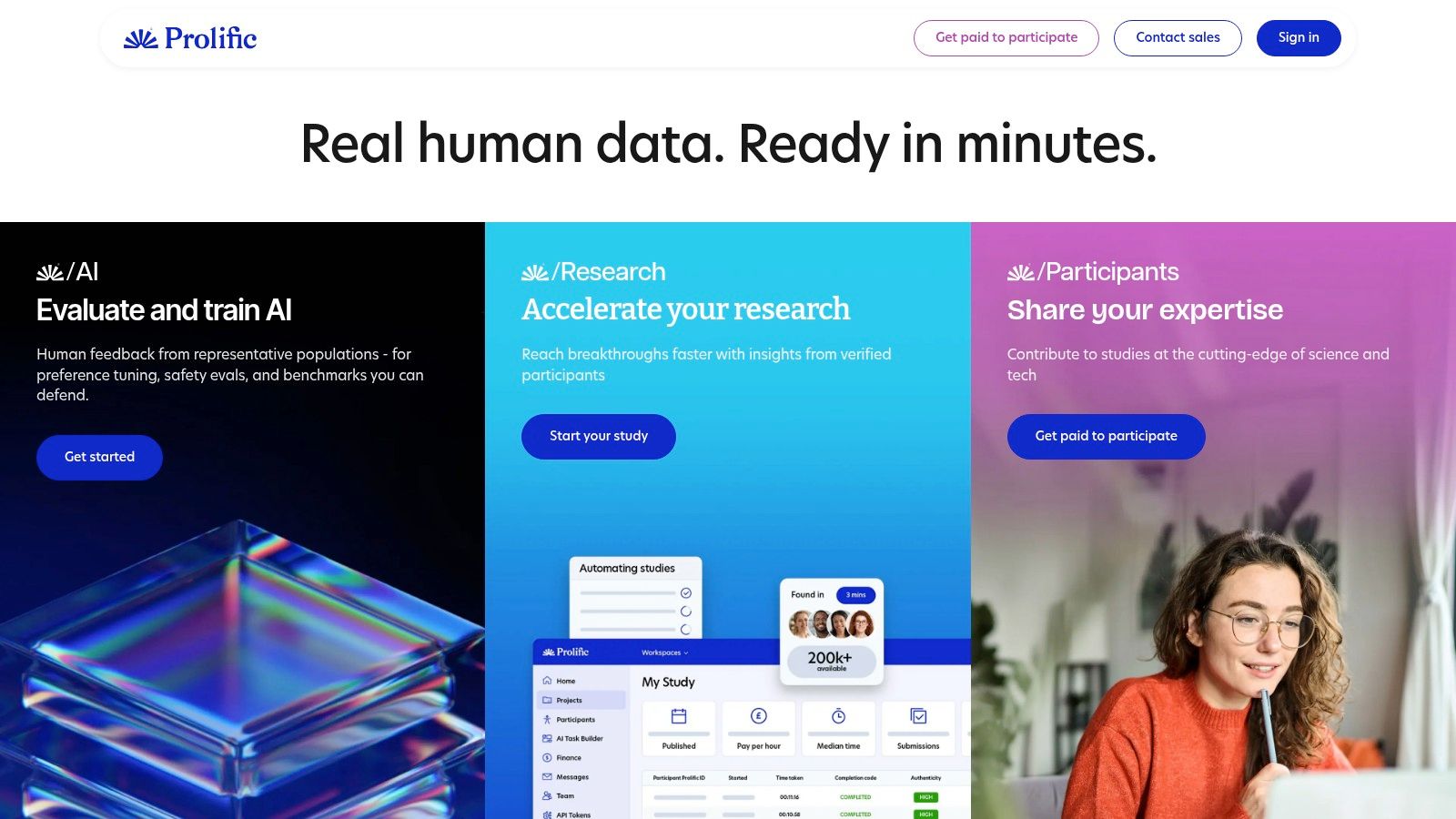
Want a survey app that feels less like a points grind and more like actual paid research? Prolific is one of the better options in that category.
It focuses on academic and market research studies instead of the usual survey-router setup. That changes the experience in a practical way. Study topics are usually clearer, time estimates tend to be more believable, and the platform is better at reducing the pointless screening loops that waste time on many survey apps.
For beginners, that makes Prolific a strong pick in the survey category of this guide. It is still not a full income app. It is a quality app.
What makes Prolific different
The main advantage is structure. You are usually responding to a specific study posted by a researcher, not bouncing through a chain of third-party offers. That leads to a cleaner workflow and fewer moments where you spend several minutes answering setup questions only to get rejected.
The trade-off is volume. Prolific often pays better for your time than generic survey apps, but you may not see a steady stream of studies all day. Availability depends on your profile, location, and timing.
That is why I would not treat it as a standalone plan. It works better as one part of a beginner stack.
Real talk on earnings
Prolific rewards speed and consistency more than raw effort. Good studies can fill quickly, especially if they are short and well paid. If you check once at night and hope the best tasks are still there, you will miss a lot of them.
A better approach looks like this:
Complete your profile carefully: Better matching usually means fewer wasted openings.
Turn on alerts and check in often: Study availability comes in waves.
Prioritize hourly value: A shorter, decently paid study is often the smarter pick.
Mix it with other earning styles: Pair surveys with apps for tasks, gigs, or testing work. If you want to branch out beyond studies, this guide on how to test websites for money is a useful next step.
Prolific earns its spot here because it solves a beginner problem. It cuts down on low-quality survey friction. If you want a more respectful way to earn small amounts from research studies, it is one of the apps worth keeping installed.
6. UserTesting
Would you rather answer another survey, or get paid to point out why a website feels confusing? UserTesting sits in a different category from survey apps. It pays for spoken feedback while you test websites or apps and explain what you notice in real time.
That difference matters. This work asks for focus, clear communication, and a quiet place to record. In return, it often feels more like freelance usability work than microtasks.
How UserTesting fits into a beginner stack
UserTesting works best in the "testing" bucket of a no-investment app stack. It is not passive, and it is not something to run casually while doing three other things. You log in, check for screeners, qualify for a test, and then record useful feedback without rambling.
The platform usually shows the payout before you accept a test, which helps with a basic but important decision. You can quickly judge whether a task is worth your time.
If you want to understand this earning style better, this guide on apps that pay you to play games can help you compare testing-based rewards with other app categories that feel more interactive than surveys.
A key trade-off
The upside is quality. Companies want to hear how users move through a product, where they get stuck, and what feels unclear. If you can describe friction clearly, you have a usable skill here.
The downside is inconsistency.
You still have to pass screeners, and good tests can disappear fast. Some days you may see several opportunities. Other days you may see almost nothing that matches your profile. That makes UserTesting a strong supplemental app, not a reliable main earner for most beginners.
Clear, honest feedback beats polished feedback.
People who do well here usually speak naturally, follow instructions, and avoid overexplaining. Short, specific observations are more useful than trying to sound impressive. If that style suits you, UserTesting can be one of the more worthwhile apps in this guide. If you want constant volume, survey and gig apps usually fill the gaps better.
7. Mistplay
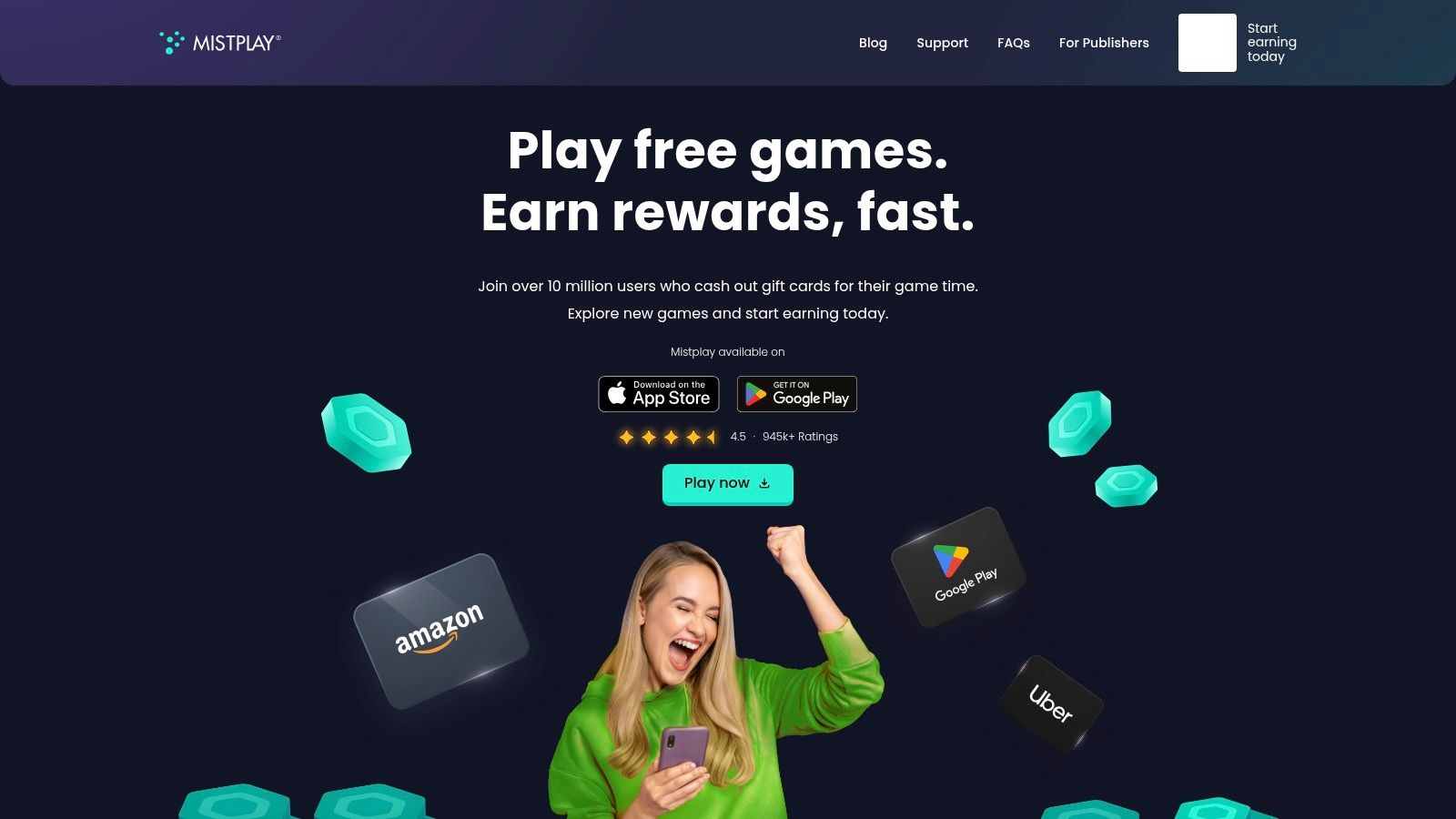
Mistplay is for people who already spend time playing mobile games and want rewards for doing it.
That “already” part is important.
If you hate mobile gaming, do not force this category just because it sounds easy. Game reward apps work best when the core activity is something you would have done anyway. Otherwise the grind shows up fast.
Where Mistplay fits
Mistplay is Android-first and turns gameplay into redeemable units for gift cards. It regularly rotates game offers, and boosted offers can speed up earning.
The practical advantage is simple. You are not filling out endless survey screeners. You are installing games, playing them, and working through reward milestones.
For many users, that is more enjoyable than traditional microtasks.
If you want to compare this category in more detail, this guide to apps that pay you to play games is a useful companion.
What to expect before downloading
The rewards are gift-card based rather than direct cash. For some people that is fine. For others, it is a deal-breaker.
Earning speed also depends on the game mix available to you. Some titles reward progress better than others. Some become inefficient after the early milestones. That means you have to be selective, not loyal.
A smart approach looks like this:
Choose games with early milestones: They give better time-to-reward.
Avoid spending in-game: The whole point is no-investment earning.
Rotate when progress slows: Do not sink time into a game once the reward rate drops.
Mistplay is one of the better gaming apps for casual earners, especially if you play on Android anyway. It is fun-first earning, not serious side-hustle work.
Visit Mistplay.
8. Field Agent
Want an app that pays for doing something physically, not just tapping through offers on your phone?
Field Agent belongs in the local gig category of this guide. It pays for small retail assignments such as checking prices, photographing shelves, confirming product placement, or answering in-store questions. You claim a job, complete it at the location, and submit proof for review.
That setup creates a clear trade-off. The work is more active than surveys, but the tasks usually feel more concrete because you know exactly what the client wants before you start.
Where Field Agent works best
Field Agent makes the most sense for people who already spend time out of the house. If you are regularly near grocery stores, pharmacies, big-box chains, or shopping centers, the app can turn part of that routine into extra income.
It is also beginner-friendly in one practical way. You can cash out without needing to build a large balance first, which makes it easier to test whether the app is worth keeping.
Real talk on earnings
This is not couch income, and it is not predictable daily pay.
Your results depend heavily on location, timing, and how efficiently you stack jobs with places you were already going. In a busy city, there may be enough volume to check the app often. In a smaller town, you may see very little. A decent-looking task can become a bad one fast if parking, travel, or a long wait in-store eats half your hour.
The people who do best with apps like this treat them as route-based income. They pick up jobs near errands, not special trips.
A few habits help:
Check the instructions before leaving: Some jobs have strict photo angles, timing rules, or purchase requirements.
Only accept tasks close to your normal route: Distance is the easiest way to kill your hourly rate.
Submit clean photos and complete notes: Sloppy submissions are the fastest path to rejection.
Start with simple store checks: Build confidence before taking detailed audits.
Field Agent is a solid starter option in the local gig category. It fits beginners who want visible pay per task and direct cash payouts, but it only works well if your area has enough jobs and your travel cost stays low.
9. Gigwalk
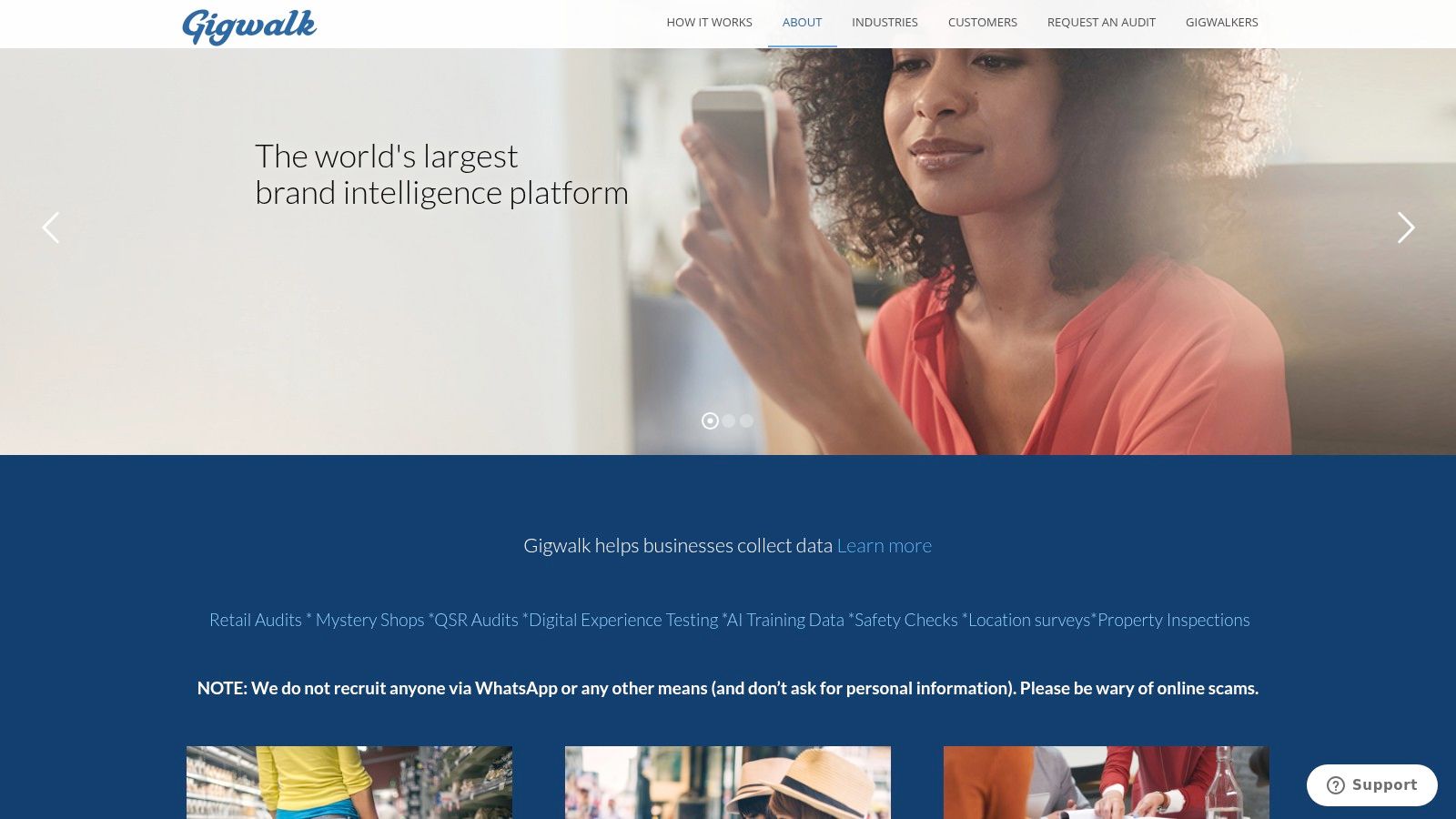
Gigwalk sits in a similar category to Field Agent, but the feel is different. It is more of an on-demand local gig app where you apply for nearby tasks, complete retail checks or display audits, and get paid through PayPal after approval.
The appeal is flexibility. You can scan what is nearby, decide whether the trip is worth it, and fit tasks around your routine.
What makes Gigwalk useful
The app shows pay per gig before you apply, which is exactly how local micro-work should work. You need that visibility because time, travel, and approval delays all affect whether the task is worth taking.
Gigwalk also uses a reputation system called Streetcred. In plain terms, the better your completion history, the better your access to future opportunities can become. That creates a strong incentive to do careful work, not rushed work.
Where people lose time
The biggest issue is uneven volume.
In a dense city, Gigwalk can be a practical side app. In a low-density area, it may sit unused for days. There is a built-in delay because payouts depend on client acceptance and platform remittance rules.
That means Gigwalk works best when you treat it as opportunistic income, not guaranteed daily income.
Local gig apps are strongest when they piggyback on places you were already going. They are weakest when you build your day around them and hope the numbers work out.
If you like out-and-about tasks more than digital chores, Gigwalk deserves a look. Just do the math on travel every time.
Visit Gigwalk.
10. Premise

Premise is one of the more interesting global options because it blends short surveys with local data collection tasks like price checks and photos.
That hybrid model gives it wider appeal. On one day, you might answer quick in-app questions. On another, you might complete a task while out shopping. For people outside the usual US-only app ecosystem, that flexibility can be especially useful.
Why Premise is worth considering
Premise suits users who want lightweight tasks instead of long commitments.
The jobs tend to be practical and fast. You are not trying to build a freelance profile or compete for a big project. You are completing short, structured assignments with clear rules.
It also supports different payout methods depending on region, which helps make it usable across countries instead of feeling built for one market only.
The part you need to take seriously
Quality rules are important on Premise.
If a task asks for a clear photo, price detail, or specific location data, that is what you need to submit. Sloppy entries can be rejected. This is one of those apps where following instructions matters more than speed.
A few habits make a difference:
Check examples first: If the task shows sample photos or quality notes, use them.
Submit only clean work: Blurry images and missing details are the fastest way to waste your effort.
Use it while already moving around: Premise is at its best as a mobile side app, not a sit-down work platform.
Premise is a good final pick on this list because it bridges online and physical earning in a simple format. For many beginners, that mix makes it easier to find tasks that fit their day.
Visit Premise.
Top 10 No-Investment Money-Earning Apps Comparison
Platform | Core features | Payout options & speed | Best for (target audience) | Typical earnings / value & notes |
|---|---|---|---|---|
Klink Finance | Tasks, app installs, games, surveys, social quests; real-time tracking, leaderboards | Fiat (USD, EUR, GBP, 20+), Crypto (BTC, ETH, SOL); fast/instant cashouts on web, iOS, Android | Side-earners, students, mobile gamers, app testers worldwide | Users report earning various amounts, with higher engagement leading to greater returns; daily new offers; region/offer-dependent; crypto volatility |
Swagbucks (Prodege) | Surveys, videos, search, shopping offers, Swag Codes | Points → PayPal or e-gift cards; typical processing time | US generalists wanting many daily offers | Modest earnings; large US inventory; some offers require trials and can be clawed back |
InboxDollars (Prodege) | Surveys, emails, short tasks, games; cash-balance model | Cash to PayPal, prepaid Visa, gift cards; initial cashout has a higher minimum, subsequent ones are lower; typical processing time | US users preferring straightforward cash | Easy to understand balance; modest income; pay denial possible for ToS violations |
Survey Junkie | Survey panel with clear points-to-cash mapping | PayPal, bank transfer, major gift cards; low minimum redemption | Mobile survey takers seeking transparency | Steady survey supply; low thresholds; qualification and PayPal linking issues possible |
Prolific | Academic & commercial research studies; fair-pay guidelines | PayPal; low minimum; cashouts frequently available | Users seeking higher-quality, better-paid studies | Often higher effective hourly rates; study availability is bursty; profile-based access |
UserTesting (Contributor Network) | Recorded website/app tests with think-aloud feedback; pay listed up front | PayPal; payment after submission | Skilled testers and UX-savvy contributors | Higher per-test pay when you qualify; competitive screening; variable test frequency |
Mistplay | Android-first game rewards; playtime → units redeemable for gift cards | Gift cards (Amazon, Visa, etc.); delivery often soon after minimum redemption | Android mobile gamers who prefer gift-card rewards | No purchases required; earning speed depends on playtime; Android-only |
Field Agent | In-store mystery shopping, photo audits, price checks | Bank deposit or eligible prepaid card; low cashout minimum | People in metro areas willing to visit stores | Clear per-job pay; reliable bank payouts; task volume geography-dependent; requires travel |
Gigwalk | Local gigs (merchandising, retail checks); pay shown before applying | PayPal after client acceptance; platform remittance minimums apply | Flexible local micro-workers running errands | Flexible and reputation-driven; payouts require client approval and meet minimum remittance |
Premise | Short surveys, price checks, photo tasks for companies/NGOs | PayPal, Payoneer, or crypto (region-dependent) | On-the-go contributors worldwide | Fast micro-tasks; crypto payouts in many regions; task volume and rejection risk vary by location |
The Final Verdict: Are These Apps Worth Your Time?
Yes, if you use them the right way.
No, if you expect them to behave like a salary.
That is the cleanest answer.
The best money earning apps no investment are useful because they turn idle time into extra income. They can help cover smaller expenses, add to savings, fund subscriptions, or give you more breathing room at the end of the month. For some people, they also become a reliable side routine. Open an app on the train, finish a survey at lunch, do a quick retail task while shopping, or complete a game milestone in the evening.
That is where these apps work.
They work when you fit them into life you already have.
They work less well when you chase every shiny offer, ignore the terms, or assume every app deserves equal attention. In practice, a few good platforms will do more for you than downloading everything at once.
The biggest lesson from using these apps is that earning style matters more than hype.
If you like simple online tasks, broad rewards apps such as Klink Finance, Swagbucks, or InboxDollars make sense. If you want a cleaner survey experience, Survey Junkie or Prolific may be a better fit. If you communicate well and want higher-value digital tasks, UserTesting stands out. If gaming feels natural, Mistplay is easier to stick with than surveys. If you prefer getting out of the house, Field Agent, Gigwalk, and Premise give you physical options.
There is no universal best app for everyone.
There is only the best mix for how you spend your time.
Here are some insights many comparison posts skip.
First, consistency beats intensity. A person who checks a few good apps regularly will do better than someone who signs up for ten platforms, burns out, and quits a week later.
Second, reading the offer rules is not optional. It is the difference between getting paid and wasting time. This is especially true for app installs, game milestones, and trial-based rewards.
Third, avoid any app that asks you to pay upfront to unlock earning. That goes against the whole point of no-investment apps. A legitimate platform may have optional offers that involve spending, but you should never need to buy access to the platform itself just to earn.
Fourth, protect your time. Some tasks look productive but pay poorly once you factor in travel, qualification screens, or complicated requirements. If something feels tedious and low value, skip it.
Fifth, use categories strategically. A smart beginner setup is one general rewards app, one survey-focused app, and one higher-value or local-task app. That gives you options without overwhelming you.
A realistic way to start is simple:
Pick two apps from this list.
Test each for a few days.
Track which one gives you the best return for your time.
Drop the weak one and add another.
That process works better than trying to predict everything in advance.
For many, these apps will not replace a full-time job. But they can create meaningful extra income with no upfront investment, especially when you stay selective and consistent. If you want a low-friction way to start earning online, your first step can happen in the next five minutes.
If you want one place to start, Klink Finance is a practical option. It brings together games, surveys, app offers, and social quests in a single platform, so you can test different earning styles without jumping across multiple apps. For beginners who want flexibility, fast onboarding, and a simple way to turn spare time into extra income, it is a strong first download.

High Quality Offers,
Real Payouts
Start Earning with Klink Now!








Share Article
Related Articles
Read more, Earn more