
Can your phone make you money in 2026?
Yes, but only if you stop expecting miracle income and start treating these apps like tools. That is the gap most roundups miss. People download five or six apps, tap around for a day, earn almost nothing, then decide the whole category is fake.
That is not the problem; mismatch is the issue.
Some apps reward shopping you were already going to do. Some pay for short tasks. Some are better for local errands. Some are only worth using in spare moments, not as a serious side income stream. If you pick the wrong type, the app feels slow and frustrating. If you pick the right type, it can turn dead time into extra cash, gift cards, or account credits.
Here’s what’s possible. You will not replace a salary with phone apps alone. But you can build supplemental income while commuting, waiting in line, sitting on the couch, or stacking small rewards during your normal routine. For some people, that means receipt scanning and cash back. For others, it means game rewards, surveys, local store checks, or offer-based task apps.
This guide focuses on the best money making apps usa 2026 readers should consider. Not because they promise big results, but because they fit clear earning styles and have practical use cases.
If you are also looking at broader online income options beyond apps, you may want to explore work from home opportunities too.
The fastest way to get value from this list is simple. Pick one active earning app and one passive or routine-based app. Then use both consistently for a few weeks. That is usually what separates people who see steady payouts from people who waste time hopping between platforms.
1. Klink Finance
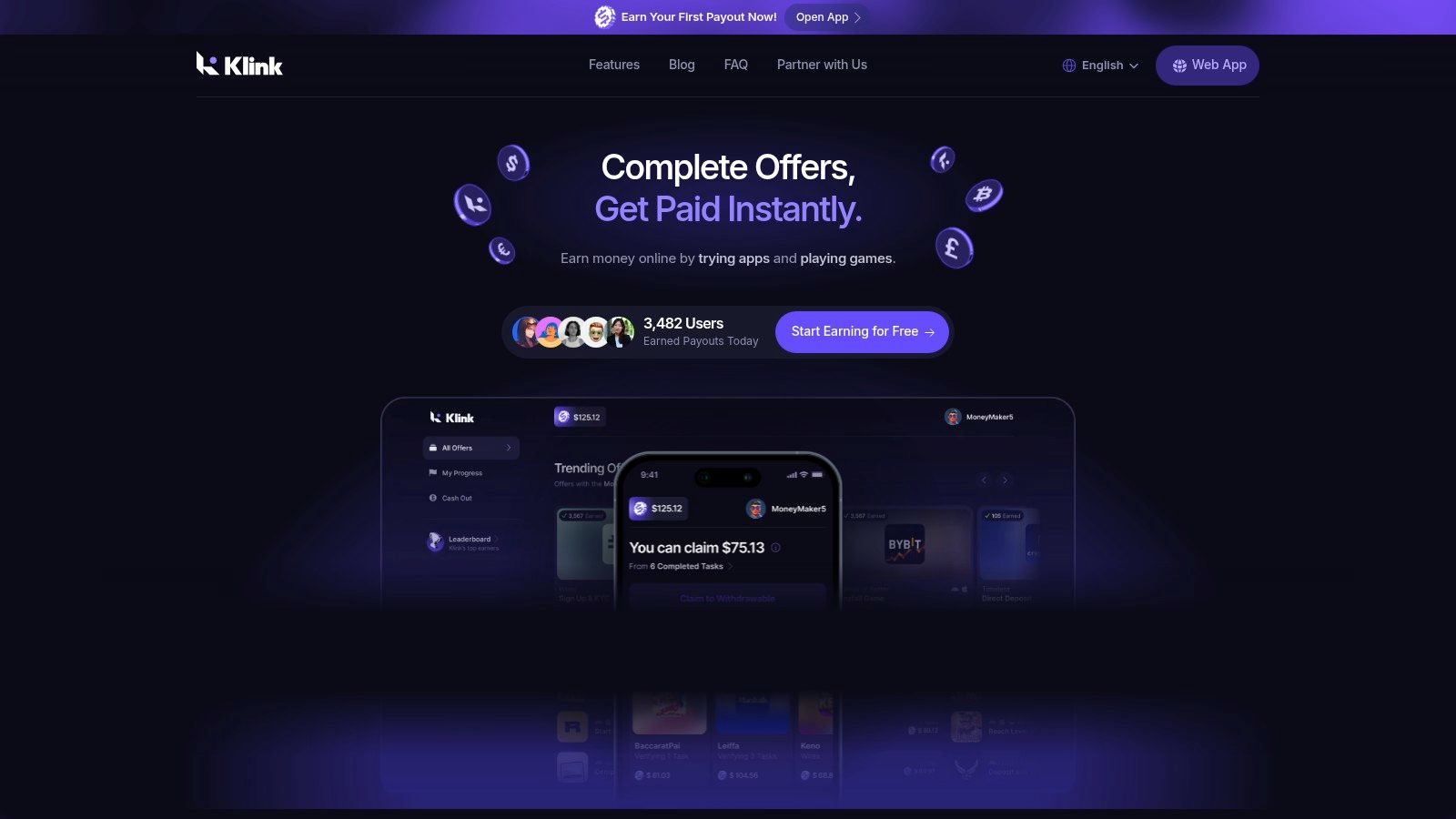
Want one app that gives you several ways to earn instead of locking you into just surveys or just cash back?
Klink Finance fits that role well. It combines app offers, games, surveys, and social tasks in one place, so it belongs in the active earning category rather than the passive rewards category.
Here’s what’s possible. This app can work for people who want short, flexible tasks during spare time, but monthly earnings still depend heavily on offer availability, device type, region, and whether you complete instructions exactly. It is better treated as a rotating side-income app than a fixed monthly earner.
One practical advantage stands out. Klink shows task value clearly and supports payouts across web, iOS, and Android, with withdrawal options that include fiat and crypto. That clarity is important because beginners often stop using reward apps when they cannot quickly tell whether a task is worth the time.
Who should use Klink Finance
Klink makes the most sense for users who want variety and do not mind checking offer details before starting.
Good fit:
Students and casual side hustlers: Short tasks are easier to fit between classes, commutes, or downtime at home
Mobile gamers and app testers: Stronger fit if you already spend time trying new apps or completing in-game milestones
Users who care about payout flexibility: Useful if you want more than one redemption option
Less ideal fit:
Anyone looking for passive earnings: You need to actively complete offers
People who dislike tracking requirements: Miss one step and the payout may not track correctly
Users in low-offer regions: Results can be inconsistent if local campaign volume is thin
Earning style and realistic expectations
Klink is not a set-it-and-forget-it app. You earn by selecting offers, following the steps, and finishing the required action.
In practice, that puts it in the same broad bucket as a copy trading app only in one limited sense. You need to choose the right setup for your goals instead of assuming every platform earns the same way. The difference is that Klink pays for completed reward tasks, not investing activity.
A realistic approach is simple:
Use it for short daily sessions, not marathon weekends
Prioritize higher-value offers with clear completion steps
Skip anything that looks confusing, slow, or too time-heavy for the reward
Cash out on a schedule so small balances do not sit idle
For many users, that means extra pocket money each month rather than serious income. The upside is flexibility. The downside is inconsistency.
What helps, and what wastes time
The people who do well with Klink usually treat it like a task board. They read the requirements, complete offers cleanly, and avoid jumping between too many low-value tasks.
What wastes time is easy to spot:
Starting offers without reading the conditions
Installing apps you never fully activate
Chasing tiny rewards with long completion paths
Ignoring tracking windows or payout rules
One more trade-off matters. Klink gives you more earning variety than single-purpose apps, but that also means you need a bit more judgment. If you want a simple routine app with one obvious use case, some later options on this list will feel easier. If you want one place to test several active earning styles, Klink is a practical starting point.
2. Ibotta
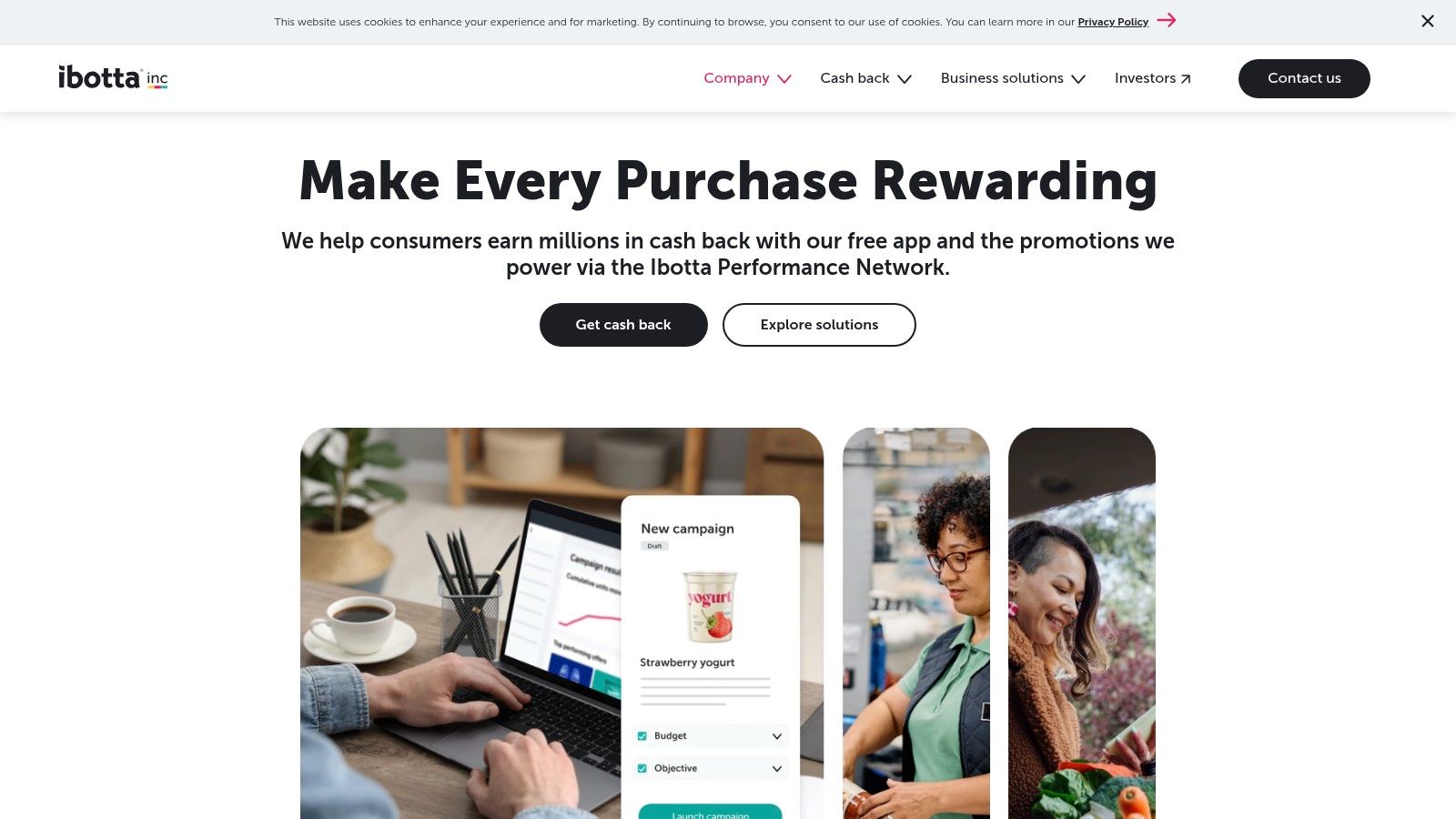
Ibotta is one of the easiest apps to understand because it follows a simple rule. Buy things you already need, activate matching offers, then get cash back.
This is not an app for fast high earnings. It is an app for lowering everyday costs.
If you shop for groceries regularly, Ibotta can make sense. If you rarely cook, order most things through one retailer, or do not want to scan receipts, it becomes much less useful.
How it fits into real life
Ibotta works best when your shopping is predictable.
You open the app before a store run, check eligible offers, buy matching items, and upload your receipt or use linked purchase methods where available. It also supports online offers and in-app gift card options with cash back.
Cash-out options include bank transfer, PayPal, and gift cards once account requirements are met. The app also gives clear guidance around its withdrawal threshold, which helps beginners know when a payout is realistic.
A lot of people fail with Ibotta because they use it backwards. They buy first and check later. That usually leads to missed rewards.
Practical tip. Build a one-minute habit before checkout. Open Ibotta, confirm the item match, then buy.
The main trade-offs
Ibotta is strong on merchant coverage and cash-out clarity. It also has a better support footprint than many smaller reward apps.
Its weak point is effort per dollar earned. You need to stay organized. Some withdrawals can also involve extra verification, especially early on.
That makes Ibotta a poor fit if you want immediate, task-style earnings. It is better as a savings-and-rewards layer on spending you were already going to do.
For people comparing side income models, this is closer to reducing expenses than creating a new stream of work. That still matters. Keeping more of what you earn is part of the same equation.
If broader investing-style apps interest you too, some people also compare rewards apps with a copy trading app model, but the use case is completely different. Ibotta is much simpler and far lower commitment.
3. Rakuten
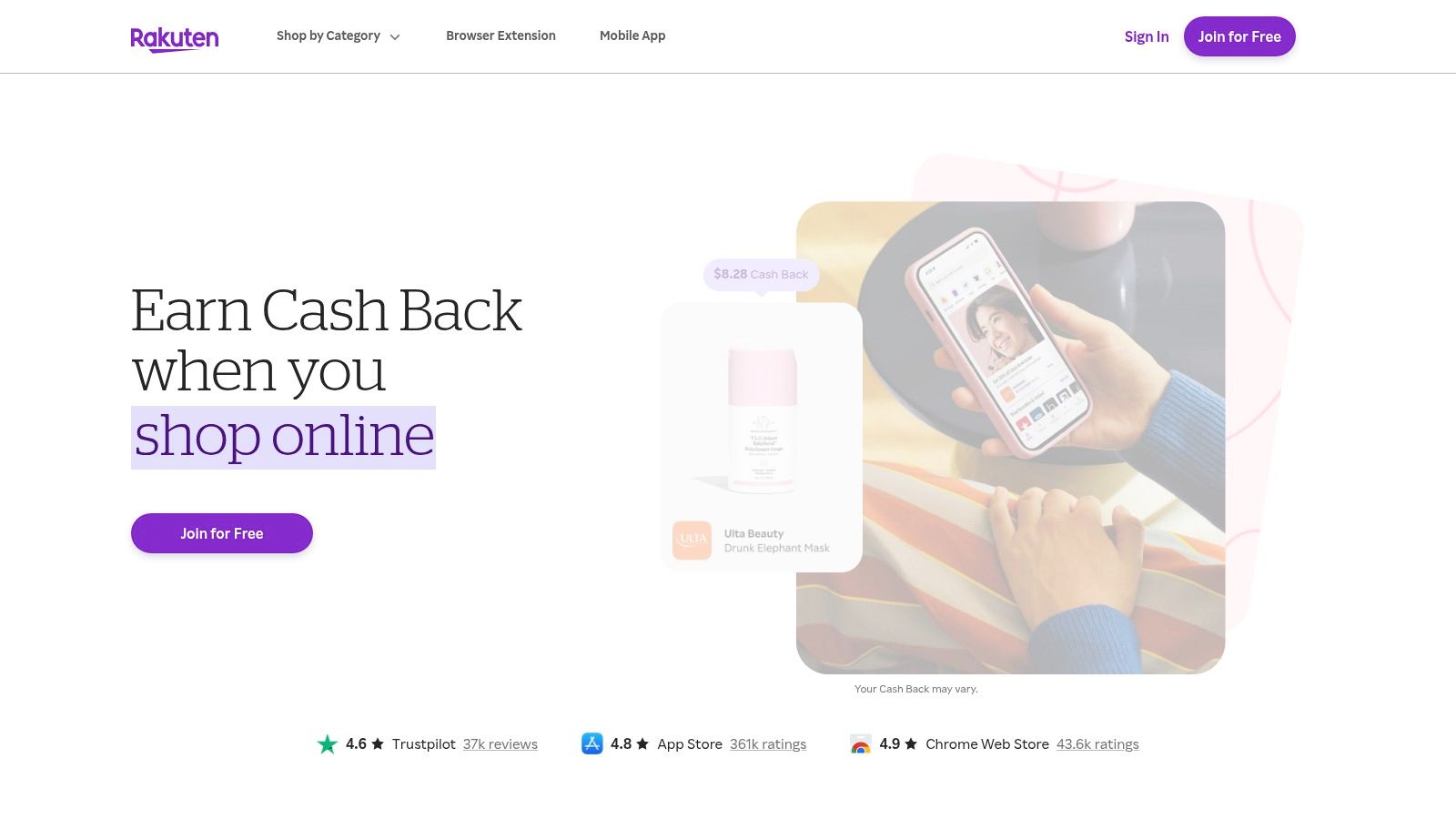
Rakuten is the app to use if most of your spending already happens online.
It is not flashy. That is part of the appeal.
Instead of chasing little tasks, you activate cash back through the app or browser extension before shopping at participating stores. If you already buy clothes, electronics, home items, or gifts online, Rakuten can return part of that spending over time.
Where Rakuten works best
Rakuten is strongest for planned purchases, not impulse shopping.
If you know you are about to book travel, replace a laptop accessory, or make a larger retail purchase, checking Rakuten first makes sense. The browser extension is useful because it reduces friction. You do not have to remember the app every single time.
It also offers select in-store card-linked cash back, though the online use case is still the core strength.
Payout options include PayPal, check, AmEx Membership Rewards points, and Bilt points. That range is useful if you like rewards flexibility.
What trips people up
The biggest issue with Rakuten is not the app itself. It is user error.
Cash back can fail if:
You break the shopping path: Opening extra tabs or using other coupon tools can interrupt tracking
You ignore store exclusions: Some products or categories may not qualify
You expect instant payment: Rakuten follows a standard quarterly payout rhythm
Payout cadence is the biggest downside. If you want frequent withdrawals, Rakuten can feel slow. If you care more about stacking rewards on spending you already planned, it is excellent.
A lot of beginners undervalue this type of app because it does not feel like “earning.” In practice, reducing the cost of necessary purchases is often more reliable than chasing low-paying tasks.
4. Upside
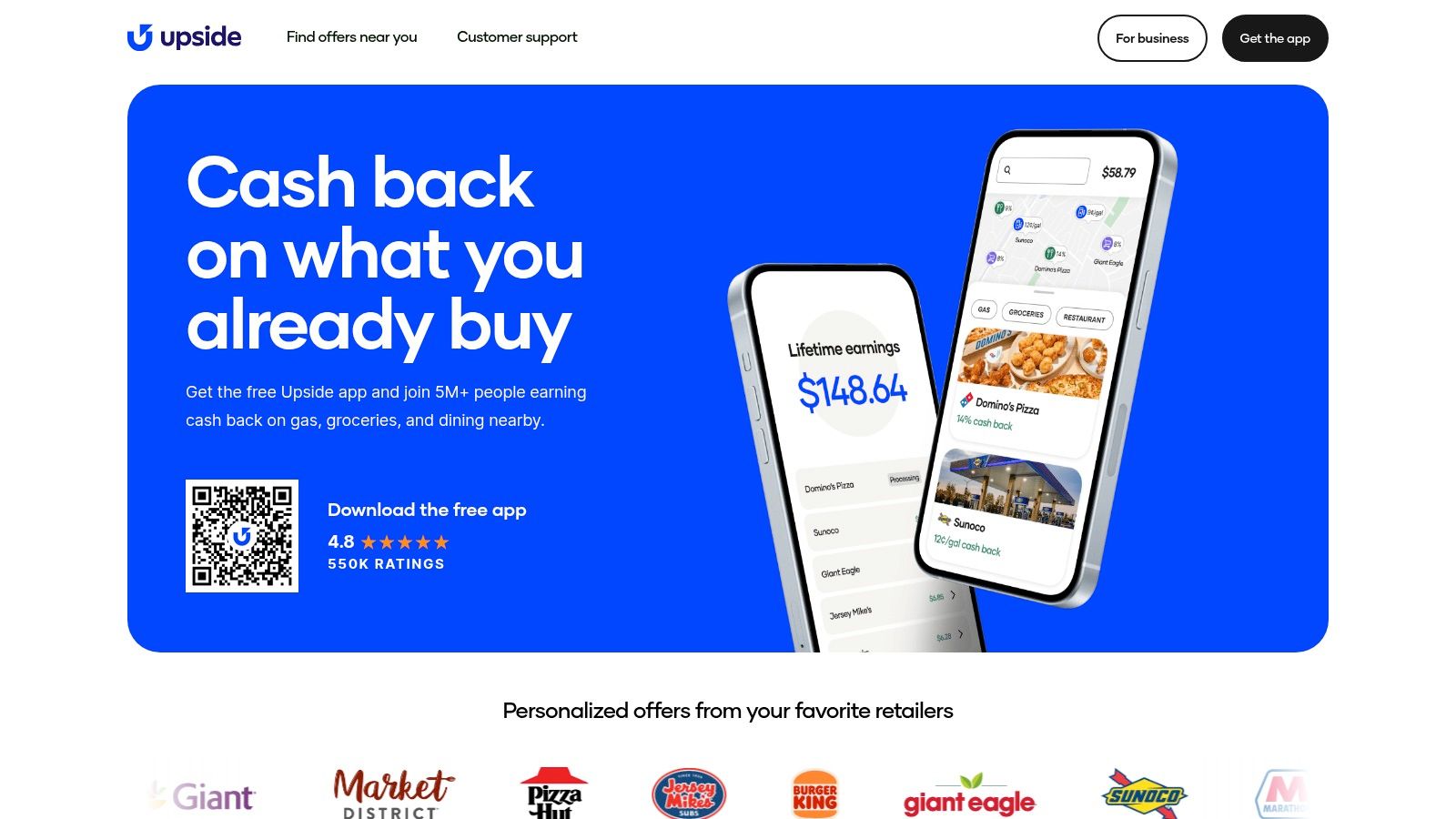
Upside is built for one specific kind of person. Someone who spends money on gas often.
If that is you, this app is practical. If you do not drive much, it drops down the list fast.
Upside focuses on nearby cash-back offers for fuel, and in many areas it also includes restaurants and groceries. You claim an offer in the app, pay normally, and then receive the reward after the purchase verifies.
Why commuters like it
Upside fits into routines that already exist.
Delivery drivers, rideshare drivers, commuters, and people with long suburban errands are the obvious audience. The app does not ask you to take surveys or complete game goals. It asks you to route spending through available local offers.
Cash-out options include bank transfer, PayPal, and gift cards.
This category works best when the habit is automatic. Before fueling up, check the map. Claim the offer. Pay as usual.
The trade-off with location-based apps
Upside is only as good as your local coverage.
Offer values can vary by area and timing. Some places have plenty of useful options. Others feel thin. That means your experience may be great in one city and average in another.
There is also some delay to keep in mind. Bank and PayPal withdrawals can take several business days, so this is not the app to use if you want instant access.
Still, for drivers, it solves a real pain point. Fuel is a recurring expense, and an app that softens that cost without adding much effort is worth keeping on your phone.
5. Swagbucks
Swagbucks fits people who want multiple ways to earn in one app. That is the appeal. You can earn from surveys, cash back shopping, games, search activity, and rotating offers without juggling five different platforms.
That range also creates the main problem. Swagbucks rewards users who know which earning style to use, and it frustrates users who tap everything and hope it adds up.
Here’s what’s possible. For casual use, Swagbucks is usually a small side-earner, not a serious income app. It works best as a mixed-use rewards app where you combine a few decent activities instead of relying on one weak one.
Where Swagbucks earns its place
Swagbucks is strongest for people who like flexibility.
If you shop online anyway, the cash back offers can make sense. If you have spare time on the couch, some game tasks and offer wall deals can be worth a look. If you want cash-out options, PayPal and gift cards are both available, which keeps it practical.
I would put Swagbucks in the "active tasks plus bonus cash back" category, not the passive category. You usually need to choose offers carefully, meet requirements, and keep an eye on tracking.
The trade-off: more options, more wasted time
Swagbucks has a busy interface, and that matters.
The biggest time drain is usually surveys. Screening out after several questions is common, so the posted payout can look better than your real hourly return. That is why Swagbucks works better when surveys are only one part of the plan.
The higher-value approach is usually:
Shopping rewards for purchases you already planned
Offer walls if you read the terms and track completion
Games and app tasks if you would spend that entertainment time anyway
How to use it without burning out
Pick two earning lanes and ignore the rest for now.
That simple filter helps more than people expect. Users who treat Swagbucks like a category-based tool usually do better than users who chase every new tile on the home screen. For example, one person may use it mainly for shopping cash back and a few game offers. Another may stick to offer walls and short surveys only when the payout looks fair.
Swagbucks is useful, but it is not efficient by default. You have to make it efficient.
6. Survey Junkie
Survey Junkie is the simpler survey option on this list.
If Swagbucks feels too crowded, Survey Junkie is easier to understand. You join, complete profile details, match with surveys, earn points, and cash out through PayPal, bank transfer, or gift cards. The minimum redemption is relatively low, typically $5 or 500 points.
Where it makes sense
Survey Junkie is good for short breaks.
Waiting room. Lunch break. Quiet evening. It is one of those apps that fits small windows better than marathon sessions. The optional Surf to Earn feature can also add rewards by sharing browsing and app activity data if you are comfortable with that trade-off.
The app does a solid job of explaining payouts and account steps. That transparency matters because survey users often worry most about one thing. Can I withdraw?
Understanding survey earnings
Here is what usually works. Complete your profile carefully, answer consistently, and stick to shorter surveys when possible.
Here is what usually does not. Speed-clicking, inconsistent answers, and expecting every survey to accept you.
If you use survey apps, protect your time first. The best move is often skipping weak surveys quickly instead of trying to force volume.
The downside is obvious. Screening out is common. That means the effective pay can feel lower than it looks at first glance.
Survey Junkie is best for people who want a straightforward survey app with low redemption friction. It is not the highest-energy earning method, but it is accessible.
7. Prolific
Prolific is different from the usual survey app because it leans toward research participation, not just generic market surveys.
That distinction matters.
The platform is known for showing study length and pay before you start, which makes it easier to judge whether a task is worth doing. Rewards are cash-based, not a complicated internal point system.
Why many users prefer it
Prolific is often a better fit for people who care about task quality over sheer volume.
You are less likely to feel like you are wandering through random offer walls. The work tends to feel more structured, and the pay visibility helps you avoid low-value tasks. Cash-outs go through PayPal, with a low cash-out, and eventual instant transfers.
That level of upfront clarity is one of Prolific’s strongest advantages.
The catch
Availability is the problem.
Studies can fill quickly, and new users may face a waitlist at times. So while Prolific often feels more worthwhile per task, it is not always available on demand.
This is not the app to rely on if you want constant work throughout the day. It is the app to keep active and check regularly.
If you get accepted and stay attentive, it can become one of the better-quality earning tools in your stack.
8. Field Agent
Field Agent pays for in-person tasks like store audits, price checks, product checks, and receipt missions. Here, phone earning starts to feel less like an app and more like a micro-gig.
Best for people already out and about
Field Agent works well if you already run errands often.
You open the app, see available jobs on a map or list, accept one, follow the instructions, submit photos or details, and wait for approval. In the U.S., approved work can be paid out by direct deposit or PayPal.
The biggest benefit is clarity. Jobs show the pay upfront. You are not guessing.
That makes Field Agent more practical than many online-only reward apps for users who do not mind stepping into stores and following instructions carefully.
Where people lose money
Rejections.
This type of app rewards accuracy, not speed. If the task asks for a specific shelf photo, exact product angle, or detailed note, you need to follow that exactly. A rejected job does not pay.
A good rule is to only accept jobs you can complete calmly. Typical earnings per task vary.
Pick nearby tasks: Long drives usually kill the value
Read instructions before leaving home: Do not discover requirements in the parking lot
Check your photos before submission: Blurry uploads are an easy way to lose the payout
Field Agent is best as an errand-stacking app, not a standalone income plan.
9. Gigwalk
Gigwalk sits in the same general category as Field Agent, but the feel is slightly different. It is more of a local micro-gig marketplace.
Jobs can include retail checks, merchandising tasks, and other short location-based assignments. You complete the work through the app and get paid via PayPal after approval.
Who should use Gigwalk
Gigwalk is good for people in metro areas where gig density is higher.
If your area has enough activity, it can be a clean way to pick up extra money while doing normal errands. The app lets you choose tasks rather than locking you into shifts, which keeps it flexible.
That flexibility is the main reason to keep it installed. You can ignore it when nothing nearby looks worthwhile, then grab something quick when the timing lines up.
Real trade-offs
The work can be sporadic.
That is the first thing to understand. Some users will see useful gigs regularly. Others will barely see anything. Your city matters a lot.
The second issue is precision. Like most field-task platforms, you need to follow checklists closely and submit usable proof.
Gigwalk works best for organized users who do not mind a bit of operational discipline. It is not passive. It is not effortless. But it can fit naturally into an existing routine if local task flow is decent.
10. Mistplay
Mistplay is the easiest recommendation for people who already spend time on mobile games.
If you do not enjoy gaming, skip it. If you do, this can turn existing screen time into rewards.
Mistplay recommends games and gives users units for playtime and progress. Those units can be redeemed for gift cards, including popular retail options and Visa-branded choices where available.
When Mistplay makes sense
Mistplay is a good fit for casual evenings, downtime at home, and users who like trying new games without overthinking the strategy.
It is not a direct-cash-first platform, which is the biggest trade-off. You are mostly earning gift cards, not simple bank withdrawals.
That matters because reward type changes the value. Gift cards are useful if they match stores you use. They are less useful if they push you toward spending you would not have made otherwise.
How to use it well
The smart move is to treat Mistplay as entertainment with upside, not work.
You will enjoy it and make better decisions if you choose games you would play. Chasing every promotion mechanically can make it feel like a grind.
A few simple rules help:
Choose games you like: Enjoyment keeps you consistent
Check device compatibility first: Not every phone gets the same experience
Redeem for useful brands: Pick rewards you would spend anyway
For gamers, this is one of the most natural low-friction earning apps available. For non-gamers, it is usually not worth forcing.
Top 10 US Money-Making Apps (2026) Comparison
Product | Core earning methods | Payout options & speed | Typical earnings / value | Target audience | Unique selling point |
|---|---|---|---|---|---|
Klink Finance (Recommended) | App installs, games, surveys, social quests, partner offers | 20+ fiat & crypto (USD, EUR, GBP, BTC, ETH, SOL); real-time tracking; fast/instant cashouts | Variable, with significant potential for active users; $134K+ paid, global reach | Side‑hustlers, students, mobile testers, crypto users | Global payouts in fiat + crypto, instant tracking, leaderboard promos |
Ibotta | Receipt scan, online offers, in‑store promos | Bank, PayPal, gift cards; Cash-out threshold applies; occasional delays | Moderate grocery/retail cash back; stacking with store deals | Grocery shoppers, families, couponers | Strong grocery & retail coverage, clear help resources |
Rakuten | Browser extension/app activations for online shopping, card‑linked in‑store offers | PayPal, check, AmEx or Bilt points; standard quarterly payouts | Higher % back during promos; reliable for big purchases | Online shoppers, travel bookers | Large merchant network, browser integration, frequent retailer promos |
Upside | Claim nearby offers, pay normally, redeem cash back (fuel, food, groceries) | Bank, PayPal, gift cards; cash‑out processing may take days | Useful per-transaction savings for fuel/food; varies by location | Commuters, delivery drivers, frequent gas buyers | Real‑time local offers for fuel and food, simple claim‑and‑pay flow |
Swagbucks | Surveys, offers, shopping, search, games | PayPal or wide range of gift cards; low minimum redemptions for some | Variable; good for small, quick redemptions | Casual earners, multitaskers | Multiple earning paths in one app; low-barrier redemptions |
Survey Junkie | Paid surveys, optional data-sharing (Surf to Earn) | PayPal, bank transfer, gift cards; low minimum redemption | Small, consistent survey earnings; frequent disqualifications | Short-break earners, survey-focused users | Clear payout rules, low redemption minimum, Surf to Earn option |
Prolific | Academic & UX study participation | PayPal; low cash-out threshold and eventual instant transfers | Often higher hourly rates than typical survey apps | Participants seeking fair-pay research studies | Transparent study length/pay and fair-pay emphasis |
Field Agent | Local in‑store audits, price checks, receipt missions | PayPal or direct deposit after approval; fast processing | Typical earnings per task vary; city-dependent availability | People doing errands, local mystery shoppers | Up‑front pay per task, map-based local jobs |
Gigwalk | Retail audits, merchandising checks, short local gigs | PayPal after job approval | Sporadic; good for extra cash while out and about | Flexible workers, people running errands | On‑demand micro‑gigs with app submission workflow |
Mistplay | Playtime/progress rewards for mobile games | Digital gift cards (Amazon, Walmart, Visa‑branded); quick digital delivery | Casual earnings via gift cards; not direct cash | Mobile gamers, casual players | Game discovery + rewards for playtime; quick gift‑card redemptions |
Your Next Step Start Earning Consistently
The biggest mistake people make with money-making apps is treating them like a lottery ticket. They download a bunch of apps, try each one for a few minutes, then quit when nothing dramatic happens.
That approach almost never works.
What does work is choosing apps based on earning style. Not hype. Not screenshots. Not random rankings.
If you want the simplest possible setup, split your choices into two buckets.
First, pick one app that fits your routine spending. That might be Ibotta for grocery shopping, Rakuten for online purchases, or Upside for fuel and local spending. These apps are easiest to keep because they attach to habits you already have.
Second, pick one app that fits your downtime. That might be Klink Finance if you want task variety, Survey Junkie if you prefer short surveys, Prolific if you want higher-quality studies when available, or Mistplay if you already play mobile games.
That combination tends to be much better than downloading every app on this list.
Here’s what’s possible. A routine-based app can help you keep more money from purchases you were already making. An active earning app can turn spare minutes into extra rewards. Neither one will replace a full-time income on its own, but together they can build a steady supplemental layer.
The apps on this list also reward different kinds of behavior.
Klink Finance is strongest when you want one platform that covers multiple activities and offers flexible withdrawals. Ibotta and Rakuten are strongest when you are already spending and just want better reward capture. Upside is practical for drivers. Swagbucks is broad but requires better filtering. Survey Junkie is simple. Prolific is selective but often more worthwhile per task. Field Agent and Gigwalk suit people who do not mind local jobs. Mistplay is best when gaming is already part of your routine.
That is the key trade-off across the category. The best app is not the one with the most features. It is the one you will use consistently.
A few habits make a big difference:
Check offers before acting: This matters for cash-back and task apps alike
Follow instructions exactly: Especially on offer walls and field-task apps
Cash out on a schedule: Regular withdrawals help you stay motivated
Drop weak apps fast: If an app does not fit your routine, move on
Stack different earning styles: One spending app plus one active app is usually enough
Time matters more than almost anything here. If an app creates friction, needs constant troubleshooting, or makes you chase pennies with no rhythm, it is not a good fit. If it slides into your day naturally, you are much more likely to see results.
The best money making apps usa 2026 readers should focus on are the ones that match real behavior. Shoppers should use shopping apps. Drivers should use fuel apps. Gamers should use gaming rewards apps. People who want more variety should use task platforms.
Start small. Pick one or two. Use them for a few weeks. Review what paid, what felt easy, and what wasted time. That is how you build a phone-based side income that feels practical instead of frustrating.
If you want one app that combines surveys, games, app trials, and social tasks in one place, Klink Finance is a strong place to start. It is beginner-friendly, works across web, iOS, and Android, and gives you flexible payout options with real-time earnings tracking so you can see what your time is worth.

High Quality Offers,
Real Payouts
Start Earning with Klink Now!





Share Article
Related Articles
Read more, Earn more