Turn iPhone screen time into real cash in 2026. Ever wonder if you could get paid for the time you spend on your iPhone? In 2026, the answer is yes, if you use the right apps.
Most lists get one thing wrong. They treat every reward app like it fits the same kind of user. It doesn’t. A grocery receipt app helps a very different person than a game-and-offers app. A shopping cashback app won’t do much for someone who rarely buys online. That’s why the best reward apps for iphone 2026 depend on how you already use your phone.
The other problem is expectations. Some apps are great for slow, steady savings. Others are better for active earning. Some pay in cash. Some lock you into gift cards. Some work well outside the US, and some clearly don’t. If you don’t match the app to your habits, you’ll quit before the first payout.
This guide keeps it practical. You’ll get a straight list of the apps worth looking at, the trade-offs that matter, and the best use case for each one. I’ll also show you how to stack apps so one action, like shopping or testing a game, can earn from more than one place without turning your phone into a full-time job.
If your goal is to make your phone a little more useful, reward apps can help. If your goal is to spend less time scrolling and get more value from the time you do spend online, that works too. If that second goal sounds familiar, these ways to reduce screen time are worth pairing with an earning plan.
1. Klink Finance
Want one reward app that gives you more than receipts or shopping cashback?
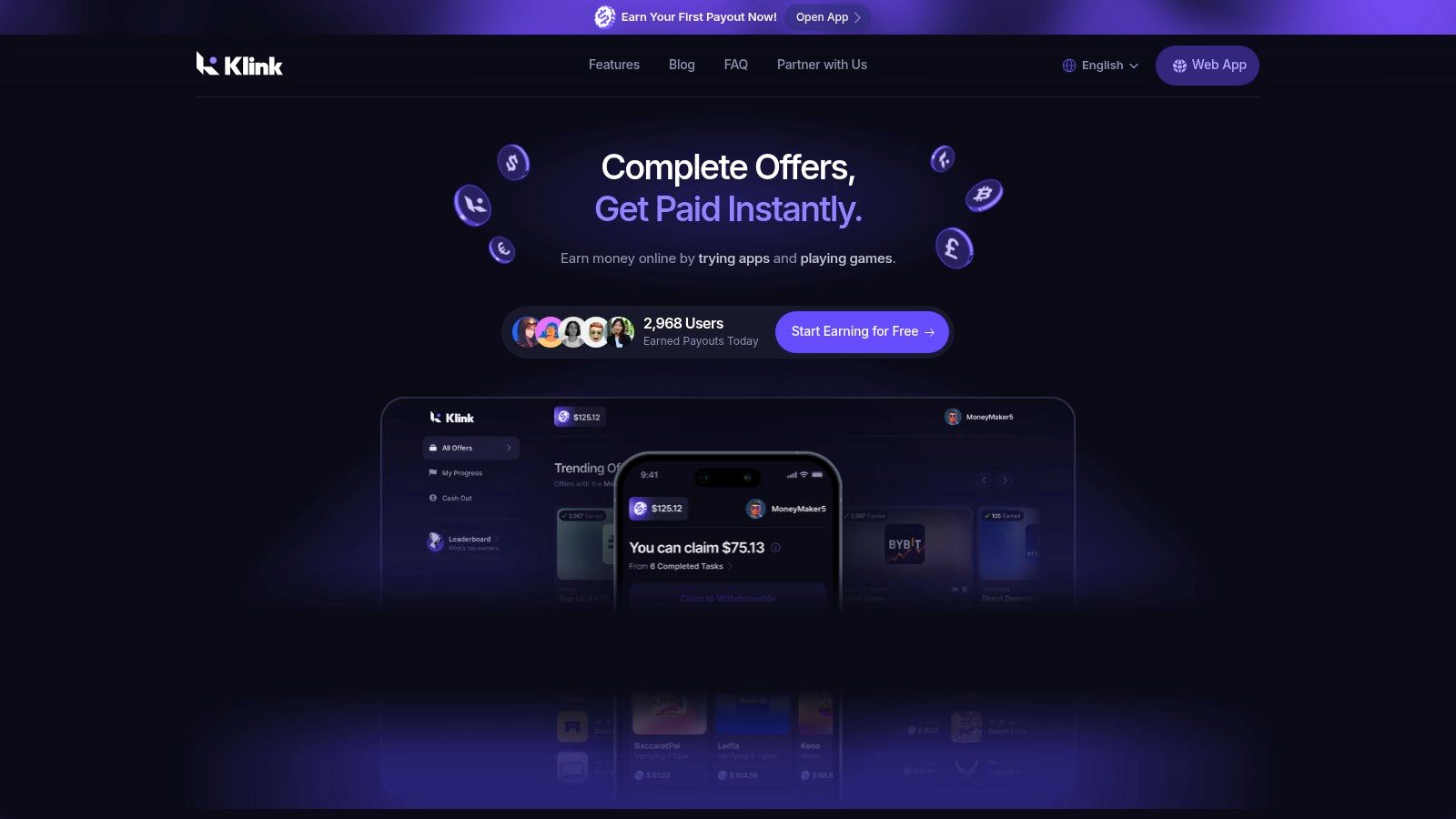
Klink Finance works best for iPhone users who want variety. You can rotate between app installs, games, surveys, and social tasks instead of relying on a single earning method. That matters if your habits change during the week, or if one offer category dries up.
Best for multi-task earners who want one app for several earning styles.
Its biggest advantage is flexibility. Klink suits beginners who want a simple starting point, but it also has enough range for people who check in daily and prefer to pick from short tasks and longer offers. It is also a more practical option for readers outside the US, where many reward apps on this list are less useful.
Why Klink Finance stands out
Klink gives users several payout options, including cash and crypto, and it supports access across web, iOS, and Android. That gives you more control than apps that lock rewards into gift cards only.
The tracking is another plus. You can usually see actions and earnings update clearly, which makes a real difference with offer-based apps. If an app does not show progress well, beginners often cannot tell whether they made a mistake or the offer failed to track.
Practical rule: Use reward apps that make pending and completed actions easy to verify. Clear tracking saves time and reduces support headaches.
Klink also fits the stacking approach better than single-purpose apps. It can fill the "active earning" role in your setup while another app handles shopping cashback or gas savings. If you want more options in that category, this guide to the best cashback apps in the USA is a useful comparison point.
What works and what doesn’t
What works is choice. You are less likely to get stuck doing the same low-value task every day, and that helps the app stay useful longer.
The trade-off is offer quality by region. Users in large markets usually see more worthwhile tasks. Users in smaller countries may find the app reliable but less lucrative. That is common with reward platforms, and it is one reason I would treat Klink as a flexible earner, not a guaranteed daily payout source.
Here is the practical takeaway:
Best feature: Clear progress and earnings tracking
Best use case: Daily check-ins when you want a mix of fast tasks and higher-effort offers
Main trade-off: Offer volume and value depend heavily on your country
Good fit for beginners: Yes, because you can test different earning methods without installing multiple apps
If you want one app that covers several reward styles, Klink Finance is a strong starting point. If you want purely passive cashback, other apps later in this list will be a better fit.
2. Rakuten
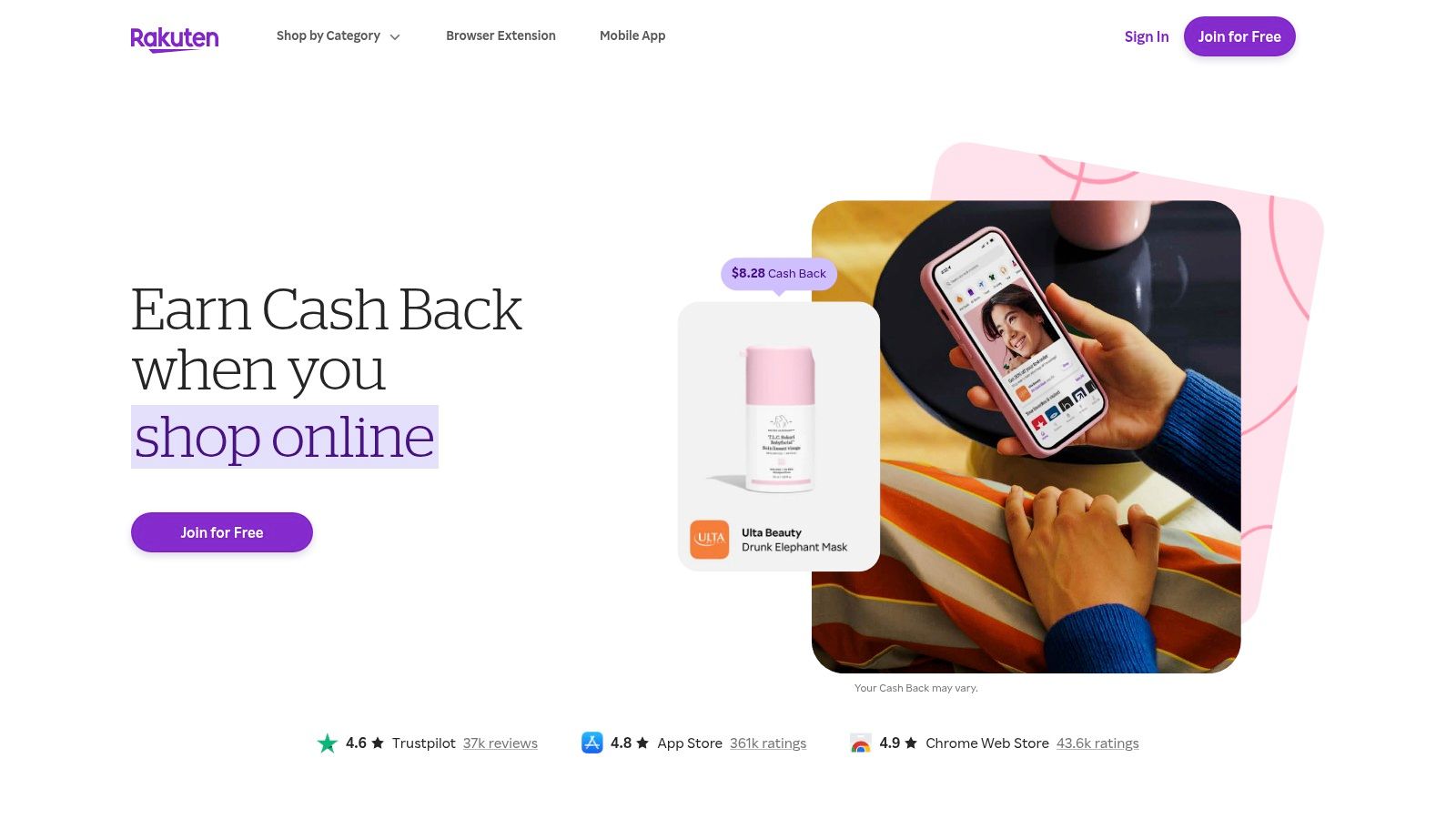
Rakuten is the easiest pick for people who already shop online and don’t want to change much about their routine. You open the app, activate the offer, shop as usual, and wait for the cashback to post.
Best for passive shopping.
Its iPhone setup is especially useful because the app supports a Safari mobile extension that can help detect and activate cashback while you browse on your phone. That reduces the most common beginner mistake, which is forgetting to click through before buying.
Where Rakuten fits best
Rakuten works best when you already spend money online. If you don’t shop much, this won’t magically become an earning engine. It’s a savings app first, not a high-activity side-hustle app.
The merchant coverage is one of its biggest strengths. Rakuten is known for a very broad store network and simple payouts through PayPal, paper check, or e-gift card on the Rakuten website. That makes it easy to understand from day one.
If cashback is your main focus, this list of best cashback apps in the USA pairs well with Rakuten.
Rakuten is strongest when it runs quietly in the background of purchases you were already going to make.
Real trade-offs
The upside is convenience. The downside is tracking. Like many shopping cashback apps, you may occasionally need to follow up on a missing transaction.
Linked-card offers can also be more restrictive than people expect. In some cases, using a mobile wallet instead of the required payment method can break tracking. If you use Rakuten, keep your purchase flow simple when the cashback matters.
3. Ibotta
Ibotta is the grocery-first app on this list. If you buy the same household items every week and don’t mind checking offers before checkout, it can be one of the more useful reward apps on iPhone.
Best for grocery shoppers who want repeatable savings.
It supports receipt uploads, linked retailer loyalty accounts, and online shopping through the Ibotta website. That gives you more than one way to get credit, which helps if you shop across several stores.
Why people stick with Ibotta
Ibotta makes the most sense for planned shoppers. If you build your list around what’s available in the app, the value is much better than treating it like a random extra after the fact.
The app also covers more than groceries now. Retail and travel offers give it a wider role than a basic receipt scanner. Still, groceries are where it feels most natural.
A few practical habits help a lot:
Check exact matches: Product size, flavor, and retailer rules matter.
Link loyalty accounts early: That can make the process smoother than manual uploads.
Use bonuses carefully: Stacked bonuses are useful, but only if they fit items you need.
The catch with Ibotta
This is not a low-attention app. You need to read terms. The biggest frustration for beginners is assuming a similar item will count when the app requires an exact match.
Withdrawal options are useful, including bank, PayPal, and gift cards, but occasional holds or glitches can happen. If you want completely passive savings, Fetch is simpler. If you want more direct cash flexibility, Ibotta usually wins.
4. Fetch
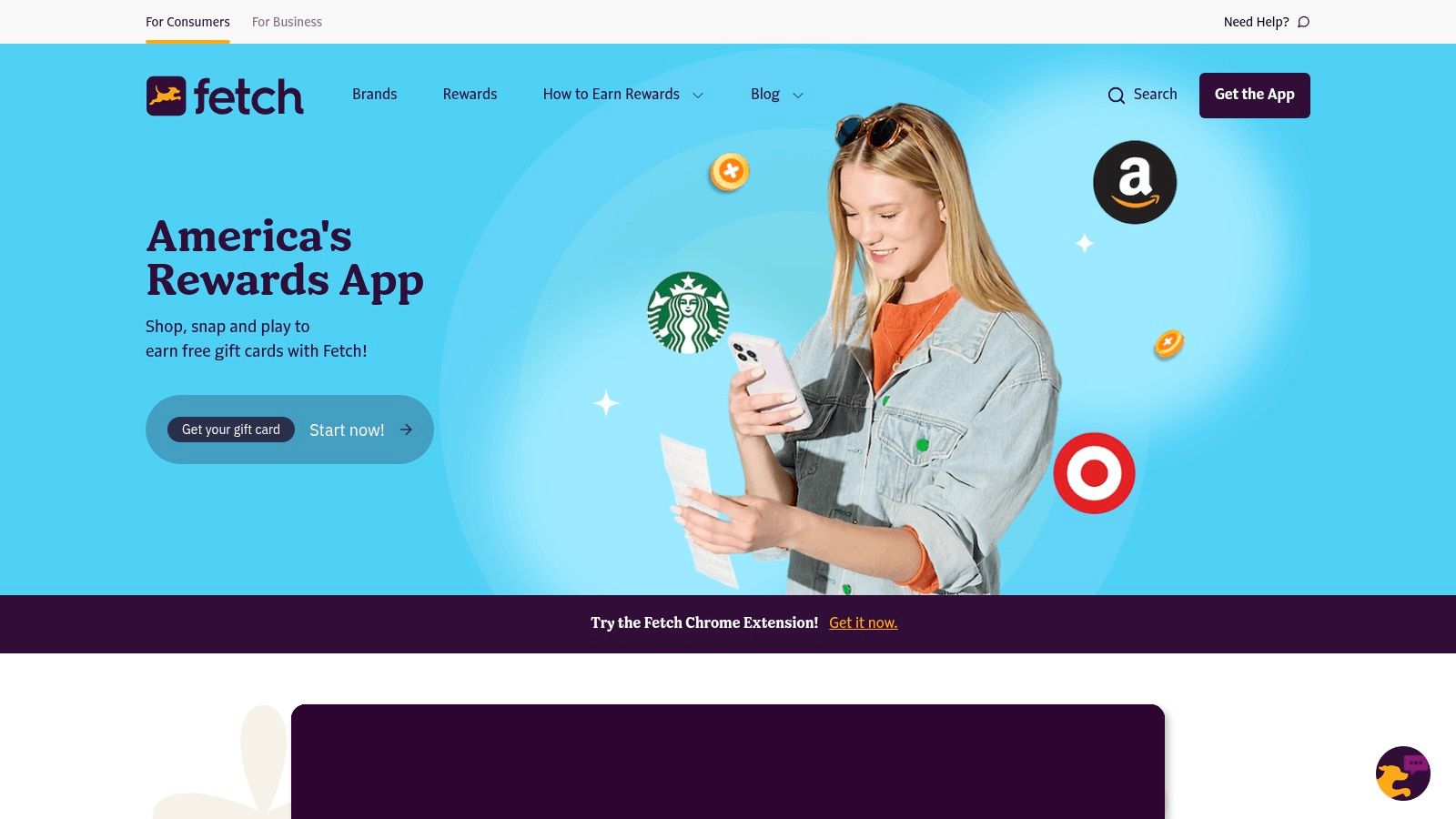
Fetch is the easiest receipt app to live with. You scan receipts, collect points, and redeem them for gift cards. That’s basically the whole pitch.
Best for low-effort receipt scanning.
This app works well for people who know they won’t keep up with detailed offer rules every week. It supports paper receipt scans and e-receipt imports, and the Fetch platform keeps the process very simple.
Why beginners like Fetch
Fetch has very little friction. You don’t need to build your shopping around it. You just remember to upload receipts after buying things you already needed.
That low-friction model is why it stays popular. Even when the rewards aren’t the highest, it feels easy enough to keep using.
The best reward app is often the one you’ll still be using after a month. Fetch is good at that.
What to watch out for
The main downside is the payout format. Fetch is gift-card only. If you want cash to PayPal or your bank, this isn’t the right tool.
The second trade-off is ceiling. Fetch is good for steady, small wins. It’s not the app I’d choose if the goal is building a more active monthly earning routine.
5. Upside
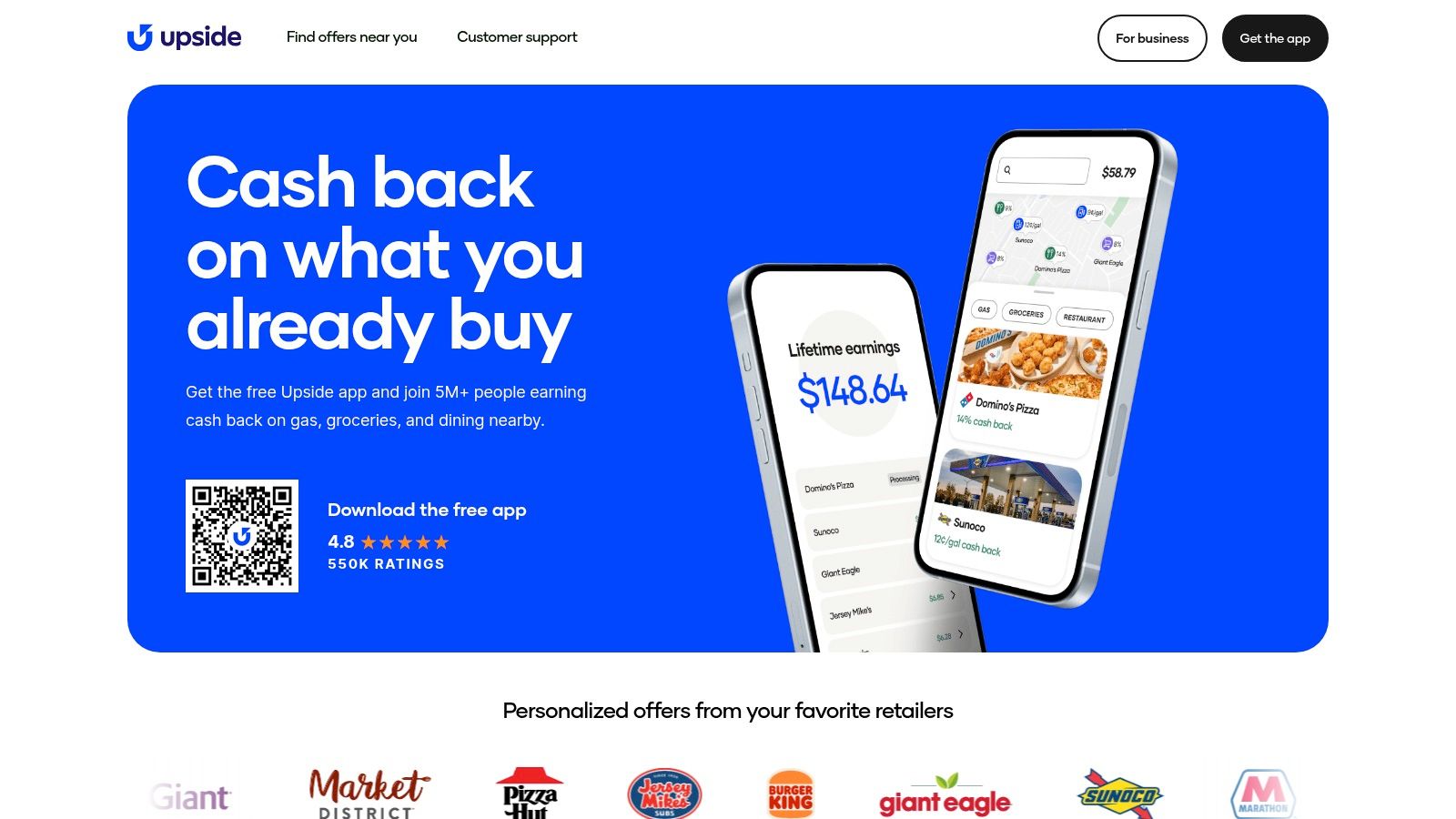
Upside is one of the few reward apps where your lifestyle matters more than your screen time. If you drive often, buy gas regularly, or eat at participating local restaurants, it can be a strong fit.
Best for frequent drivers.
You use the app to find nearby offers, check in, and confirm the purchase. The Upside website explains the cash-out options clearly, including bank, PayPal, and gift cards.
When Upside works well
Upside is practical because it ties rewards to spending that many people already do. You don’t need to play games or fill out surveys. You just need to be willing to claim offers before paying.
That makes it especially useful for commuters, delivery workers, and anyone who fills up often. Gas cashback is where it usually feels most valuable.
The trade-offs
Location matters a lot. Offer value can change depending on where you are and when you buy. A city user may see very different options from someone in a smaller town.
Tracking can also vary. If a purchase doesn’t register correctly, support follow-up may be needed. It’s a good app, but it’s not one to use on autopilot without checking your account history.
6. TopCashback
TopCashback is the app for people who compare rates before buying. If you care about squeezing as much cashback as possible out of online shopping, it deserves a place near the top of your list.
Best for rate chasers.
Its iPhone app and website make it easy to browse retailers and activate cashback before checkout, and the TopCashback platform is known for PayPal and ACH payout options.
Why some shoppers prefer it over Rakuten
TopCashback often appeals to users who are willing to do a little more checking before they buy. It has a reputation for competitive rates and flexible payouts, which makes it attractive if cashback is part of your regular routine.
If Rakuten feels simpler, TopCashback often feels a bit more optimization-focused. That’s the difference in practice.
A good way to use it:
Compare before purchase: Check TopCashback when you’re buying something expensive.
Use clean click-throughs: Open a fresh session to reduce tracking issues.
Don’t rely on memory: Activate through the app or site right before checkout.
What doesn’t work as well
This is less useful for in-store purchases than some alternatives. If most of your spending happens offline, it won’t do much.
It also depends heavily on proper click-through behavior. If you bounce between tabs, apply unsupported coupon codes, or switch devices mid-purchase, the cashback may not track.
7. Swagbucks
Swagbucks is one of the broadest reward platforms available on iPhone. It mixes surveys, offer walls, shopping, and games into one balance, which is both its strength and its weakness.
Best for variety seekers.
If you like having multiple ways to earn without switching apps constantly, it’s a solid option. The Swagbucks website shows the reward structure clearly, and payouts include gift cards and PayPal.
Why Swagbucks still matters
A lot of apps do one thing. Swagbucks does many. That’s useful when surveys dry up or you want to swap to shopping or app offers for a while.
Its daily goals and bonus structure also give people a reason to stay active. For some users, that extra game-like layer helps build consistency.
If mobile game offers are your main interest, this roundup of apps that pay you to play games is a good companion.
Where beginners get stuck
The problem with Swagbucks is friction. Some iPhone offers can be finicky to track, and certain tasks feel smoother on desktop than on mobile.
It can also become a time sink if you chase every low-value activity. Swagbucks works best when you pick two or three earning modes and ignore the rest. Otherwise, it turns into a lot of tapping for not much return.
8. Amazon Shopper Panel
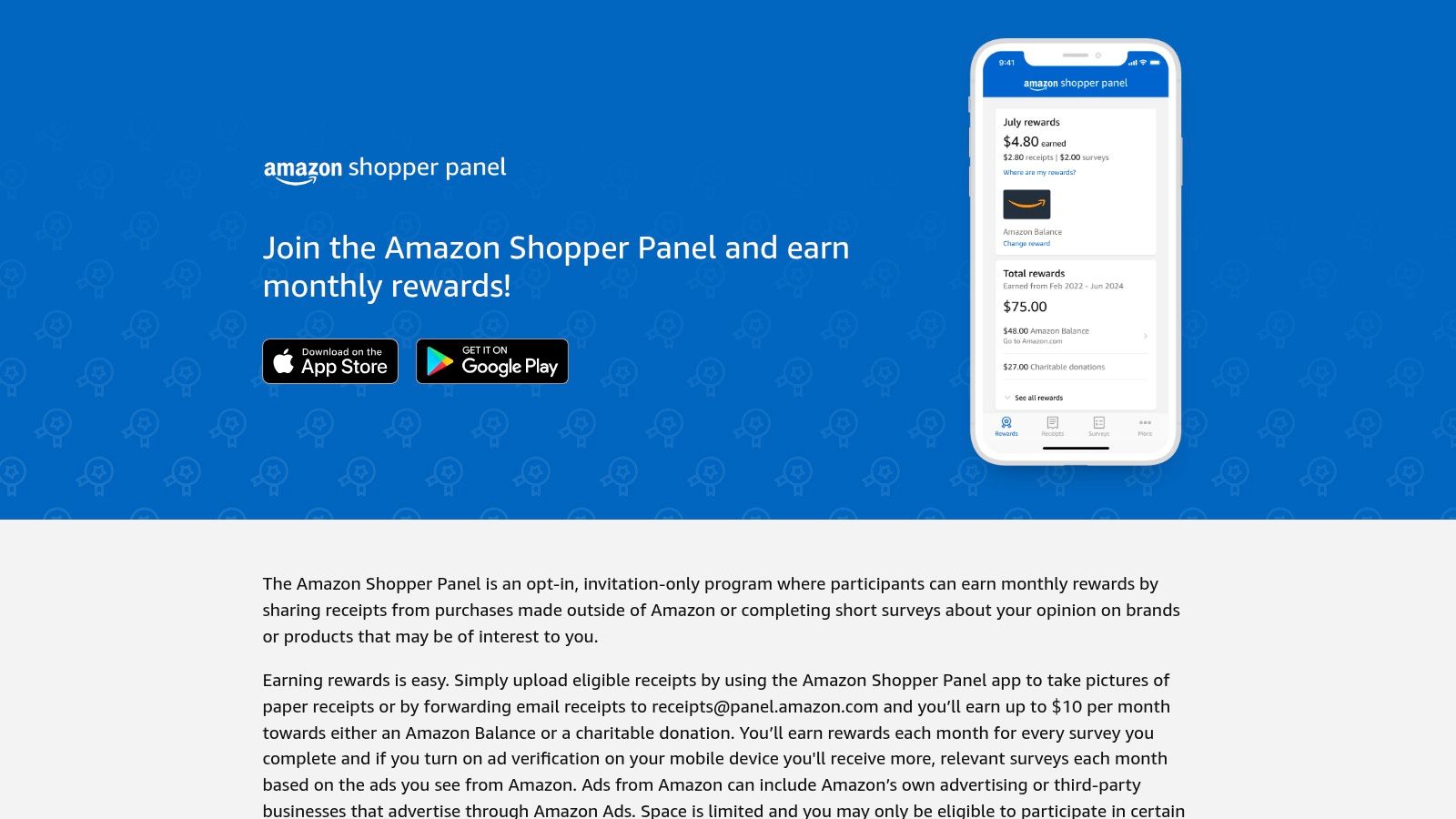
Amazon Shopper Panel is one of the lowest-effort apps on this list, if you can get in. It’s invite-only, and that alone will rule it out for some people.
Best for predictable monthly rewards with very little work.
The setup is simple. You upload eligible non-Amazon receipts through the iPhone app, and rewards go to Amazon Balance or charity through the Amazon Shopper Panel site.
Why it’s worth joining if you get access
The appeal here is simplicity. You don’t need to hunt for offers or chase long tasks. You submit receipts and move on.
The plan notes for this app include a specific monthly cap tied to receipt uploads, but even without focusing on the exact amount, the bigger point is clear. This is a capped, low-effort program, not a serious earning engine.
If you already shop regularly and use Amazon often, Amazon Shopper Panel is easy value. If you want flexible cash, skip it.
The downside
You can’t rely on this app as a core part of your reward stack because access is limited. Even if you get in, the earning ceiling stays narrow.
That doesn’t make it bad. It just means this app belongs in the “easy extra” category, not the “build a side income” category.
9. Lolli
Want a rewards app that gives you a real payout choice instead of forcing gift cards or a single cash option?
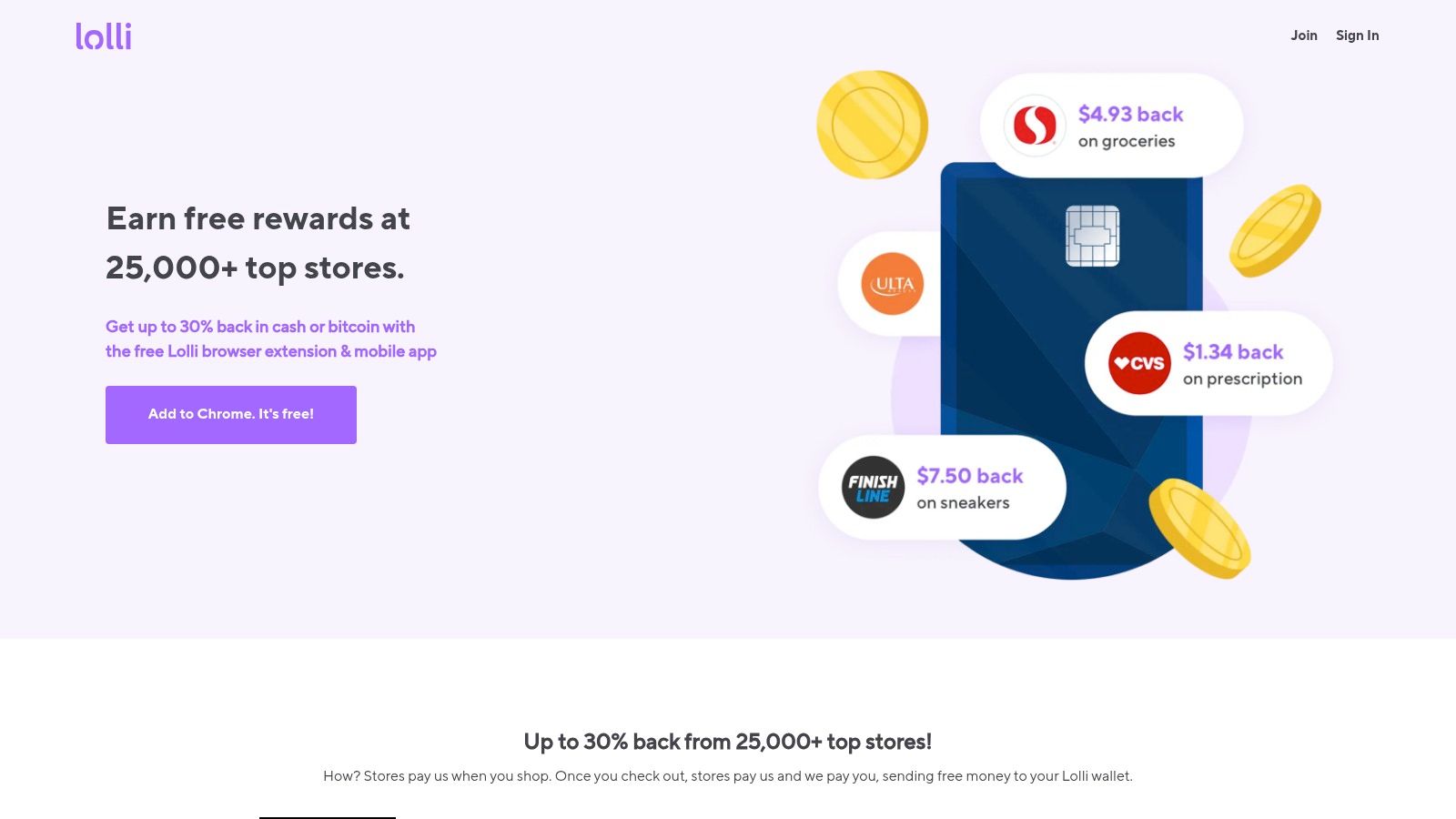
Lolli stands out because it lets you earn shopping rewards in cash or digital assets with partner stores. That makes it a better fit for users who care about how they get paid, not just where they shop.
Best for shoppers who want payout flexibility.
The Lolli website shows its merchant lineup, mobile shopping flow, and reward options. On iPhone, the app works like a cashback shopping tool first. The crypto option is the extra layer, not the main reason to use it.
Why some iPhone users will like it
Lolli fills a specific gap in this list. Rakuten and TopCashback are stronger if your only goal is standard cashback. Lolli makes more sense for people who want a second payout path without switching to a full survey or task app.
That also makes it a useful stacking app. If you already use one or two shopping apps, Lolli is worth comparing store by store instead of installing it and assuming it will replace your main cashback option.
If your priority is earning from offers, surveys, and mixed tasks instead of shopping, these survey apps that pay are a better match.
The real trade-off
The cash option is simple. The digital-asset option takes more care.
I would only recommend that second route to users who already understand price swings, withdrawals, and the tax recordkeeping that can come with crypto rewards. Beginners usually do better treating Lolli as a normal shopping cashback app and sticking with cash until they know they want more complexity.
Its other limitation is consistency. Merchant coverage and activation can vary, so the app works best as a selective add-on in your reward stack, not your default app for every purchase.
Use Lolli for the stores where its payout options actually help you. Don’t use it just because the crypto angle sounds interesting.
10. Google Opinion Rewards iOS
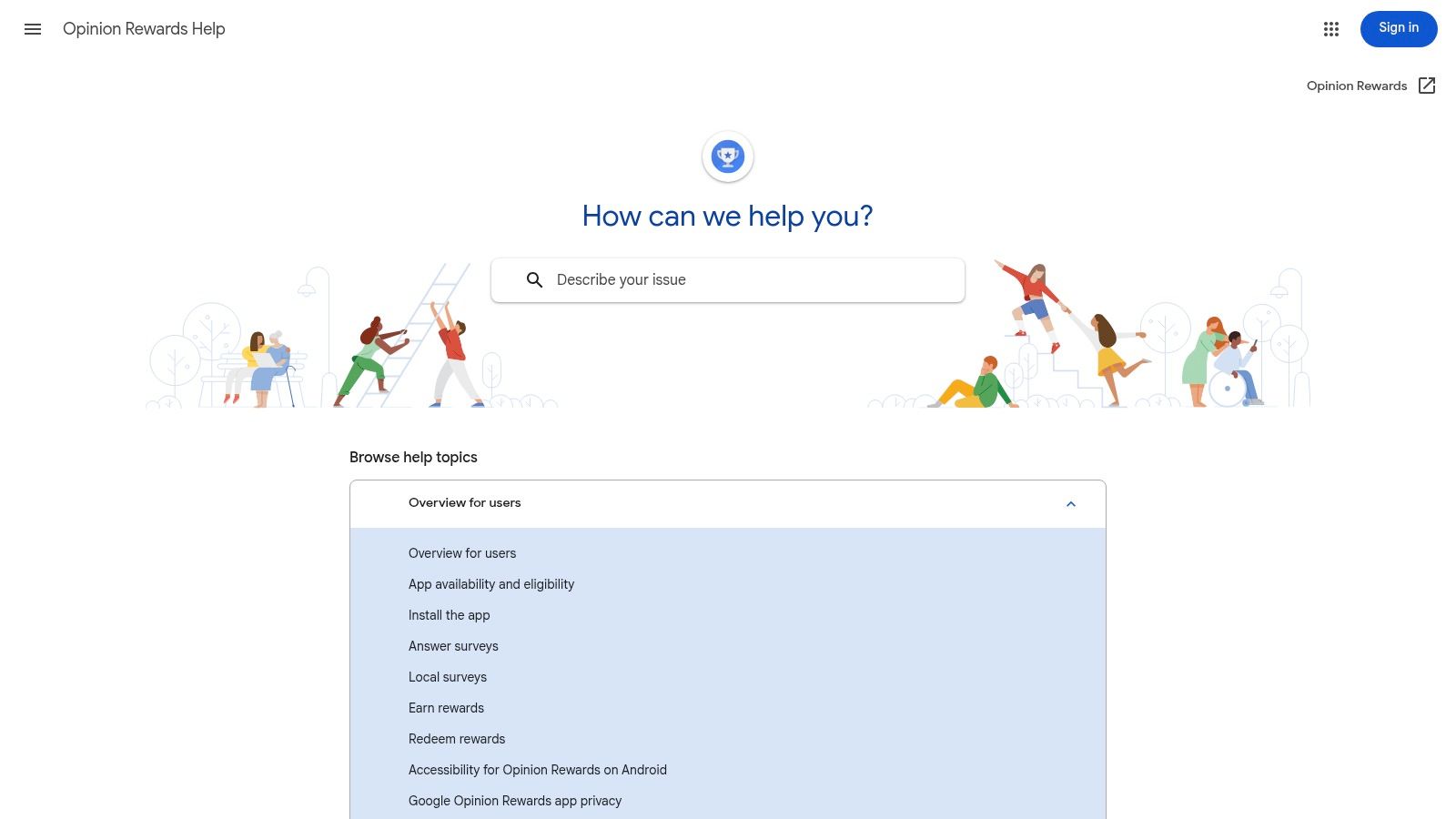
Google Opinion Rewards is the simplest survey app on this list. You get short surveys on iPhone, answer them quickly, and receive PayPal cash once you meet the app’s payout conditions.
Best for very short earning sessions.
The Google Opinion Rewards help page is where iPhone users can check the basics. This app is all about convenience, not volume.
Why it’s still worth installing
Some people don’t want a second job on their phone. They just want quick micro-earnings that take a few seconds at a time. That’s where Google Opinion Rewards fits.
The surveys are brief, and the app doesn’t ask you to commit to long sessions. That makes it easy to keep installed even if it’s not your main earner.
If you want more apps in this category, these survey apps that pay are worth comparing.
What to expect
The biggest issue is inconsistency. Survey frequency varies by user and location, so one person may get regular opportunities while another gets very few.
That means this app works best as a background extra. Install it, enable notifications if you’re comfortable doing that, answer the fast surveys, and don’t expect it to carry your monthly total.
Top 10 iPhone Reward Apps Comparison, 2026
Platform | Primary earning modes | Payouts & speed | Best for | Unique strength(s) | Typical tradeoffs |
|---|---|---|---|---|---|
Klink Finance (Recommended) | App installs, games, surveys, social quests, partner offers | 20+ fiat & crypto (USD, EUR, GBP, BTC, ETH, SOL); fast/instant withdrawals | Side-hustlers, students, app testers, global users | Real-time tracking, gamified leaderboards, daily curated offers, large community | Earnings vary by region; crypto volatility & possible fees |
Rakuten | Online/in-app shopping, in-store & dining offers | PayPal, paper check, e-gift cards; quarterly payouts | Frequent online shoppers seeking broad store coverage | Massive merchant network; iOS Safari extension for auto-activation | Occasional tracking gaps; linked-card limits (e.g., Apple Pay) |
Ibotta | Receipt uploads, loyalty-linked offers, online portal | Bank, PayPal, e-gift cards; standard processing times | Grocery and big-box shoppers who use loyalty programs | Deep grocery integrations; stackable bonuses & frequent offers | Strict item/retailer match rules; occasional holds/glitches |
Fetch | Snap paper receipts or auto-import e-receipts | E-gift cards only (wide catalog) | Low-friction redeemers who prefer gift cards | Very low friction receipt workflow; extensive gift-card options | No direct cash/PayPal withdrawals; occasional crediting issues |
Upside | Location-based check-in/receipt cash back (gas, groceries, restaurants) | Bank, PayPal, e-gift cards; usually quick | Drivers and local shoppers seeking gas discounts | Strong value for frequent drivers; nearby offers & check-in flow | Offer amounts vary by location/time; some tracking variability |
TopCashback | Online shopping via app/extension with retailer activation | PayPal or ACH bank deposit; often low/no min | Value-first online shoppers seeking high rates | Often matches/beats competitor rates; flexible payouts | Requires correct click-through/cookies; fewer in-store options |
Swagbucks | Surveys, offers, shopping cash back, games | PayPal or gift cards; variable speed | Users who want a one-stop GPT hub with variety | Huge offer wall, daily goals, streaks, in-app bonuses | Some iOS offers finicky to track; occasional PayPal issues |
Amazon Shopper Panel | Receipt uploads + occasional surveys | Amazon Balance; monthly rewards (cap ~ $10) | Invite-only users wanting predictable low-effort rewards | Very low effort per dollar when eligible; simple monthly payout | Invite-only with limited slots; low monthly cap |
Lolli | Shopping cash back (choose USD cash or BTC) | USD cash or Bitcoin; timing varies | Shoppers who want mainstream cash back or to accumulate BTC | Option to earn Bitcoin or cash; periodic boosts/games | Crypto volatility, tax complexity, extra BTC withdrawal steps |
Google Opinion Rewards (iOS) | Short surveys (10–60s) | PayPal cash; fast micro-payouts when thresholds met | Users seeking very quick micro-earnings | Extremely quick surveys and low time per response | Survey frequency varies; location/notifications improve odds |
How to stack reward apps without wasting time
Why settle for one payout when the same purchase can credit in two or three places?
Stacking works best when each app has one job. Use a shopping portal before checkout. Claim product-level offers in a receipt app after the purchase. Add a low-effort app for the background earnings you can collect in spare moments. That approach keeps your routine simple and usually gets better results than bouncing between apps with no plan.
A common example is an online household order. Start through Rakuten or TopCashback if the store is listed. Add Ibotta if specific products qualify. Then upload the receipt to Fetch if the items fit its reward system. You are not using more effort on three full apps. You are assigning each app to the part it handles best.
A simple stacking setup that works
Start with three apps, not ten. That is enough to cover most earning situations without turning your phone into a part-time job.
A practical beginner stack looks like this:
Active earning: Klink Finance or Swagbucks for tasks, app trials, surveys, or games.
Online shopping: Rakuten or TopCashback before you buy.
Receipt rewards: Ibotta or Fetch after the purchase.
Frequent driving: Upside for gas and nearby restaurant or grocery offers.
Low-effort extra: Google Opinion Rewards or Amazon Shopper Panel if you want small payouts with very little upkeep.
Finding the right fit is key. If you drive every week, Upside deserves a spot before another survey app. If most of your spending happens online, Rakuten or TopCashback will likely do more for you than a game-heavy app. Hence, the "Best For" labels matter. They help you build a stack around your habits instead of copying someone else's.
The time-saving rules that matter
Open shopping apps only when you are about to buy. Do receipt uploads once per day or a few times per week. Turn on notifications only for the two apps you use most. Cash out early on each app at least once so you can confirm the payout process before you invest more time.
One more rule matters a lot. Avoid overlap that does not pay. Some stores block cash back if another app, coupon tool, or browser extension breaks tracking. If you use Rakuten or TopCashback, complete the purchase in one clean session and keep the receipt for Ibotta or Fetch afterward.
What to avoid
Do not build a stack around categories you already know you dislike. Survey-heavy setups wear people down fast. Shopping portals are wasted if you rarely buy online. Receipt apps are annoying if you never want to scan or upload anything after checkout.
Regional limits matter too. Offer volume, payout methods, and store coverage can vary a lot outside the US. If you live in the UK, Germany, France, or elsewhere, test one withdrawal early and check which stores track before you commit serious time.
What makes an iPhone reward app worth using in 2026
What separates an app you keep from one you delete after a week?
It usually comes down to three things. The app has to track rewards correctly, pay without drama, and match the way you already spend time or money. If any one of those breaks, the app turns into clutter.
The market is large and still growing. Sensor Tower’s 2026 State of Mobile report notes continued growth in reward and cashback app spending on iOS. That matters because bigger categories usually attract more apps, more competition, and more low-quality copies. Store rankings alone are not enough.
The signs of a good app
A useful reward app is easy to verify. You can see what action earns money, how long tracking takes, the cash-out minimum, and the payout options before you sink much time into it.
The better apps also have a clear job. Rakuten and TopCashback make sense for online shoppers. Ibotta and Fetch fit grocery routines. Upside fits drivers. Amazon Shopper Panel and Google Opinion Rewards work best as low-effort extras, not your main earner. Klink Finance and Swagbucks sit closer to the active-earning side, where payout potential can be higher but your time commitment usually goes up too.
That "Best For" lens matters because people waste time when they choose by hype instead of fit.
What to check before you commit
Start with payout friction. Cash to PayPal or bank transfer is usually more useful than gift cards only.
Then check tracking reliability. Shopping portals need clean tracking. Receipt apps need clear rules on what counts. Offer apps need visible status updates, not vague progress bars that leave you guessing.
Finally, check whether the earning loop holds up after day three. A good app still feels reasonable once the first bonus is gone.
The best reward app is rarely the one with the biggest headline offer. It is the one you will still use correctly a month later.
What usually fails
Apps fall apart in predictable ways. Surveys screen you out too often. Cashback takes too long to confirm. The cash-out floor is high enough that beginners quit before they reach it. Or the app asks for more attention than the reward justifies.
That is why no single app belongs in every stack. Some are good for passive shopping. Some are better for gas savings or grocery receipts. Some are only worth keeping if you actively chase offers. The right pick depends on how you live, and the strongest setup usually combines two or three apps that cover different habits without adding much extra work.
FAQs Your questions about reward apps answered
Beginners usually ask the same thing first. Are these apps worth the effort on iPhone?
The short answer is yes, if you pick apps that fit your habits and avoid trying to use all ten at once. Winning comes from matching the app to the job. Upside works better for drivers. Rakuten and TopCashback fit online shoppers. Fetch and Ibotta make more sense if you already scan grocery receipts. That matters more than chasing the biggest signup pitch.
How much money can you realistically make with reward apps?
Treat reward apps as extra cash or small savings, not income you depend on. Passive apps usually save a little at a time. Active apps can pay more, but they ask for more attention. In practice, people who do best usually use a small stack built around routines they already have.
Are reward apps safe to use on my iPhone?
The apps in this list are established platforms, but safe use still depends on your setup. Use strong passwords. Read permission prompts. Skip any app that wants access that does not match how it pays you.
Do I have to pay taxes on earnings from reward apps?
In many places, yes. The details depend on your country and on whether the payout is treated like cashback, a gift card, or income. Keep simple records of what you cash out.
Can I use these apps outside of the United States?
Some apps travel well. Others do not. Klink Finance has broader international appeal than many shopping and receipt apps, while several others on this list are much more tied to US stores, US cards, or US offers. Check your region before you invest time setting everything up.
What’s the fastest way to cash out my earnings?
The fastest option is usually the app with a low cash-out threshold and a payout method you will use. Bank transfer or PayPal tends to be more useful than gift cards. A slightly smaller reward with simpler withdrawal often feels better in real use.
Why do some apps only pay in gift cards?
Gift cards are easier for some platforms to issue and manage. For users, the trade-off is flexibility. If you want rewards that cover real bills, cash payouts usually fit better.
Does using a reward app drain my iPhone’s battery or data?
Some barely affect your phone. Receipt and shopping apps are usually light. Location-based savings apps, game offers, and constant background tracking can use more battery and data, especially on an older iPhone.
If you want a single app that covers more than shopping cashback or receipt scans, Klink Finance is one of the broader options in this list. It combines app offers, games, surveys, and social tasks in one place. For beginners, that makes it a practical starting point if your goal is active earning rather than passive shopping.

High Quality Offers,
Real Payouts
Start Earning with Klink Now!





Share Article
Related Articles
Read more, Earn more