Share Article
Ever download a reward app, poke around for ten minutes, then realise it’s either all hype, painfully slow, or built around rewards you don’t want? That’s the gap with most “best reward apps uk” lists. They lump together cashback sites, survey apps, receipt scanners, and game offer platforms as if they all work the same way.
They don’t.
Some are best if you already shop online every week. Some are only worth it if you’re happy answering surveys. Some are useful because they run in the background. And some are better for people who want more flexible payout options instead of being boxed into one method.
The UK app economy is huge. In 2023, the market recorded 2.3 billion app downloads and $4.4 billion in revenue. That matters because reward apps live inside that broader mobile economy. Brands want installs, engagement, sign-ups, and attention. Reward platforms sit in the middle and pass part of that value back to users.
That doesn’t mean easy money. It means practical money.
If you use the right apps for the right jobs, you can stack small wins from shopping, surveys, app trials, and passive habits you already have. The mistake is expecting one app to do everything. The smarter move is building a small mix that fits your routine.
Below are the reward apps I’d separate into useful categories. Some are strongest for cashback. Some are better for quick withdrawals. Some are ideal for students. Some are best left as background earners while you get on with your day.
1. Klink Finance
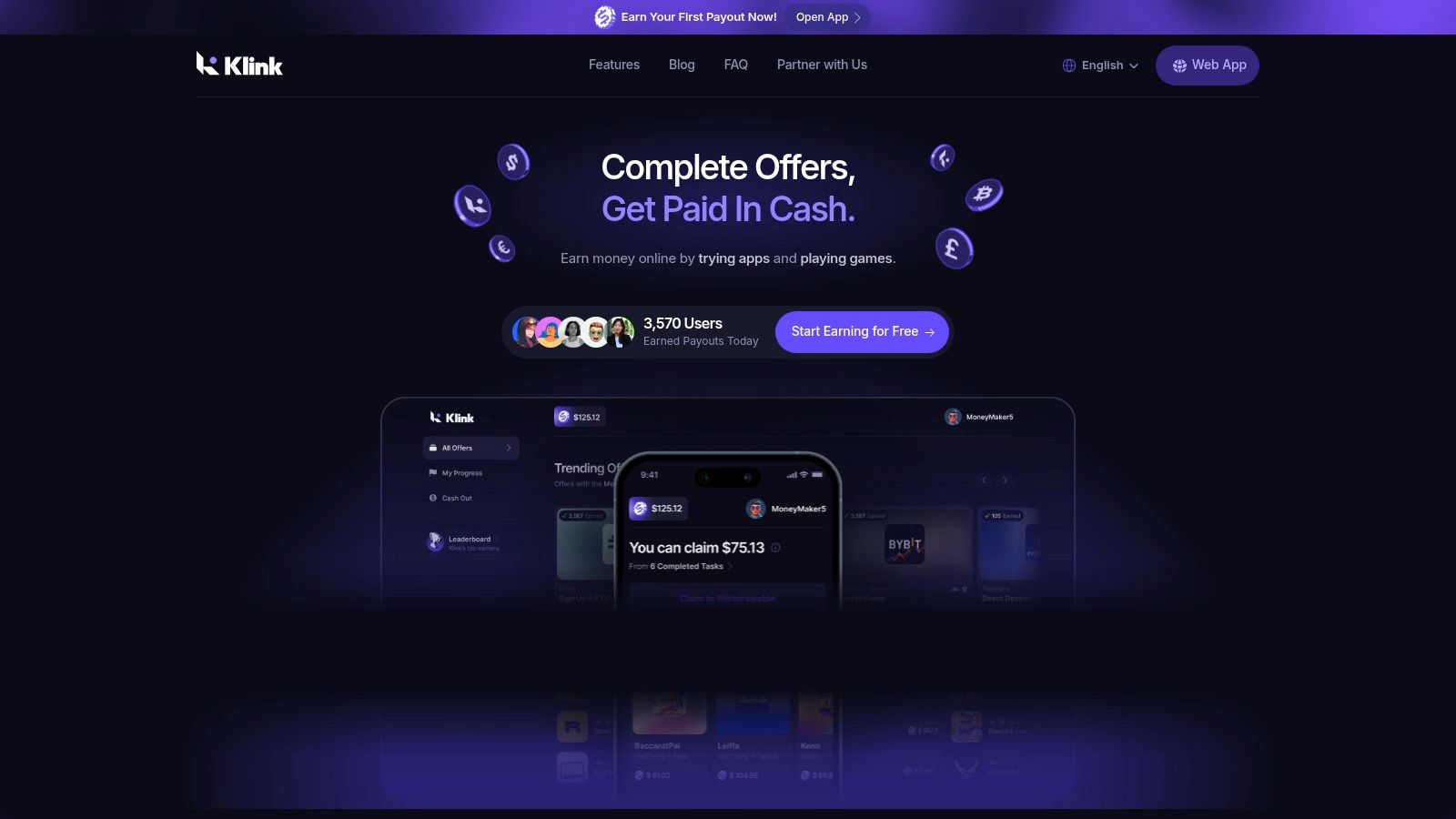
Klink Finance is the one I’d put first if you want variety without locking yourself into only surveys or only cashback. It’s a global rewards marketplace where users earn through app trials, games, surveys, social quests, and partner offers. The big practical advantage is choice. You’re not stuck waiting for one type of task to appear.
It also feels more transparent than older get-paid platforms because it shows real-time tracking for actions, earnings, and rewards. That matters. One of the biggest frustrations with reward apps is not knowing whether an install or offer has tracked properly.
Why Klink stands out
Klink makes the most sense for people who want flexible earning routes and flexible withdrawals. That includes users who like traditional currency payouts, but also want more options than the usual PayPal-or-gift-card setup. Most UK lists still ignore that angle, even though coverage of hybrid payout flexibility is limited while demand is growing.
A second strength is that Klink isn’t tied to one device type. It works across web, iOS, and Android, so you can use it however you already spend time online.
Practical rule: Use Klink for active earning sessions, not background earning. It works best when you open it with intent, pick a few tasks, and complete them cleanly.
If you want a wider look at similar platforms, Klink also has a useful guide to best money making apps in the UK.
What works and what doesn’t
What works:
Task variety: You can switch between offers, games, app installs, and surveys instead of grinding one format.
Clear tracking: Real-time progress gives you more control over what has credited.
Flexible withdrawals: Helpful if you don’t want to be forced into one payout method.
Gamified extras: Promotions and leaderboards can make active use more rewarding.
What doesn’t:
Low-value tasks add up slowly: That’s normal for this category. You need consistency.
Best offers can be competitive: Some higher-value tasks won’t be available to everyone.
You still need to read the offer terms: Fast clicking causes missed rewards on almost every offer platform.
Klink suits students, side-hustlers, and mobile-first users who want a broader rewards app rather than a single-purpose tool.
2. Swagbucks
Swagbucks is one of the oldest names in this space, and that’s both a strength and a weakness. The strength is obvious. It has a lot going on. Surveys, shopping links, games, offers, daily polls, and promo-style bonuses all sit in one place. The weakness is that it can feel busy, and beginners often waste time bouncing between low-value activities.
This is the app I’d call a “sampler platter” reward platform. If you’re not yet sure what type of earning you prefer, Swagbucks lets you try several routes without opening five separate accounts elsewhere.
Where Swagbucks is strongest
Swagbucks is most useful if you like optionality. One day you might do a couple of surveys. Another day you might use a shopping offer. On slow weeks, the smaller daily actions can help keep momentum going.
That flexibility is why it still has a place on a best reward apps uk list, even if it isn’t always the highest earner per minute. It’s also a decent complement to game-focused earning. If that’s your lane, Klink’s guide to apps that pay you to play games is worth a look.
Swagbucks works better as a habit app than a “big payout” app. Dip in often. Don’t expect one session to feel impressive.
Trade-offs to know before you sign up
The biggest issue is survey disqualification. You can answer a few screening questions and still get kicked out before the paid part starts. That’s frustrating, and it’s common on broad GPT platforms.
A second issue is the points system. Once you understand it, it’s fine. At first, though, points can feel less clear than straight cash rewards. If you prefer seeing pounds rather than platform points, another app may feel more natural.
Use Swagbucks when you want one account with multiple earning paths. Skip it if you hate cluttered dashboards or get annoyed by frequent survey screening.
3. InboxPounds
InboxPounds appeals to a different kind of user. If points systems irritate you and you’d rather just see cash values, this platform is easier to understand. It’s built around surveys, offers, games, and “PaidEmail” style actions, which keeps the learning curve low.
That cash-first presentation matters more than people think. A lot of users stick with an app longer when the reward is shown in pounds, not a made-up internal currency.
Best for simple cash tracking
InboxPounds is strong for people who want a straightforward side app, especially if they’re new to reward platforms. You log in, see tasks, and know roughly what each one is worth. There’s less mental friction than on some points-heavy competitors.
The downside is pace. This isn’t usually the fastest app to cash out from, and the interface feels older than newer apps in the category. If design matters to you, it may feel clunky.
A few practical notes:
Cash display is easier to follow: Good for beginners who don’t want conversion maths.
Offer mix is broad enough: Surveys and games give you options on slow days.
The threshold can feel slow: If you only do tiny tasks, reaching payout takes patience.
Where people waste time
The same trap shows up here as on similar GPT sites. Users click every survey they see, then get annoyed when too many screen out. A better approach is to focus on tasks that fit your profile and to use game or offer tasks when available instead of relying only on surveys.
InboxPounds is solid if your priority is simplicity. It’s less compelling if you want fast cashouts, cleaner design, or more advanced tracking.
4. Qmee
Qmee has one standout feature that still makes it easy to recommend. There’s no minimum cashout to PayPal. That’s rare, and it changes how the app feels. Instead of waiting until you hit a big milestone, you can withdraw small amounts as they come in.
That one feature makes Qmee psychologically easier to stick with. You see the money move, which makes the app feel real instead of theoretical.
Why beginners usually like Qmee
Qmee is clean, simple, and built around quick surveys and offer tasks. If you’re the kind of user who wants to open an app, do one thing, and leave, it works well.
It’s especially good for people who hate being trapped behind a payout threshold. Most reward apps feel slow because you’re always “almost there.” Qmee removes that problem.
Fast withdrawal changes behaviour. People tend to trust an app more when they can cash out early, even if the earnings themselves are modest.
The catch with Qmee
Survey volume depends a lot on your demographic profile. Some users open the app and see plenty to do. Others get thinner pickings, or mostly lower-paying options. That’s not unique to Qmee, but it’s worth expecting.
Higher-paying surveys also tend to disappear quickly. If you check only once per day, you’ll often miss the better ones.
Qmee is one of the easiest survey apps to recommend to a beginner who wants quick access to earned money. It’s less useful if you want a constant stream of high-value tasks.
5. Prolific
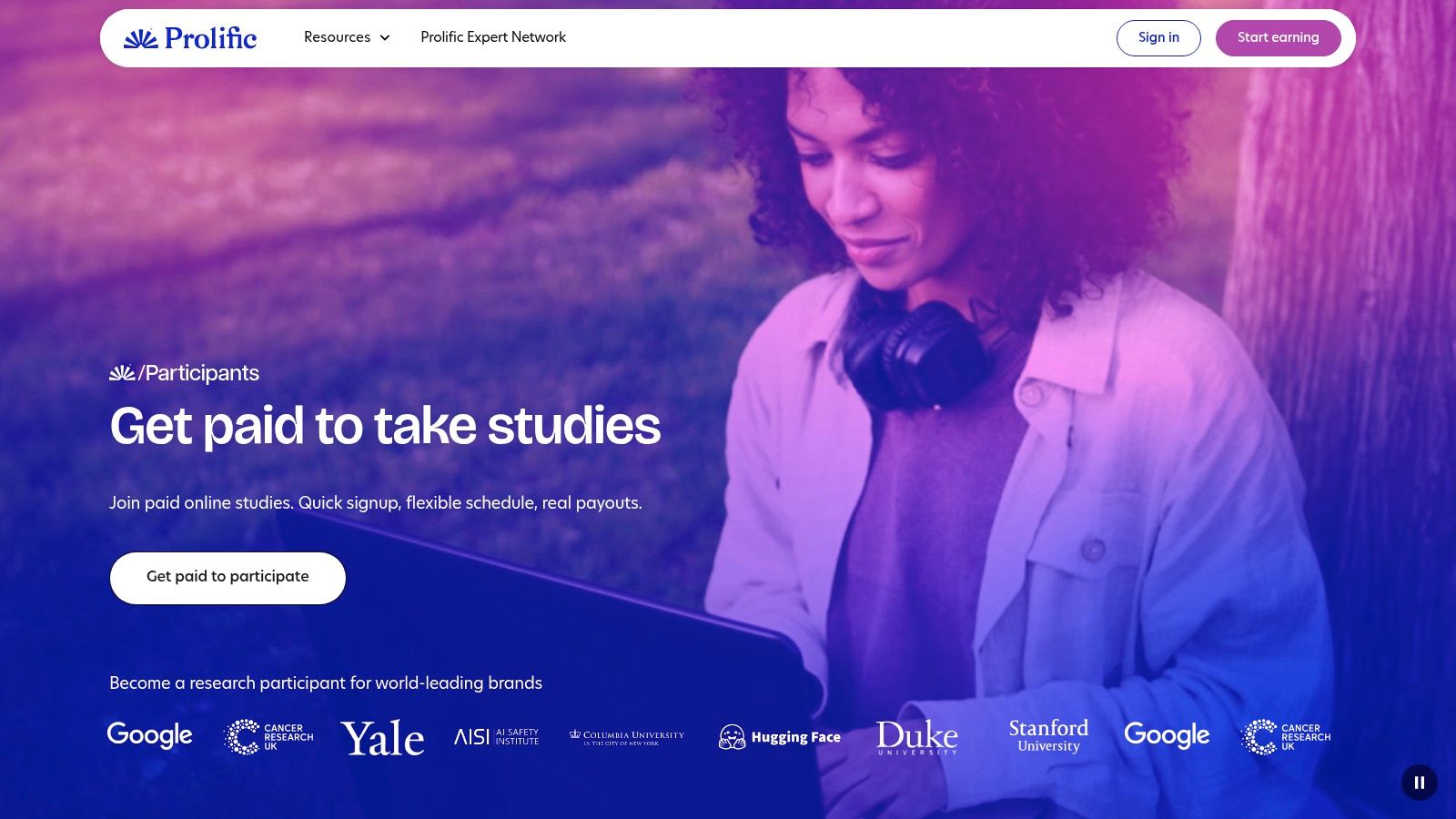
Prolific sits in a different lane from the average reward app. It focuses on research studies rather than the usual churn of generic consumer surveys. That means the experience is usually calmer, more structured, and less annoying.
The biggest practical advantage is prescreening. You’re less likely to get halfway through and then find out you weren’t eligible after all. Anyone who has spent time on regular survey apps will appreciate that immediately.
Why Prolific often feels better than survey apps
Prolific is one of the few platforms where many users feel their attention is being treated with more respect. Studies typically tell you the expected time and reward upfront, so you can decide whether it’s worth doing.
It isn’t endless though. Availability can be patchy, and some users face a waiting list before they can even start. This is not the app for people who want a constant flow of mindless microtasks.
If surveys are your thing, Klink’s guide to survey apps that pay real money gives a broader picture of where Prolific fits.
Best use case for Prolific
Use Prolific when you can focus for a short block of time. A study might ask for attention, reading, and thoughtful answers. That makes it a good fit for students, remote workers on breaks, or anyone happy to trade concentration for better-quality tasks.
Don’t treat it like a background app. You can’t really do Prolific well while watching a show or scrolling social feeds.
I’d pick Prolific over typical survey apps when quality matters more than volume. I wouldn’t rely on it as my only app because task availability comes and goes.
6. TopCashback
TopCashback earns its place on any serious best reward apps uk list for one simple reason: it can save you money on purchases you were already going to make. That makes it very different from survey or task apps. You are not trading time for cash in the same way. You are reducing the cost of your normal spending.
That difference matters. Cashback apps reward discipline more than effort.
TopCashback is strongest for planned online shopping. If you book travel, renew insurance, order gifts, buy tech, or do regular household shops online, it can add up well over a year. If your spending is mostly in-store or impulsive, results are usually weaker because cashback depends on clicking through correctly before you buy.
Where TopCashback works best in practice
The biggest advantage is retailer choice. You can keep it installed as a browser extension or check the app before larger purchases, and there is a good chance the store is listed. For side-hustlers trying to stretch profit, that matters. If you resell items, buy work gear, or cover recurring business costs, cashback can trim expenses without adding extra admin.
Students can get decent value from it too, but only if they use it on spending they had already budgeted for. Chasing cashback with unnecessary purchases is the fastest way to wipe out the benefit.
If you want a broader shortlist of UK cashback options, this guide to the best cashback apps in the UK is useful alongside TopCashback.
The trade-offs to understand first
TopCashback is not fast money. Pending cashback can sit there for weeks or longer depending on the retailer, and some purchases fail to track if the buying journey gets messy. Using voucher sites, switching devices, rejecting cookies, or leaving items in your basket too long can all hurt your chances.
A few practical points matter more than the sales pitch:
Best for planned spending: Larger purchases usually make the effort feel worthwhile.
Tracking needs a clean process: Start from TopCashback, complete the purchase in one go, and avoid extra tabs or coupon detours.
Payout takes patience: Treat cashback as delayed savings, not instant earnings.
Practical tip: Use TopCashback for insurance renewals, travel bookings, electronics, and other higher-value purchases first. That is where small percentage differences start to feel meaningful.
Who should use it
TopCashback suits organised shoppers, students trying to cut everyday costs, and side-hustlers who already spend online for work or resale. It is less useful for anyone who shops mainly in physical stores or forgets to activate cashback before paying.
I’d treat it as a background money-saving tool, not a primary earner. Used that way, it does its job well.
7. Quidco
Quidco earns its place here because it suits a different type of user than TopCashback. It is a better fit for people who want more prompts, a cleaner app experience, and the option to earn from both online purchases and some linked in-store spending.
That matters if you are trying to build a reward-app routine you will stick to.
Where Quidco is strongest
Quidco is easiest to recommend to beginners who forget steps. The browser extension and app nudges reduce the odds of missing cashback on a purchase you were going to make anyway. For students juggling deadlines or side-hustlers buying supplies, that small bit of friction reduction can be the difference between earning something and earning nothing.
It also helps if you want one app that covers more than pure online shopping. The in-store card linking feature gives Quidco a slightly broader role in your routine, especially if you split spending between websites and the high street.
If you want a wider shortlist, this guide to the best cashback apps in the UK is worth checking alongside Quidco.
The trade-offs in practice
Quidco still has the usual cashback catch. Payouts can take time, claims do not always track perfectly, and rates are not always the best available on every retailer. If you compare carefully, you will sometimes find TopCashback ahead on one store and Quidco ahead on another.
The premium option is another judgment call. It can make sense for frequent users who put enough spending through the platform to justify the fee. Casual users should keep it simple and use the free version first.
A practical way to use Quidco well:
Use it for planned purchases: Insurance, travel, larger home buys, and subscriptions tend to be more worthwhile than chasing pennies on random orders.
Keep the purchase journey clean: Click through from Quidco, avoid extra coupon sites, and finish checkout in one session.
Compare before buying: Quidco is good, but not automatically best on every merchant.
Treat cashback as delayed savings: It helps with your budget, but it will not cover this week’s food shop.
Who should use it
Quidco suits beginners, organised shoppers, and anyone who wants cashback reminders built into the process. It is also useful for side-hustlers who already have regular business or resale-related spending and want to cut costs in the background.
If you want the simplest verdict, it is this. Choose Quidco for convenience and habit-building. Choose another app if your priority is faster rewards, higher survey income, or a more active earning model.
8. Shopmium
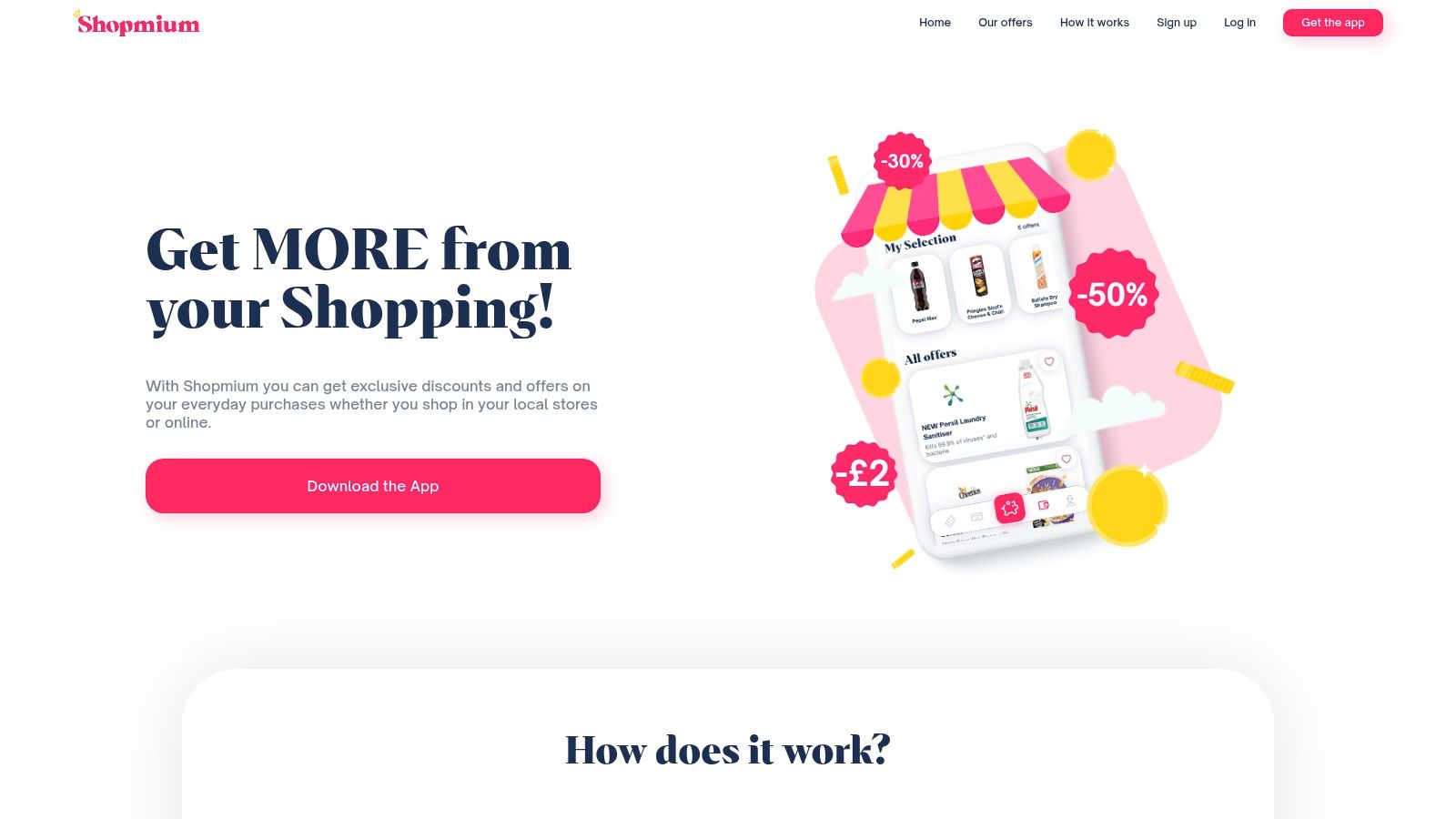
Shopmium is one of the easiest grocery cashback apps to understand. You buy a featured product, scan the barcode, upload the receipt, and get cashback. That’s it.
The app is most useful for flexible shoppers who don’t mind trying promoted products. If you’re rigid about brands and only buy the same basket every week, it’s less compelling.
Best for supermarket deal hunters
Shopmium can be especially handy because some offers are very generous, including free-item style promotions through full cashback on specific products. That gives it more punch than standard loyalty points on groceries.
It also works across major supermarkets, which makes it practical rather than niche. You don’t have to switch where you shop just to use it.
A simple way to use it well:
Check before your shop: Build your basket around current offers, not the other way around.
Stick to things you’ll use: A discount isn’t a saving if the product sits in your cupboard untouched.
Upload promptly: Receipt-based apps work best when you handle claims straight after shopping.
The downside most people ignore
You spend first and claim later. That sounds obvious, but it matters. This is not a zero-cost reward app. If you chase offers on items you didn’t need, you can easily fool yourself into “saving” while spending more.
Shopmium is best used selectively. It’s strong for groceries and household staples you were happy to buy anyway. It’s weak if you treat every promotion like a win.
9. Airtime
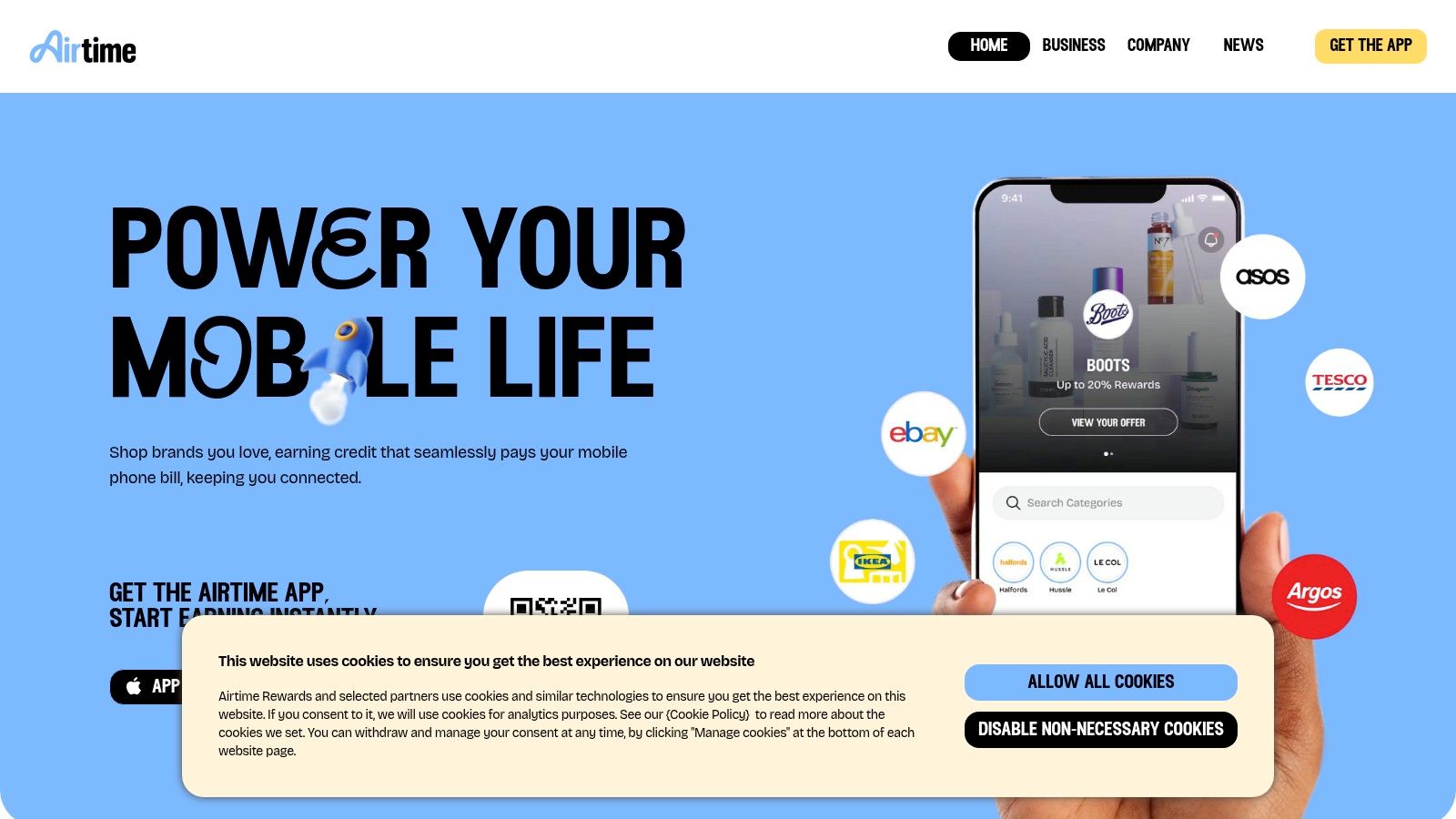
Airtime is one of the better “set it and forget it” apps in the UK. You link payment cards, shop with participating brands, and build credit that reduces your phone bill. That’s a different kind of reward. It’s not cash in your hand, but it cuts a real recurring expense.
For people who don’t want to think about tasks, receipts, or surveys, that simplicity is the whole appeal.
Why passive earning matters
Not everyone wants to open apps daily. Airtime is useful because once your card is linked, the effort level drops sharply. You don’t need to click through shopping portals or scan a receipt after every purchase.
That kind of passive model is increasingly attractive. Data-reward and low-effort app use has grown, with 22% of UK adults, or 14 million people, using data-reward apps in 2025.
“Passive” only works if you actually complete the setup. Most people who get poor results from apps like Airtime simply never link cards properly or forget which card they use most.
What Airtime is really good for
Airtime is good for shaving down a monthly bill with almost no ongoing work. That makes it a nice background app to pair with active earners like survey or task apps.
The limitation is obvious. Rewards are tied to your mobile bill, not general spending money. If you want cash flexibility, another platform will feel better.
It’s still one of the most practical low-effort tools on this list. If your goal is convenience over maximum reward, Airtime earns its spot. For related savings ideas beyond apps, this guide on phone top-up services from up-top.uk may also be useful.
10. Shoppix
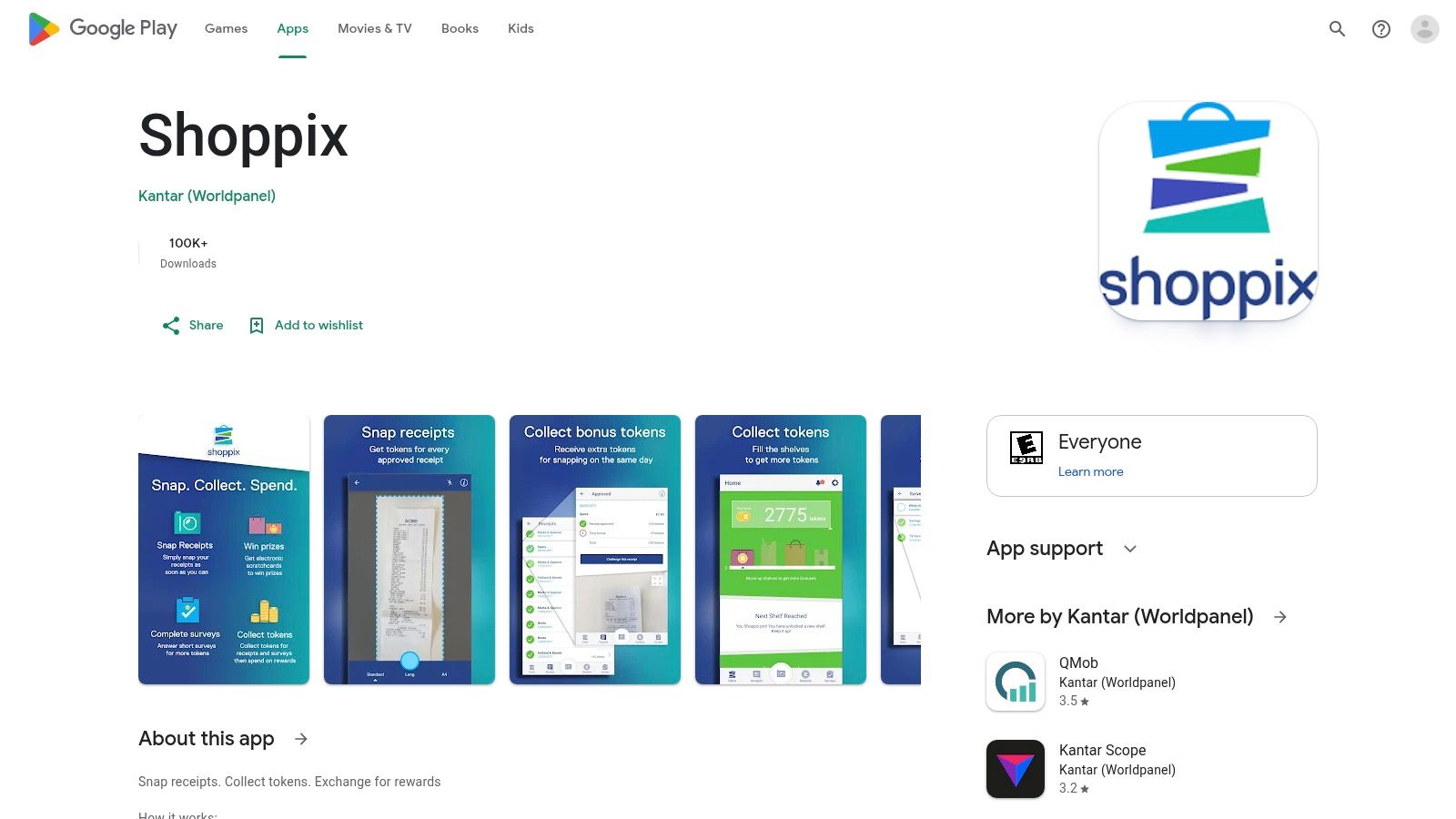
Shoppix on Google Play is simple enough to understand within minutes. You scan receipts, answer occasional short questions, collect tokens, and redeem them later. It’s not glamorous, but it’s easy.
This is the app for people who like tiny, repeatable actions. If you already keep receipts in your pocket or bag, turning that habit into small rewards is fairly painless.
Where Shoppix fits best
Shoppix works as a background side app, not a main earner. That’s the right expectation going in. The per-receipt value is low, so you use it for accumulation, not for quick wins.
The brand behind it also helps with trust. Some users prefer receipt apps linked to established research companies rather than newer names they haven’t heard of.
A smart way to use Shoppix:
Scan quickly: Fresh receipts are easier to manage and less likely to get lost.
Batch your uploads: Doing several at once is more efficient than opening the app for one receipt.
Treat it as a bonus layer: Pair it with grocery cashback apps rather than relying on it alone.
What to watch out for
The big drawback is patience. You won’t build rewards quickly from receipt scanning alone. It also works best with physical receipts, so fully digital shoppers may get less out of it.
Shoppix is worth keeping if you want one more low-effort stream on top of your normal spending. It’s not worth much if you expect meaningful weekly cash from receipt uploads alone.
Top 10 UK Reward Apps Comparison
Product | Core features | Payouts & min cashout | Typical earnings | Best for / USP |
|---|---|---|---|---|
Klink Finance (Recommended) | Apps, games, surveys, social quests; real-time tracking; leaderboards | USD/EUR/GBP, BTC/ETH/SOL; min varies by offer | £0.20–£15+ per task | Flexible fiat + crypto payouts, instant withdrawals, gamified boosts |
Swagbucks | Surveys, shopping cashback, games, daily polls | PayPal, gift cards; min ~£5 | £10–£40 / month | Wide variety of earning routes; long-established & trusted |
InboxPounds | Surveys, offers, games, PaidEmail; cash-based | PayPal, gift cards; min £20 | £5–£20 / month | Direct cash payouts, sign-up bonus, low-effort tasks |
Qmee | Surveys & offers, browser pop-ups, instant cashouts | PayPal, gift cards, charity; no min (instant) | £5–£25 / month | Instant PayPal withdrawals with no minimum |
Prolific | Academic/commercial studies; clear pay & length | PayPal; min £6 | £15–£50 / month (variable) | Higher effective hourly rates; research-focused studies |
TopCashback | Cashback from 6,000+ retailers; app & extension | Bank (BACS), PayPal, gift cards; min £0.01 | 5–10% of online spend | Massive retailer coverage; often highest cashback rates |
Quidco | Online & in-store cashback; browser extension | Bank, PayPal, gift cards; min £1 | 4–8% of online spend | Reputable UK brand; strong extension and in-store options |
Shopmium | Grocery deals via barcode/receipt scans | PayPal, bank; min £10 | £5–£15 / month | Free-item offers possible; simple receipt scan workflow |
Airtime (formerly Airtime Rewards) | Card-linked passive rewards that reduce mobile bill | Credit to UK mobile bill; min £10 | £1–£5 / month (passive) | Set-and-forget savings on phone bills; PCI DSS compliant |
Shoppix | Receipt scanning + short surveys for tokens | PayPal, gift cards; min £5 (3200 tokens) | ~£5 every 2–3 months | Backed by Kantar; quick receipt bonuses for regular shoppers |
Making Reward Apps a Worthwhile Part of Your Routine
The best reward apps uk users stick with usually aren’t the flashiest ones. They’re the ones that fit real behaviour. That’s the key difference between an app you keep using and one you delete after two days. If an app asks you to change your habits too much, it usually won’t last.
A better approach is to split reward apps into roles.
Use one app for active earning. That might be Klink Finance for offers, app trials, and mixed tasks, or Prolific if you prefer more focused research studies. Use one app for shopping cashback, such as TopCashback or Quidco. Then add one passive or low-effort app like Airtime or Shoppix to catch extra value in the background.
That stack works because each app does a different job.
What works for students and side-hustlers
Students usually do best with flexibility. Schedules change, attention spans vary, and spare time often comes in short bursts. Apps like Qmee, Klink Finance, and Prolific tend to suit that pattern because you can dip in and out depending on how much focus you have.
If you’re a side-hustler with regular spending, cashback apps make more sense. They won’t feel exciting every day, but they can steadily return value from purchases you were going to make anyway. Grocery-focused tools like Shopmium can also help if you’re comfortable being selective and not buying random products just because they’re on offer.
If your main goal is convenience, keep it even simpler:
Choose one active app: Use it during short breaks or commute downtime.
Choose one cashback app: Make it part of your checkout routine.
Choose one passive app: Let it run in the background and forget about it.
That’s enough. Having ten apps open at once isn't typically necessary.
Safety rules that matter
Reward apps attract beginners because they sound easy, which also means people drop their guard. Stick to platforms with clear websites, understandable payout methods, and terms you can readily read. If an app is vague about how rewards are earned or withdrawn, skip it.
Be careful with permissions too. Some apps need receipt access, card linking, or background data. That doesn’t automatically make them shady, but it does mean you should understand what you’re agreeing to. Use strong passwords, don’t reuse them everywhere, and keep screenshots of offer terms when you complete higher-value tasks.
Use reward apps the same way you’d use cashback on a credit card. Helpful, practical, and worth having. Not a reason to spend more than you planned.
UK tax basics in plain English
For most casual users, reward app income starts small. Still, don’t ignore the record-keeping side. Keep a simple note of what you earned, when you withdrew it, and which app paid you. That matters more if you use several platforms or if your side income builds over time.
Some rewards look like discounts rather than income, while others look more like direct payments for tasks. Because those lines can get blurry, the safest approach is simple. Track everything and check current HMRC guidance if your earnings become meaningful or frequent. If you’re unsure, ask a qualified tax professional.
The practical mistake is waiting until later and trying to rebuild the numbers from memory. That’s messy fast.
A realistic way to start
Start with two or three apps, not all ten. Pick based on your habits, not on hype. If you shop online a lot, begin with Quidco or TopCashback. If you want instant access to small earnings, try Qmee. If you want broader task variety and more payout flexibility, Klink Finance is a strong place to start.
Then test for two weeks.
Keep the apps that fit naturally into your routine and drop the ones that feel like admin. That’s how reward apps become worthwhile. Not by chasing every offer, but by building a setup you’ll put to use. You can also pair this with smarter everyday habits like learning how to save money on grocery shopping, which makes the rewards you do earn go even further.
If you want one app that goes beyond standard surveys or cashback portals, try Klink Finance. It gives you multiple ways to earn from the same account, including app offers, games, surveys, and social tasks, with clear tracking and flexible withdrawals that suit a modern side hustle routine.


High Quality Offers,
Real Payouts
Start Earning with Klink Now!







Share Article
Related Articles
Read more, Earn more