The search for the best side hustle apps 2026 often begins with one question: “Which app pays the most?” That’s usually the wrong place to start.
The better question is: “What kind of earning style fits my life?”
A lot of beginners download a delivery app, a survey app, and maybe one rewards app, then quit a week later because the mix makes no sense for their schedule. If you’ve got a car and solid evening hours, one set of apps makes sense. If you want phone-based tasks you can do from your couch, a totally different set wins.
That’s why this guide sorts the best side hustle apps 2026 by how they fit real life. Some are active gigs. You drive, shop, deliver, assemble, walk dogs, or complete local tasks. Others are flexible tasks. You use your phone or laptop, pick short jobs, and cash out without building a whole freelance business.
That difference matters.
Active gig apps can work well if you want bigger earning windows and don’t mind leaving home. Flexible task apps are better when you want low-friction income in small pockets of time. Neither is automatically better. The best one is the one you’ll stick with.
Side hustle adoption keeps growing. In 2026, 39% of working Americans, about 80 million people, report actively engaging in side hustles, according to Side Hustle Nation’s side hustle statistics roundup. That tells you two things. First, extra-income apps are mainstream now. Second, competition exists, so choosing the right category matters as much as choosing the right app.
Below, I’m not just ranking apps by hype. I’m looking at trade-offs, beginner fit, and when each one works best. Some are great for daily use. Some are only worth keeping as backups. Some look flexible on paper but only shine in the right city or routine.
1. Klink Finance
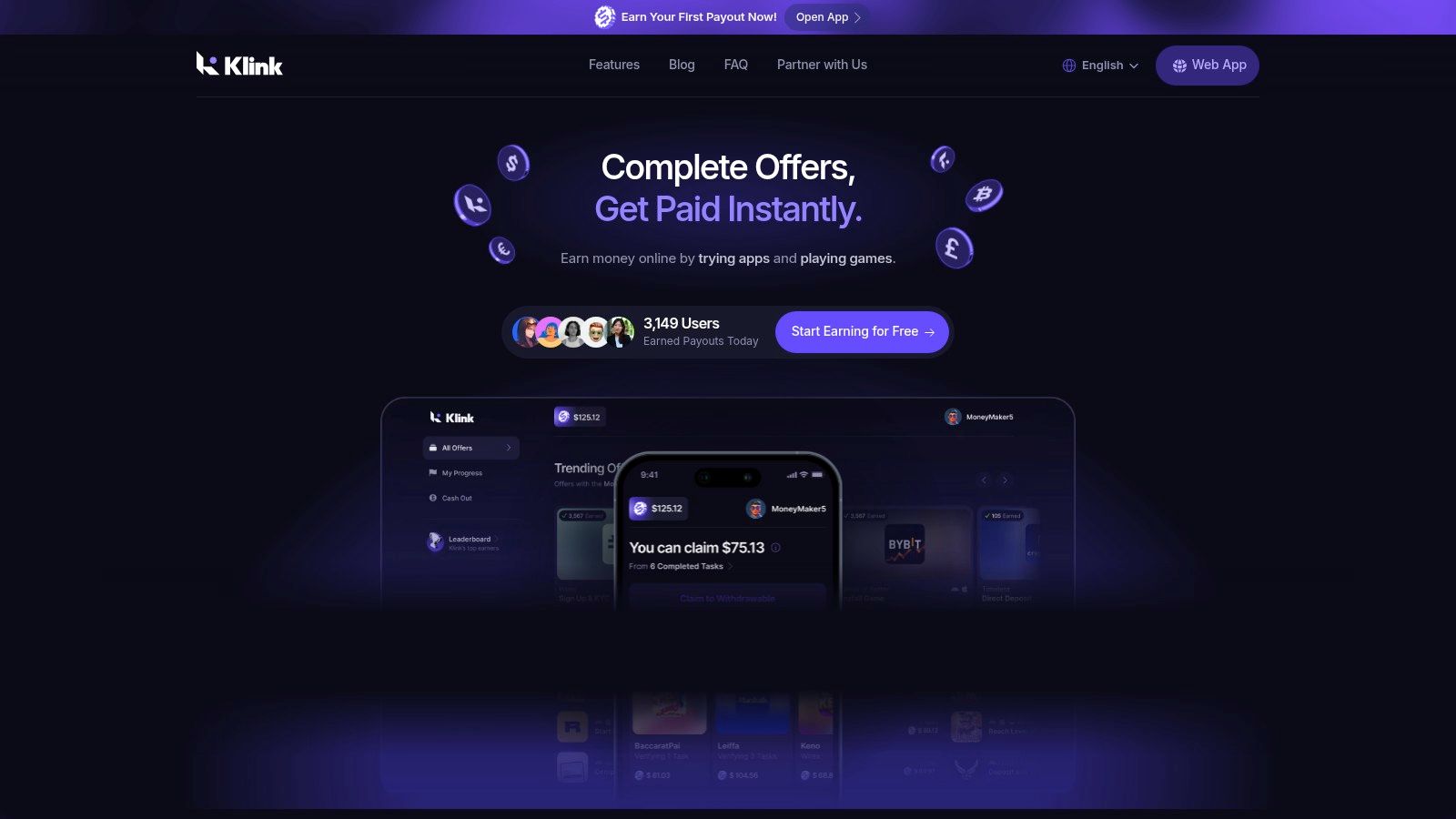
Klink Finance fits the flexible-task side of this list. It’s a global rewards platform where users earn by trying apps, playing games, answering surveys, and completing social quests. The reason it stands out is simple. It doesn’t force you into one earning style.
If you’re the kind of person who checks your phone throughout the day and wants short, low-friction tasks, this setup makes more sense than driving across town for a single order.
Why Klink Finance works for beginners
Klink is built for people who want clear tasks and fast feedback. It runs on web, iOS, and Android, and it supports withdrawals in traditional currencies and digital assets. The platform also focuses on real-time tracking, so you can see what you completed and what you earned without guessing.
That transparency matters more than people think. A lot of reward apps fall apart because users can’t tell whether an offer tracked properly. When you’re new, that uncertainty kills motivation fast.
The platform describes itself as a daily earning hub with curated offers, promotions, and leaderboard-style incentives. In plain terms, you log in, pick an activity, complete it, and watch your progress in one place. That’s much easier to manage than bouncing between random apps with different payout rules.
Practical rule: Use Klink when you want short earning sessions. Don’t treat it like a full replacement for a job. Treat it like a flexible income layer you can stack into your day.
There’s also a broader market reason this model is gaining traction. A 2026 roundup on side hustle apps notes that money-making apps and gaming platforms can generate $20 to $80 per month with $0 startup costs, a very low skill level, and 1 to 2 days to first earning in many cases, according to Eneba’s guide to online side hustles.
The real trade-offs
Klink’s upside is flexibility. Its downside is the same thing. Income depends on activity, offer availability, and your location.
Some users will prefer this because they want control and quick tasks. Others will get frustrated if they expect every session to produce the same result. That’s normal for offer-based platforms.
What works well:
Short daily use: Good for spare time between classes, shifts, or commutes.
Multiple task types: You’re not stuck with only surveys or only one type of offer.
Clear payout options: Useful if you want more choice in how you withdraw.
Global reach: Helpful for users outside a single-country app model.
What doesn’t work as well:
Inconsistent offer mix: Some countries and user profiles will see better options than others.
Variable income: If you stop checking in, earnings stop too.
Some offers need extra steps: Installs, signups, or data sharing can be part of the deal.
If you like tracking everything in one place, you may also care about a good crypto tracker, especially if you prefer to keep reward earnings organized after withdrawal.
2. DoorDash
DoorDash Dasher is a classic active gig app. You deliver food, grocery, and retail orders, usually during lunch, dinner, and weekend peaks.
This one works best for people who want immediate, local earning opportunities and don’t mind spending time on the road. It’s less appealing if you hate traffic, parking problems, or dead time between orders.
Where DoorDash makes sense
The biggest advantage is simplicity. The app is built around accepting offers, finishing deliveries, and moving on to the next one. You can often work on-demand where Dash Now is available, or choose shifts ahead of time.
That setup is beginner-friendly because you don’t need to market yourself or build a profile from scratch. You open the app and start taking work when your market is active.
DoorDash also uses in-app boosters like Peak Pay and Challenges. Those can change whether a shift is worth doing. A slow Tuesday afternoon may feel pointless. A busy Friday night with promotions can feel completely different.
The mistake beginners make is driving whenever they feel like it. The better move is driving only when demand and bonuses line up.
What to watch before signing up
DoorDash is strong in dense metro areas. In those zones, steady order flow can make the app feel reliable. In weaker areas, the same app can feel random and frustrating.
A few practical trade-offs matter:
Easy entry: Onboarding is fairly straightforward in many markets.
Flexible scheduling: Good if your work hours change week to week.
Dense-city advantage: Better in places with lots of restaurants close together.
But there are limits.
Order quality varies: Not every offer deserves acceptance.
Busy markets attract more drivers: Competition can cut into good shifts.
Location decides a lot: The same strategy won’t work in every city.
DoorDash is usually best as a focused “peak-hours” app, not an all-day app. If you try to force it into slow windows, it often disappoints.
3. Uber
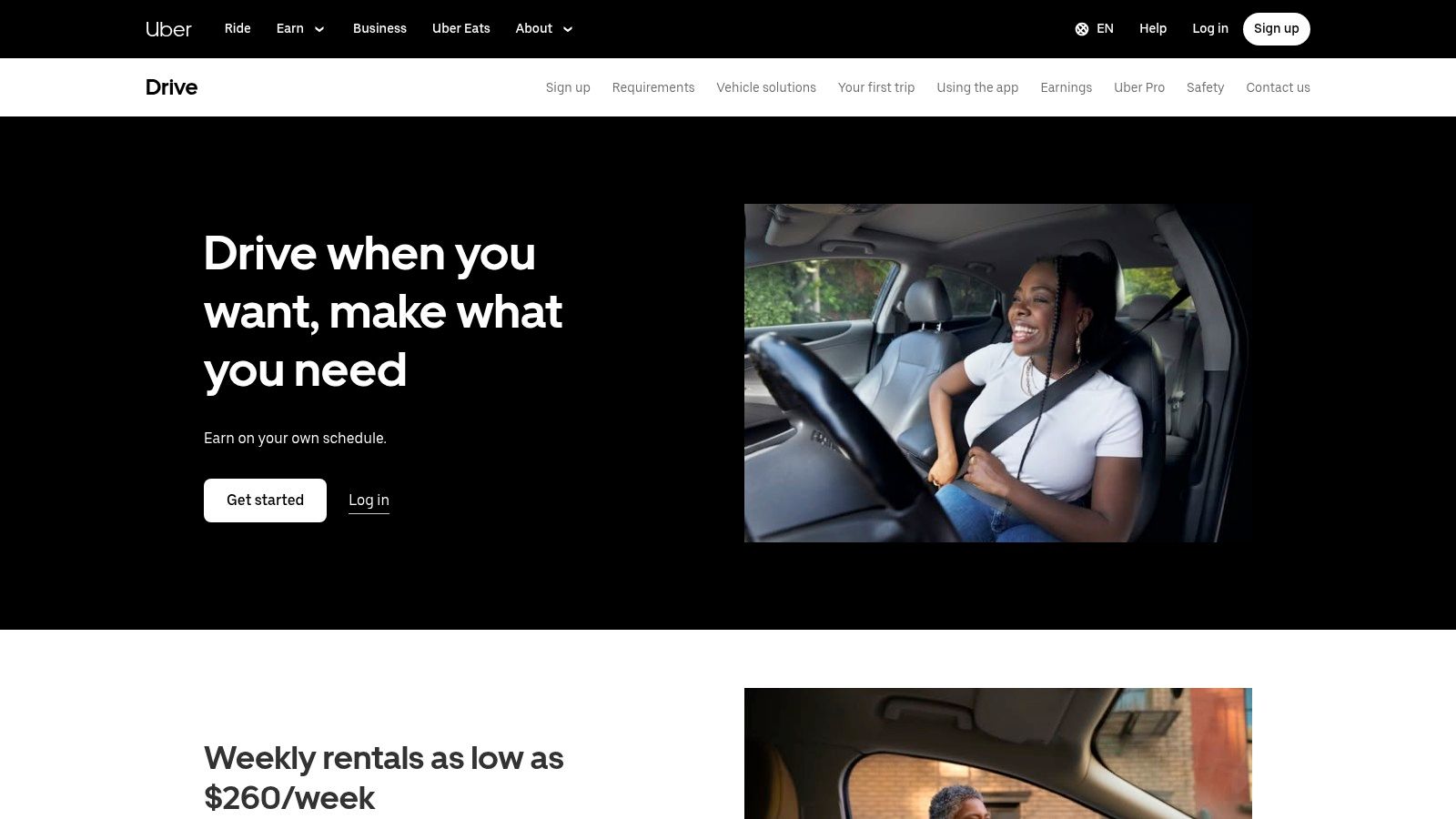
Uber Driver gives you more than one lane to earn in. You can drive passengers, deliver food, or switch between modes depending on what’s active in your area.
That flexibility is the main reason some people prefer Uber over a single-purpose delivery app. If rides are slow, deliveries may still be worth taking. If delivery demand drops, rides may fill the gap.
Best for people who want one app with multiple modes
Uber works well when you want one login, one system, and multiple ways to earn. It also offers instant cash-outs and, in many places, partner vehicle rental options. That lowers the barrier if you want to start but don’t have the right car ready.
The built-in safety tools also matter. GPS tracking and an emergency button aren’t small details when you’re doing passenger work, especially at night.
Still, this isn’t passive money. It’s active road time, and your net result depends on how well you manage your area, your hours, and your vehicle costs.
The trade-off most beginners underestimate
A lot of people compare ride apps by gross earnings and skip the expensive part. Your real outcome depends on fuel, wear, insurance, and city-specific rules.
That doesn’t mean Uber isn’t worth it. It means you need to think like an operator, not just a driver.
Strong demand base: Useful in many US cities.
Flexible earning windows: Rides and Eats can widen your options.
Fast access to earnings: Helpful if cash flow matters.
The weaker side:
Higher operating costs: Car expenses can erode the upside.
Local rules matter: Some markets are easier to join than others.
Bad hours hurt: Sitting idle is part of the job if you choose poor times.
Uber is often strongest for people who understand their market after a few weeks and build a routine around airports, commute windows, nightlife, or meal rushes. It’s rarely “easy money,” but it can be practical if you already spend a lot of time driving.
4. Instacart
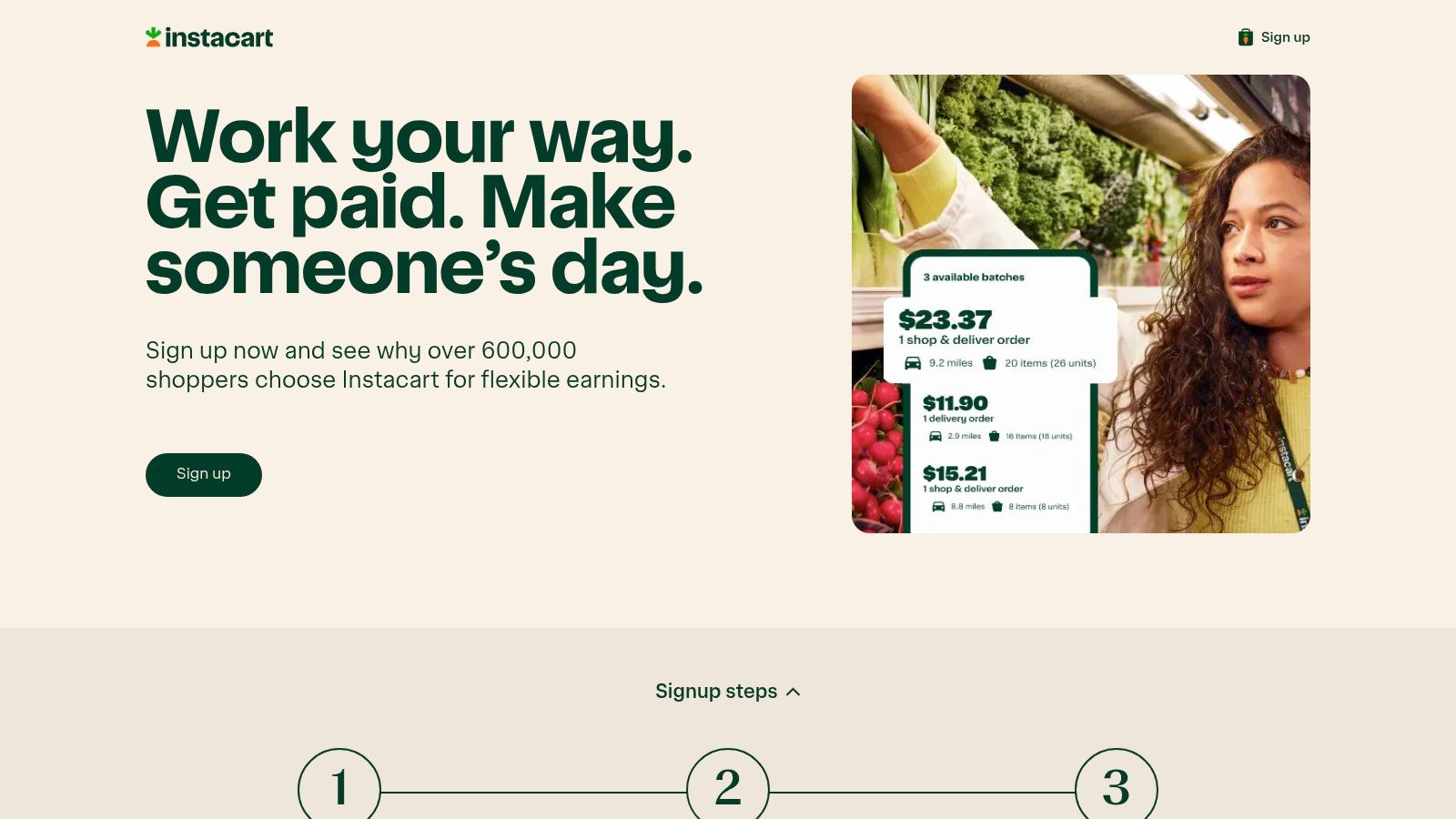
Instacart Shopper is for people who don’t mind doing the shopping themselves. Instead of just picking up a bag and dropping it off, you’re selecting groceries, handling substitutions, checking batch details, and then delivering.
That’s more work than food delivery. It can also be more worthwhile when you choose orders carefully.
Why some people prefer shopping apps
Instacart can be a solid daytime option. That matters because lunch and dinner peaks don’t cover the whole day. Grocery demand often fills in different hours, especially when restaurant apps are quieter.
The app shows batch details and earnings before you accept. That helps, but it doesn’t solve everything. Two batches can look similar at first glance and play out very differently once you see item count, store layout, parking, and drop-off distance.
Good Instacart shoppers get selective fast.
Take smaller, cleaner orders first. Learning store layout and substitution habits matters more than chasing every big-looking batch.
What works and what wastes time
Instacart tends to reward people who are organized and patient. If you get stressed by substitutions or crowded stores, this one can feel draining.
A few strengths stand out:
Visible batch details: Better than flying blind.
Tips can help on larger orders: Especially when service is smooth.
Daytime usefulness: Nice when dinner delivery isn’t active yet.
The hard part is efficiency.
Heavy batches can trap beginners: More items doesn’t always mean better use of time.
Some areas have waitlists: You may not get started instantly.
Multi-stop orders add friction: Extra complexity can crush your hourly pace.
Instacart is best for people who like structured errands and can stay calm when customers change items mid-shop. If that sounds annoying, skip it. If that sounds manageable, it can become a dependable lane.
5. Amazon Flex
Amazon Flex is one of the more predictable gig apps because it uses scheduled delivery blocks. You see an upfront estimated payout before you commit, then the app handles routing and proof of delivery.
That structure appeals to people who want less guesswork.
Why block-based work feels different
With Amazon Flex, you’re not waiting around hoping the next order pops up. You reserve a block, show up, load packages, and run the route.
For some people, that’s a major relief. It turns the day into a defined work session instead of an endless refresh cycle.
The best use case is simple. You want something fixed enough to plan around, but still flexible enough to fit beside another job, school, or family schedule.
Best when paired with another app
Amazon Flex often works well in mornings and early afternoons. That makes it a practical companion to meal delivery apps that perform better later in the day.
Its strong side is predictability. Its weak side is logistics.
Upfront estimated payout: You know the rough shape of the block before you accept.
Clear structure: Easier for people who prefer scheduled work.
Good stacking potential: Can fit with evening-focused gig apps.
But there are limits.
Some cities have waitlists: Access isn’t always immediate.
Vehicle fit matters: Smaller cars can make some routes less comfortable.
Parking and apartment routes can slow you down: The block may look better than it feels in practice.
Amazon Flex is a good choice if you want defined work sessions. It’s a weaker choice if you want to log in and out casually all day.
6. Taskrabbit
Taskrabbit is where side hustling starts to look more like running a small service business. You list skills, set your rates, choose your travel radius, and accept local jobs like furniture assembly, moving help, cleaning, errands, admin work, or repairs.
That extra control is the reason some people love it.
Better for people with hands-on skills
If you can assemble furniture quickly, carry heavy items, mount shelves, or handle practical home tasks, Taskrabbit can be more attractive than delivery apps. You’re not just taking what the app gives you. You’re shaping your own service profile.
The IKEA connection also matters for furniture assembly demand. That kind of recurring, specific demand can be easier to build around than random odd jobs.
Still, Taskrabbit has a slower start than a basic delivery app. Reviews matter. Your profile matters. How you message clients matters.
Where beginners go wrong
People often assume “set your own rates” means they should start high immediately. That can backfire if you don’t yet have reviews or proof of reliability.
A smarter approach is to treat the first few jobs as reputation-building work.
Pricing control: You can shape your own earnings strategy over time.
Repeat clients are possible: Strong work can lead to direct rebooking.
Skill specialization helps: Assembly and home help can stand out.
Watch the downside too:
Ramp-up takes time: No reviews means less trust.
Some categories are crowded: You need a reason to get picked.
Not every city is equal: Local demand drives everything.
Taskrabbit is a stronger long-term app than many people realize. But it isn’t plug-and-play. If you want instant, low-thought work, choose something else. If you’re willing to build a reputation, it can become one of the more durable options on this list.
7. Rover
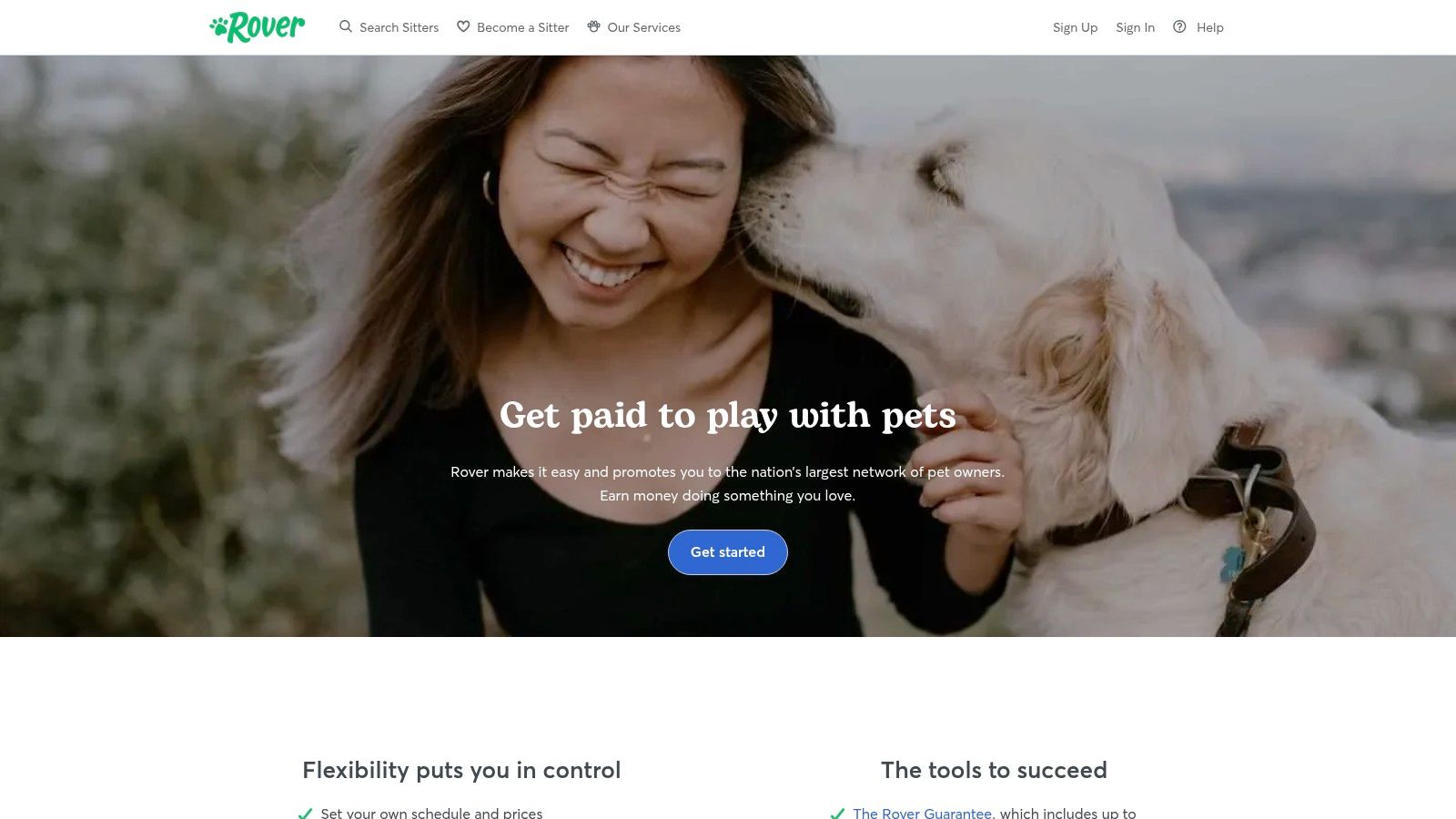
Rover is one of the few side hustle apps that can feel calmer than the workday that came before it. If you like animals and you’re reliable, pet care can be a solid lane.
The best part isn’t just the first booking. It’s the possibility of repeat bookings.
Why Rover can become steady
Rover lets you offer dog walking, drop-ins, boarding, daycare, and house-sitting. That variety helps because not every sitter wants the same kind of work.
Some people want short walks around their neighborhood. Others prefer longer stays with fewer daily transitions. The app’s calendar, messaging, and booking tools make that manageable.
Trust is everything here. Pet owners don’t care only about price. They care whether you’re responsive, calm, and dependable.
If you answer slowly and keep a thin profile, Rover will feel dead. If you build trust fast, repeat clients can carry the app.
A good fit for schedule-friendly income
Rover can work nicely around classes, remote work, or other gig apps. Morning walks, evening check-ins, and weekend stays can fit into awkward schedule gaps.
Its strengths are easy to see:
Repeat business potential: Good clients often come back.
Flexible service types: You can shape the work around your space and time.
Strong fit for animal lovers: The work itself is pleasant for the right person.
A few issues matter too:
Seasonality exists: Holidays and vacation periods can be stronger than normal weeks.
Reviews matter a lot: Trust takes time to build.
Responsiveness is part of the job: Slow replies cost bookings.
Rover isn’t the fastest app to ramp up, but it’s one of the better ones for building recurring local income without driving all day.
8. Shipt
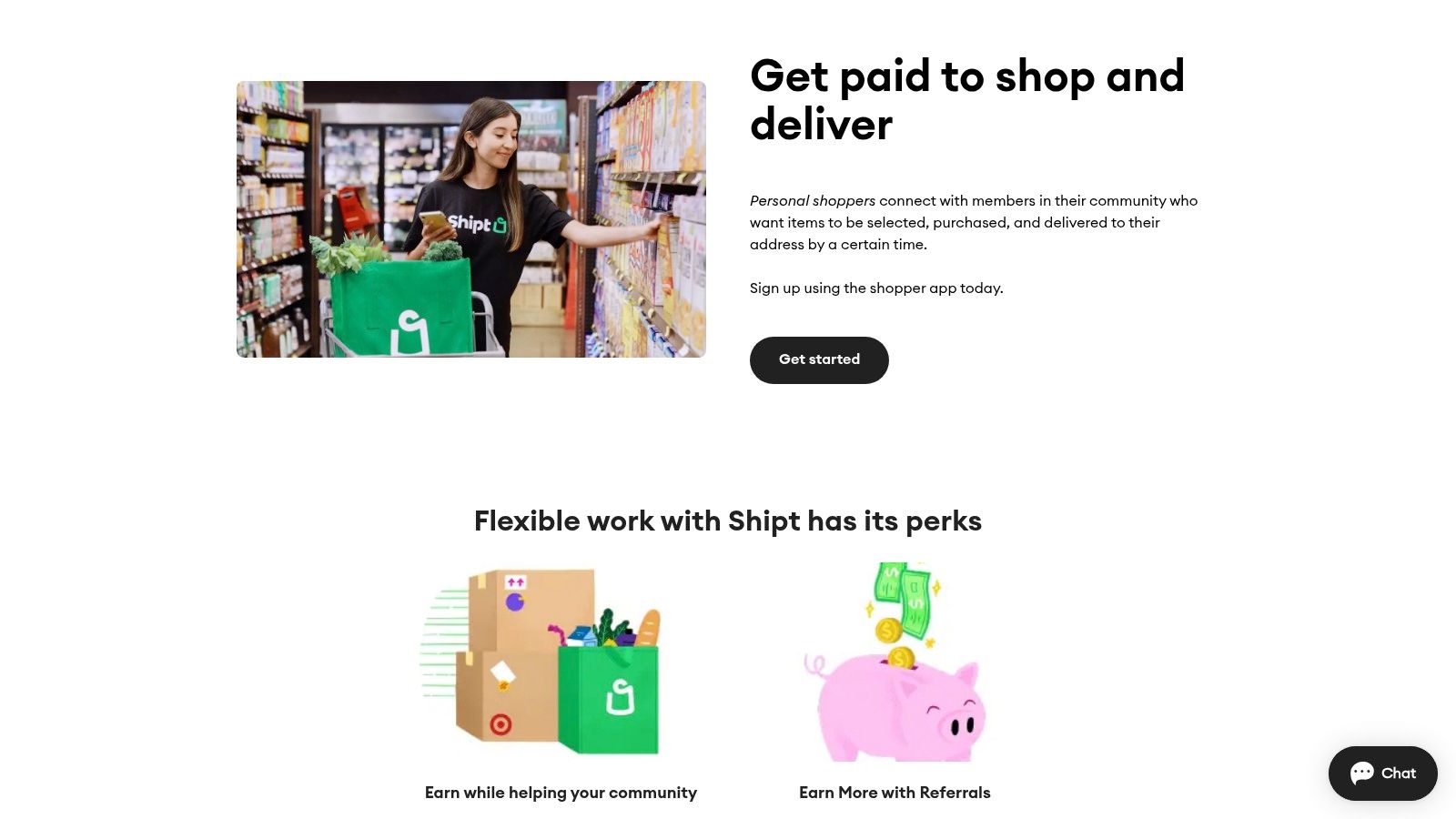
Shipt Shopper sits in the same general category as Instacart, but the feel can be different depending on where you live. Retailer coverage matters a lot here.
If your area has strong Shipt activity, it can be a useful alternative instead of relying on one grocery app.
When Shipt is the smarter pick
Shipt isn’t only about groceries. Household items, pharmacy runs, and general retail orders can be part of the mix. That broader retail focus can help when grocery-specific demand is uneven.
The app also puts customer communication front and center. You manage substitutions inside the app, which means your earning pace depends partly on how well you handle messaging and decision-making.
This is one of those apps where calm communication directly affects your day.
The hidden skill is order management
A lot of beginners think shopping apps are mostly about speed. Speed matters, but clean communication matters almost as much.
Retail variety: Helpful if you want more than one type of order.
Promos and tips can improve a shift: Especially in good zones.
Strong backup option: Useful when another shopping app is slow.
The friction points:
Regional inconsistency: Great in some markets, weak in others.
Substitutions add work: Customers don’t always answer quickly.
Multi-store complexity: More stops can turn a decent order into a mess.
Shipt is best for organized people who don’t panic when plans change mid-order. If you prefer simpler pickup-and-drop work, a delivery-only app will probably fit better.
9. Field Agent
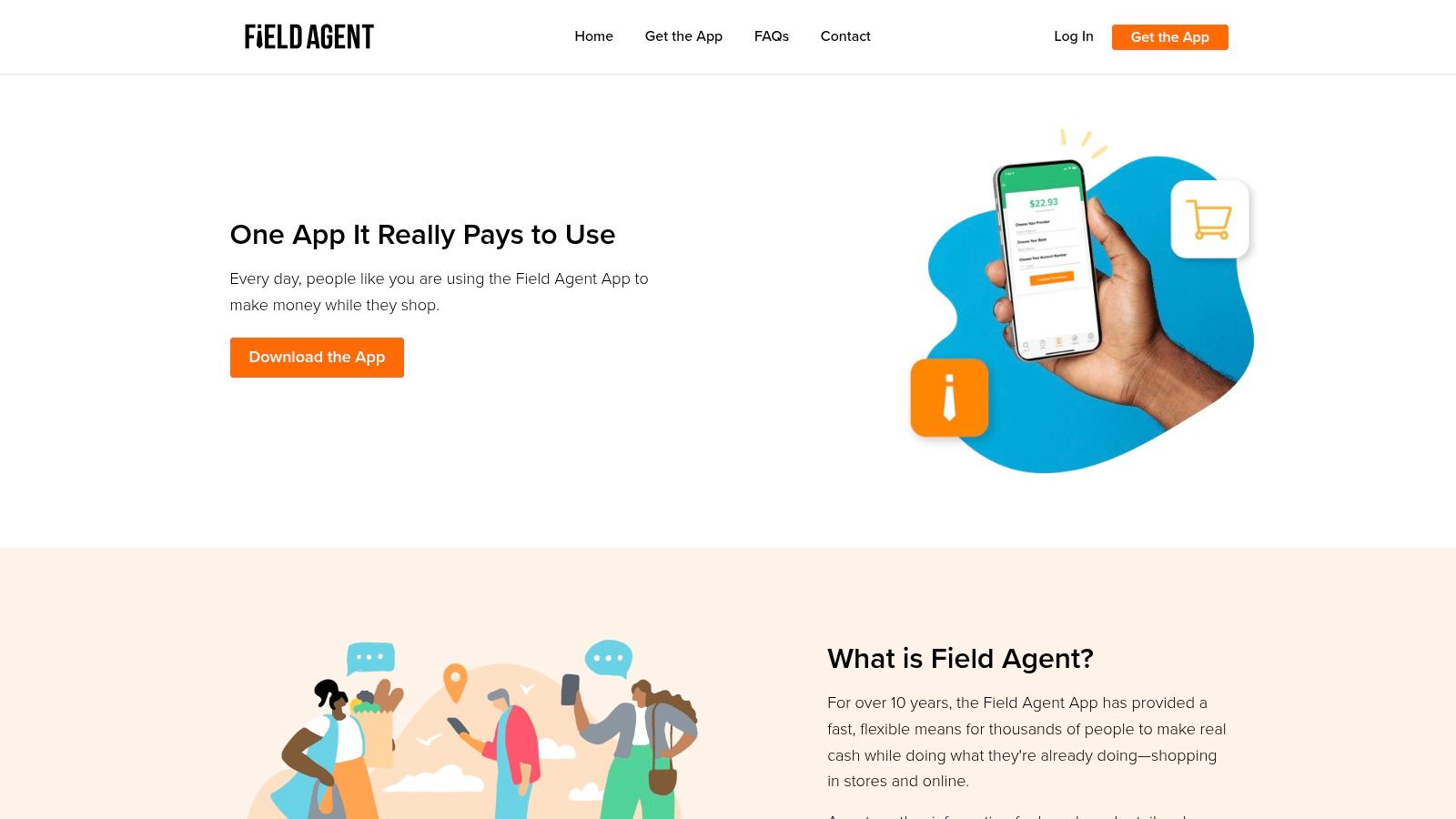
Field Agent is one of the most flexible apps on this list because the tasks are short and local. You might do a price check, take shelf photos, submit a receipt, complete a display audit, or handle a mystery shop while you’re already out.
This is filler income. That’s not an insult. It’s exactly why it works.
Best used between bigger gigs
Field Agent makes the most sense when you treat it like a stackable side app. You’re already near stores. You already need to run errands. You have a little spare time between longer jobs.
That’s when quick missions become useful.
The app shows pay and task details before you accept, which is important because not every small task is worth the detour.
What makes it practical
This app isn’t about building a business. It’s about squeezing value out of time that would otherwise go unused.
Very flexible task style: Good for errand days.
Clear instructions and visible pay: Easy to decide fast.
Useful as a secondary app: Works between other gigs.
The obvious catch:
Small towns may feel empty: Task density matters a lot.
Travel can ruin the math: A short task isn’t good if the detour is long.
Earnings depend on route efficiency: The app rewards smart movement, not just effort.
If you already do delivery or shopping gigs, Field Agent can make sense as a side layer. On its own, it’s usually too thin in many areas to carry your whole side hustle plan.
10. Prolific
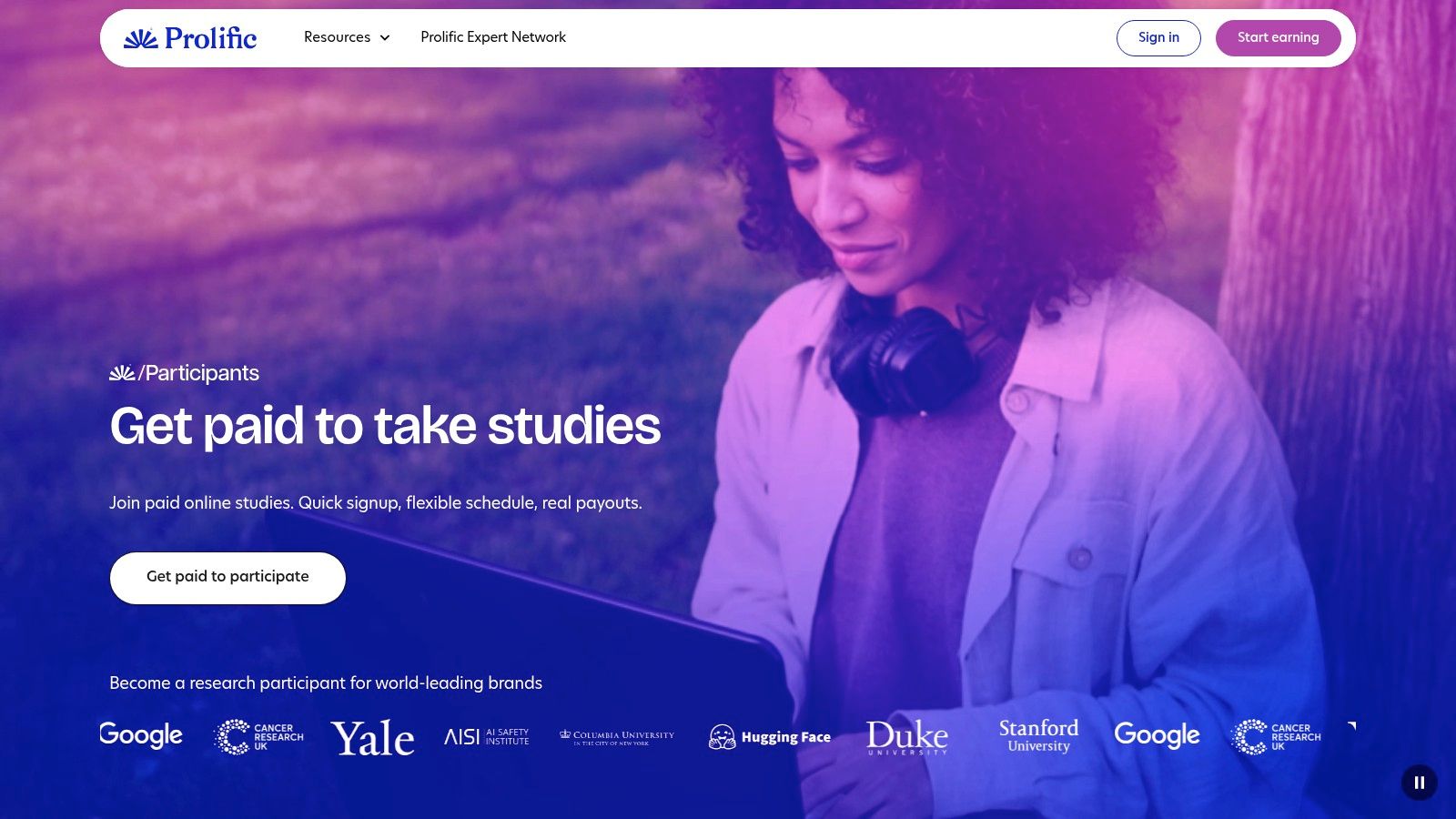
Prolific is for people who want internet-based studies instead of local gig work. It focuses on research participation, including academic, UX, and product studies.
Compared with generic survey apps, the big appeal is usually clarity. You can see study descriptions, time estimates, and pay estimates up front.
A better option for people who want desk-based tasks
If you’d rather use a laptop than a car, Prolific is one of the cleaner options. It’s not a “set it and forget it” app, though. Study availability changes throughout the day, and some opportunities disappear quickly.
That means it rewards checking in regularly.
There’s also a broader trend behind these kinds of platforms. A 2026 roundup on data-sharing and micro-task apps describes UserTesting-style platforms as low-barrier options and notes strong satisfaction ranges across large user bases, while also pointing to ongoing growth in app-based side income models in the same ecosystem, according to Side Hustle Nation’s guide to getting paid for your data.
Where Prolific beats generic survey apps
The best thing about Prolific is that it feels more intentional. You’re not only tapping through endless low-value questionnaires hoping one sticks. The screening is stricter, but the overall experience is often cleaner.
Transparent study info: You know more before starting.
Remote-friendly: Works from anywhere with internet access.
Better fit for focused users: Good if you prefer calm, desk-based sessions.
A few trade-offs are real:
Availability fluctuates: Some days will be better than others.
Strict eligibility filters: You won’t qualify for everything.
You need to check often: Passive users may miss good studies.
Prolific is a good choice if you want flexible online tasks without leaving home. It’s a weak choice if you want constant volume on demand.
Top 10 Side Hustle Apps Comparison 2026
Platform | Primary earning model | Payouts & cashout | Availability & app | Earnings predictability | Best for / USP |
|---|---|---|---|---|---|
Klink Finance | Complete simple tasks: try apps, play games, surveys, social quests | Instant payouts in fiat & crypto (USD, EUR, GBP, BTC, ETH, SOL +20); flexible withdrawals | Web, iOS, Android; global (130+ countries) | Variable, passive ~$100+/mo, active up to ~$1,000/mo; real‑time tracking & leaderboards | Side‑hustlers, students, mobile gamers, multi‑currency instant cashouts & transparent earnings |
DoorDash (Dasher app) | Deliver food/groceries from restaurants & retailers | Base pay + tips; in‑app promos (Peak Pay); Fast Pay options | Nationwide US; iOS & Android | Fluctuating by time/location; dense metro demand improves flow | Drivers in metro areas, frequent promos and dense order volume |
Uber (Driver app) | Rideshare + delivery (Uber Eats) in one app | Variable fares + tips; Instant Pay (multiple cashouts/day) | Many US cities; iOS & Android | Variable; can switch modes to chase demand | Large customer base, flexible modes and instant cashouts |
Instacart (Shopper app) | Shop & deliver grocery/retail orders (full‑service or in‑store) | Batch pay + tips; earnings shown before acceptance | Select regions; iOS & Android | Variable; tips can significantly boost pay | Grocery‑focused daytime work, clear batch details before accept |
Amazon Flex | Parcel delivery in scheduled blocks | Upfront estimated payout per block | Select cities with Flex stations; app managed | More predictable, pay shown before committing to blocks | Predictable block shifts, pairs well with other gigs |
Taskrabbit (Tasker app) | Local services (assembly, moving, handyman, cleaning) | You set rates; platform fees apply | Major metro areas; web & app | Income varies with profile/reviews; ramp needed | Skilled providers, pricing power and repeat clients |
Rover | Pet sitting, walking, boarding, daycare | You set rates; bookings & payouts via platform | Select markets; web & app | Recurring potential but seasonal demand | Pet‑care providers, repeat bookings and scheduling flexibility |
Shipt (Shopper app) | Same‑day retail shopping & delivery (multiple retailers) | Pay + tips & promos | Regions with strong retailer partners; iOS & Android | Variable by region/time; tips/promos matter | Alternative to Instacart, strong retailer coverage where available |
Field Agent | Short microtasks: price checks, photos, audits, receipts | Pay shown before task acceptance; small, task‑based payouts | Urban/suburban areas; iOS & Android | Very flexible but task availability varies | Stackable errands, quick short tasks between shifts |
Prolific | Online research & UX studies with clear criteria | Time/pay estimates shown; reliable payouts (platform dependent) | Global (depends on studies); web | Study availability fluctuates; fairer pay on average | Remote participants seeking transparent, higher‑quality studies |
Final Thoughts
Which side hustle app fits your life next week, not just on paper?
That is the question that matters most. Pay rates grab attention, but fit determines whether you stick with an app long enough to earn consistently.
The easiest way to choose is by earning style.
Active gig apps, like DoorDash, Uber, Instacart, Amazon Flex, Taskrabbit, Rover, and Shipt, work best for longer blocks of focused effort. You are driving, shopping, lifting, assembling, cleaning, walking dogs, or handling customers in real time. The upside is stronger earning potential per session. The trade-off is more friction. Fuel, commute time, wait time, physical effort, and local demand all affect what you keep.
Flexible task apps, like Klink Finance, Field Agent, and Prolific, fit smaller gaps in the day. They usually have lower startup friction and fewer moving parts. They also tend to be better for people who want control over when they work, or who do not want their income to depend on a car, delivery zones, or shift windows.
If you are new, keep the setup simple.
Start with one app from each category. That gives you a practical test. You learn whether you prefer concentrated work blocks or smaller, repeatable tasks without spreading yourself too thin across too many platforms.
A simple filter helps:
Need evening income and have a car: DoorDash or Uber
Prefer errands during the day: Instacart or Shipt
Want scheduled delivery blocks: Amazon Flex
Have hands-on skills and want pricing control: Taskrabbit
Want repeat clients and like pet care: Rover
Prefer online tasks in spare time: Klink Finance or Prolific
Want short local tasks while already out: Field Agent
Results usually improve once you learn the pattern of one or two apps. Lunch rush, weekends, study availability, local task volume, and seasonal demand all matter more than a single good or bad session.
Klink Finance stands out in this mix for a specific reason. It gives beginners a flexible-task option that does not depend on driving, local store density, or fixed shifts. That makes it easier to test if your schedule is uneven or your goal is to build extra income in short windows instead of committing to active gig runs.
Keep the plan realistic. Choose based on your time, tools, and tolerance for hassle. Track what pays after costs, keep the apps that fit, and drop the ones that turn spare time into admin work.
If you want a simple place to start, Klink Finance is a practical option for earning from spare online time through app offers, surveys, games, and social quests. It is easy to test, available worldwide, and works for people who want flexibility without needing a car, fixed schedule, or specialized skills.

High Quality Offers,
Real Payouts
Start Earning with Klink Now!






Share Article
Related Articles
Read more, Earn more