
Most lists about the best money making apps uk 2026 make one mistake. They throw cashback apps, survey apps, local gig apps, and freelance marketplaces into one pile, then act like they work the same way.
They don’t.
A survey app is good when you’ve got dead time at home. A receipt cashback app is only useful if you already shop at the right stores. A local task app can beat both, but only if you live in an area with enough jobs and you don’t mind leaving the house. If you pick the wrong category for your routine, you’ll waste time, burn out, and earn less than you expected.
That’s why this list is built around earning style, not hype.
Some of these apps are best for active phone time. Some are better as background savings tools. Some are only worth installing if you’re already out shopping or commuting. And a few look great on paper but only pay off if you learn how to stack them properly.
One more thing. Manage your expectations. Money-making apps can help with extra income, but don't expect them to replace a full-time salary. What they can do is cover small bills, build a side-income habit, and make wasted time a bit more useful. That matters more than flashy claims.
I’ve also included Klink Finance because it fits a gap that a lot of UK roundups ignore. Most lists focus only on bank, PayPal, or gift-card payouts. Klink Finance is a global rewards platform where people earn from tasks like trying apps, playing games, surveys, and social quests, with flexible payout options and live tracking that make it easier to see what’s worth your time.
If you want a realistic breakdown of what works, what’s annoying, and who each app is for, start here.
1. Klink Finance
Want one app that gives you more than just surveys?
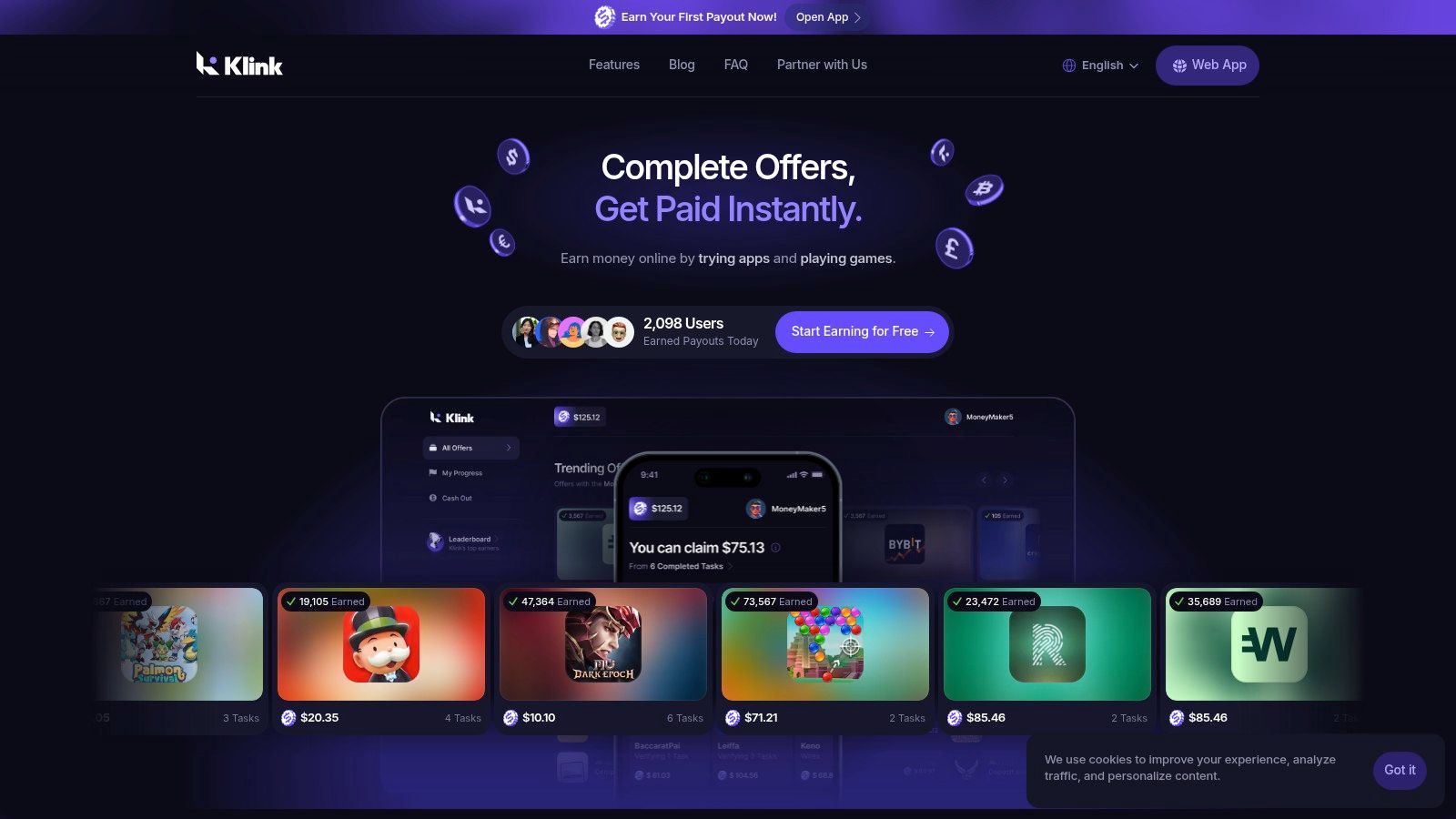
Klink Finance is useful for UK users who prefer active earning. You complete tasks such as trying apps, playing games, answering surveys, and finishing partner offers. That mix matters. It gives you more ways to earn than a single-purpose survey app, which helps if you get bored quickly or want to switch between short tasks and longer offers.
What I like most here is visibility. You can see task progress and earnings update as you go, which solves one of the biggest problems with reward platforms. Tracking issues are still possible on any offer wall, but Klink makes it easier to spot what completed, what is pending, and what is worth repeating.
It also works across web, iOS, and Android, so getting started is straightforward. If you already compare several survey and task apps, this guide to survey apps that pay is a useful benchmark for deciding where Klink fits in your stack.
Why Klink Finance stands out
Klink is strongest as a flexible task hub. Instead of relying on one earning type, you can pick offers based on your time, attention, and tolerance for effort. That makes it a better fit for people who want variety and do not mind checking in regularly.
A few practical points stand out:
Varied earning routes: Offers can include app installs, sign-ups, games, surveys, and social actions.
Fast setup: You can register quickly and start browsing without much friction.
Clearer tracking: Real-time updates help you judge which offers credit properly.
Flexible withdrawals: Payout options are broader than many UK-only reward apps.
Practical rule: Treat Klink like a marketplace for paid tasks. Check the reward, read the steps carefully, and skip offers that need too much time for too little return.
The trade-offs
Klink works best for active users, not passive earners. If you want cashback that works in the background, apps later in this list will suit you better. If you want local gig money, field task apps can pay more per job.
The main downside is inconsistency. Available offers can change by region and by day, so earnings are not predictable. Some tasks are quick wins. Others ask for more time than the payout justifies. That is where people waste time.
My advice is simple. Use Klink for short bursts, test a few offer types, and keep a mental note of what tracks well for you. For students, mobile gamers, and anyone who likes app-based tasks, it can fill a useful gap in a UK money-making app stack.
2. Prolific
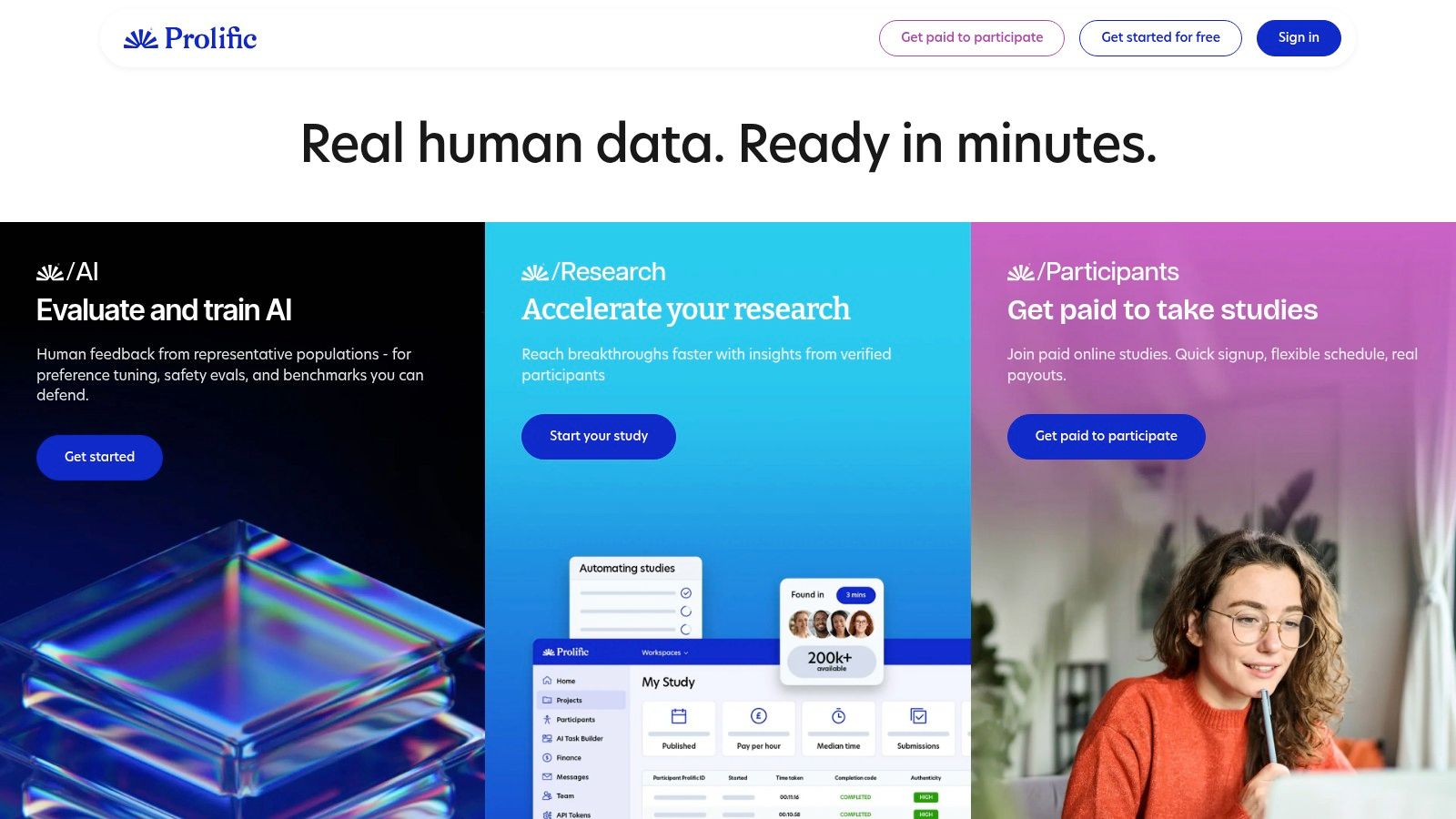
Want a survey app that wastes less of your time? Prolific is one of the better options in the active task category because it focuses on academic and market research studies rather than the usual churn of low-value surveys.
That difference matters in practice. Study listings usually show the estimated time, the reward, and the topic before you start. You can make a quick call on whether the task is worth your attention instead of clicking through blind and hoping it pays off.
For UK users building a realistic money-making app stack in 2026, Prolific fits best as a home-based earner for short focused sessions. It suits students, remote workers, and anyone who can check their phone or laptop a few times during the day.
Why it stands out
The biggest advantage is quality control. Prolific has a stronger reputation than many survey apps for showing relevant studies and reducing pointless screen-outs. That saves time, which is half the battle with this type of app.
I also like the pacing. You are not forced into a constant grind to make it worthwhile. A few decent studies can beat a long session on lower-grade survey apps.
If you want to compare it with other options in the same earning type, this guide to survey apps that pay gives you a broader shortlist.
Practical rule: turn on notifications and claim good studies quickly. The better-paid ones often fill fast.
The trade-offs
Prolific is still not predictable income. Some weeks feel busy. Some are quiet. Your age, background, device setup, and research demand all affect what appears in your account.
There is also a hard ceiling on earnings. Even if the study quality is better, you are still dependent on availability. That makes Prolific a strong active task app, not a replacement for regular work or a reliable daily target.
Use it for higher-quality paid studies from home. Skip it if you need steady volume every day or prefer passive earning methods like cashback.
3. Qmee
Qmee is one of those apps that works best when you stop expecting it to be a main earner. It’s built for small, flexible wins. That’s the right mindset going in.
You can use Qmee for surveys, shopping offers, and browser-based earning opportunities. It’s one of the easier apps to dip in and out of without much setup, which makes it practical for quick spare moments.
Where Qmee fits best
Qmee is good for micro-earnings. If you’ve got ten quiet minutes, it gives you something productive to do without committing to a long task flow.
That’s its real strength. Not big payouts. Convenience.
The browser extension can help if you already spend a lot of time online shopping or searching. The mobile app is simple enough that users will understand it quickly.
Here’s who usually gets the most from it:
Light users: People who want casual survey income without chasing large thresholds.
Stackers: Users who rotate between multiple small earning apps instead of relying on one.
Beginners: Anyone who wants a simple interface and easy first steps.
The trade-offs
The weak point is consistency. Survey supply changes day to day, and payout methods can change too. That matters because many people use Qmee precisely for fast access to small balances.
It’s also easy to waste time on poor-fit surveys if you click too quickly. The app rewards patience more than speed. Pick cleaner matches. Don’t force every opportunity.
Qmee is worth having on your phone if you like flexible, low-friction earning. It’s not the app I’d trust for a serious monthly target, but it’s useful for filling the gaps between better opportunities.
4. TopCashback
TopCashback isn’t really a money-making app in the same way a survey or task app is. It’s a money-saving app that turns normal spending into something a bit smarter.
That distinction matters. If you start buying things only because cashback is available, you’re losing. If you use it for purchases you were already making, it can be one of the easiest apps to keep in your stack.
Best for regular online shoppers
TopCashback has broad retailer coverage in the UK and works through its app and browser extension. The extension reminders are useful because cashback fails most often when people forget the click-through step or let another tab break tracking.
For anyone comparing options in this category, this roundup of cashback apps in the UK helps show where TopCashback fits.
What I like about TopCashback is that it doesn’t need much daily attention. You install it, get in the habit, and use it when needed.
Good use case: Insurance renewals, online retail, gifts, travel bookings, and planned household buys.
Bad use case: Impulse shopping just to “earn” cashback.
Best habit: Always check rates before buying, then complete the purchase in one clean session.
Cashback is only good money if the purchase already made sense without the cashback.
What frustrates people
The biggest downside is speed. Cashback can take weeks or months to confirm depending on the retailer. That delay catches out a lot of beginners who expect the money to land quickly.
Tracking can also fail if cookies are blocked, ad blockers interfere, or you click around too much before checkout. So TopCashback is reliable enough, but only if you use it carefully.
It belongs on this list because it’s practical. It won’t feel exciting, but it can steadily save you money all year if you shop online anyway.
5. Quidco
Quidco sits in the same general lane as TopCashback, but the experience feels a bit more promo-driven. If you like chasing boosts, bonus windows, and targeted offers, Quidco can be more fun to use.
That said, fun doesn’t always mean better. The right choice depends on how organized you are and whether you’re willing to compare rates before you buy.
When Quidco makes more sense
Quidco works well for shoppers who don’t mind checking for short-term boosts. Sometimes the value isn’t in the base cashback rate. It’s in a limited promotion that makes a specific purchase more attractive.
The app and extension make it easy enough to use, and the platform is well known in the UK. For ordinary shopping habits, that familiarity helps.
A few practical reasons people choose it:
Targeted bonuses: Promotions can make routine spending more rewarding.
Simple daily use: It fits normal online shopping without much effort.
Optional premium path: Some users like the extra features and boosted rates.
What to watch for
Like every cashback platform, Quidco can feel slow. Confirmation times depend on the merchant, not just the app, so patience is part of the deal.
Some of the best perks are also targeted rather than universal. If you’re not eligible for a specific promotion, the platform can feel less impressive than the headline offer suggests.
I’d install Quidco if you’re already the type to compare prices, voucher codes, and cashback before buying. If you know you won’t check consistently, one cashback app is enough, and you may be better off keeping your setup simpler.
6. Shopmium
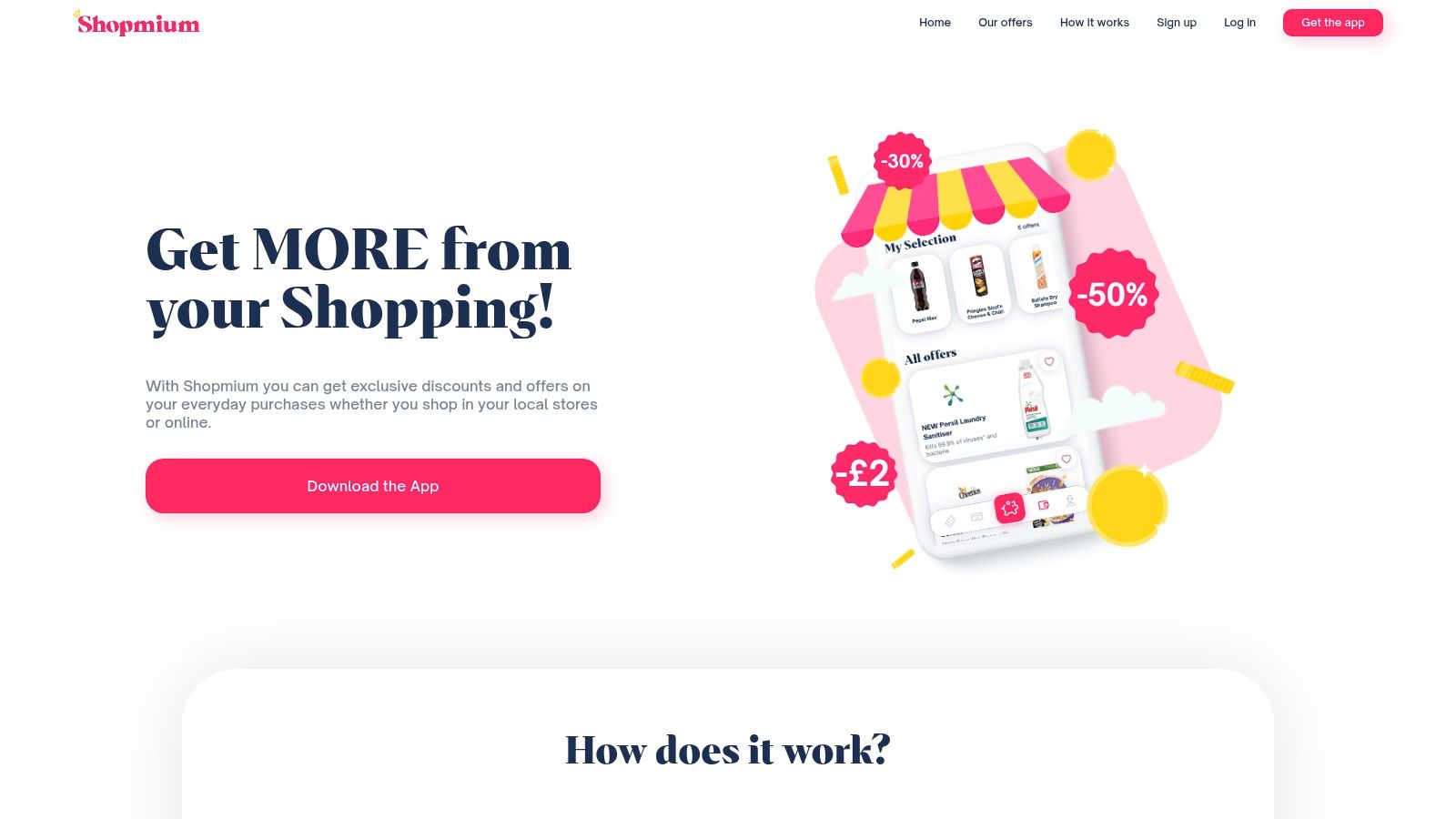
Shopmium is one of the few apps on this list that can feel useful almost immediately. Buy the right item, upload the receipt, and get cashback after validation. Simple.
That simplicity is why it works so well for grocery shoppers. You don’t need to learn a whole earning system. You just need to shop carefully.
Best for weekly supermarket routines
Shopmium is strongest when you already do regular supermarket trips and don’t mind adjusting your basket slightly around active offers. It’s especially handy for people who like trying new products or want to chip away at food costs.
The “free after cashback” style offers are where the app feels most rewarding. Those are often better than standard low-rate cashback because the value is clearer and more immediate.
A smart way to use Shopmium is to build a small pre-shop routine:
Check offers before leaving home: Don’t browse in the aisle.
Confirm store eligibility: Some offers only work at selected chains.
Keep the receipt safe: Most problems come from rushed uploads or lost receipts.
Where people waste money
The trap is buying things you wouldn’t normally buy just because the app makes them look like a deal. That can turn a savings app into a spending app fast.
Another issue is overestimating how much you’ll earn. Shopmium is great for lowering grocery costs, but it’s not a substitute for an actual side-income app. Think of it as bill reduction, not income replacement.
If your weekly shop is predictable and you don’t mind working from rotating offers, Shopmium is one of the easiest apps here to justify keeping installed.
7. Field Agent UK
Field Agent UK suits a specific type of user. Someone who is already out and about, notices store layouts, and does not mind following a strict brief. For that person, it can be one of the more practical active task apps in this list.
The work is simple on paper. Visit a shop, answer questions, take clear photos, and submit everything properly. The catch is that small mistakes can turn an easy task into a rejected one.
Best for active earners who can batch local jobs
Field Agent sits firmly in the active task category for 2026. You trade time, travel, and accuracy for cash. That makes it very different from cashback apps, where the saving happens in the background, and different again from broader local gig apps that may ask for longer visits or more involved work.
Pay varies by task type and location. Some jobs are quick shelf checks. Others need more photos, more detail, or a purchase that gets reimbursed later. The smart way to use Field Agent is to judge the full job, not just the headline fee.
If local task apps appeal to you, this guide on how to get paid to complete tasks in the UK gives you more options beyond just Field Agent. If you want a wider view of how buying and retail systems are changing, Agentic Commerce is a useful read.
Field note: The best jobs are the ones that fit your existing route. A task near your supermarket, train station, or school run can be worth doing. A cheap task that needs a separate trip usually is not.
What slows people down
Area coverage matters a lot. In busy towns and cities, the app tends to feel more alive. In smaller areas, work can be patchy, so earnings are harder to predict week to week.
Approval is the other trade-off. You do the work first, then wait for it to be checked. That is normal for this type of app, but it can frustrate people who expect instant payouts or who rush submissions.
Field Agent works best as a selective side earner. Use it for nearby jobs, read the brief twice, and skip anything with awkward travel or fussy requirements unless the fee clearly justifies it.
8. Roamler
How do you tell whether a local task app is worth your time? With Roamler, the answer is simple. Check whether the jobs fit places you already go.
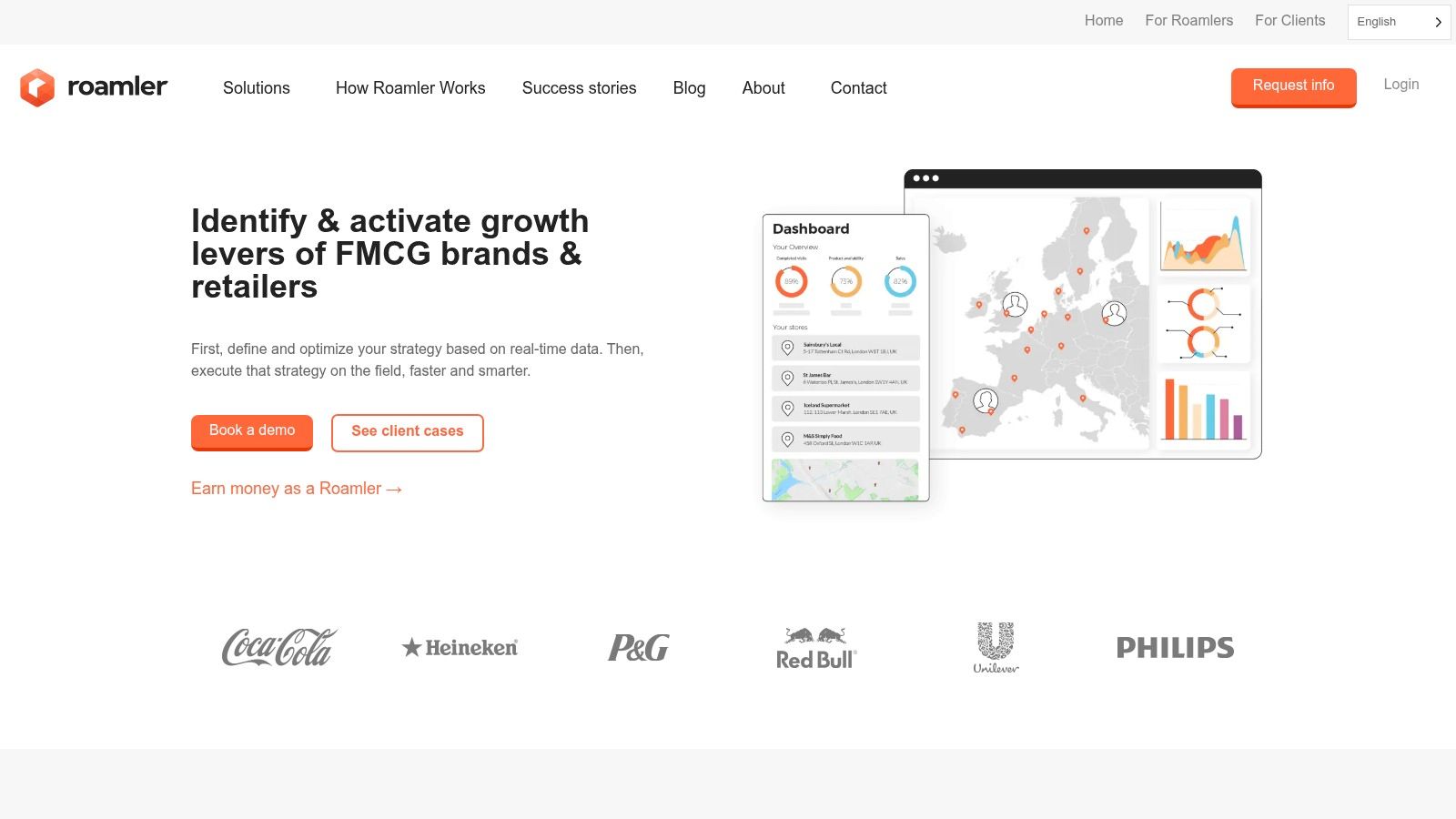
Roamler sits firmly in the active-task category. You are not earning passively in the background. You are taking retail checks, merchandising jobs, mystery shops, and photo-based visits, then getting paid for accurate work.
That hands-on mix is the main appeal. The app usually feels more varied than survey apps, and for the right person, that matters. A short store check on your usual route can feel far less draining than spending the same time screening into surveys.
Pay depends on the task. Some jobs are small and quick. Others pay more because they need better evidence, tighter timing, or a longer visit. I would not look at the fee alone. The true test is total effort, including travel, parking, and whether the brief looks fiddly.
Where Roamler works best
Roamler is strongest for people who are organised and already out and about. If you can stack two or three tasks into one trip, the app makes much more sense.
It also suits people who do not mind following instructions closely. That sounds obvious, but it is the whole model. Clear photos, correct answers, and proper timing usually matter more here than speed.
What catches people out
The easiest mistake is treating every nearby task as worth doing. It is not. A low-fee job with awkward parking, staff interaction, or a long checklist can end up paying very little for the time you put in.
The other trade-off is consistency. Like most local gig apps, Roamler can be useful one week and quiet the next, especially if you are outside busy areas. That makes it better as a selective top-up app than a fixed income plan.
Roamler is a solid pick if you want real-world earning rather than passive cashback or screen-only tasks. Use it selectively. Group jobs by route, read the brief before you leave home, and skip anything that looks annoying for the fee.
9. Shepper
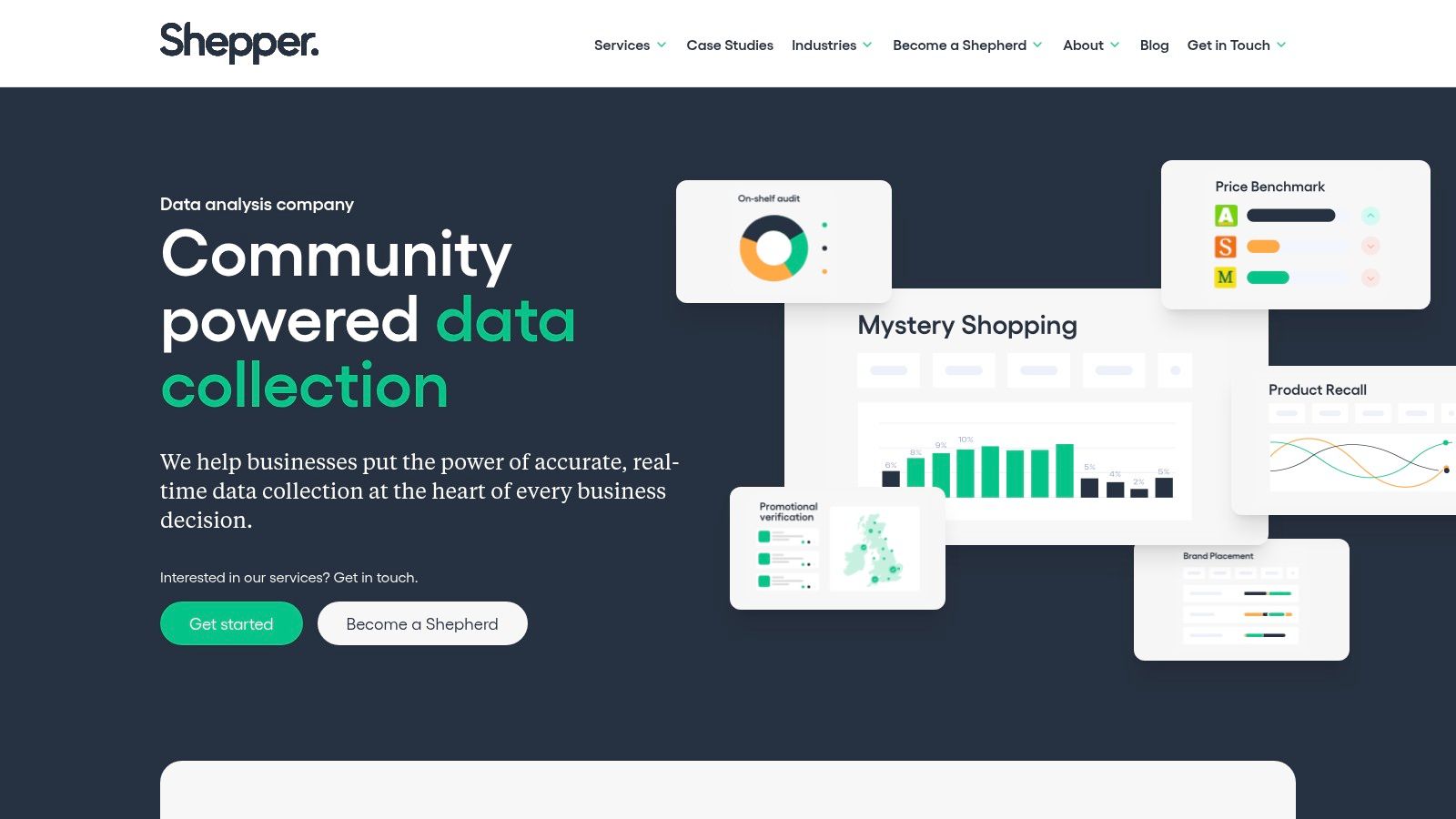
Need a money-making app that gets you off your phone and out into the world? Shepper is one of the clearer options in the local gigs category.
It focuses on location-based checks. That usually means visiting a site, answering a brief set of questions, and uploading photo or video proof. Compared with apps that lean harder into retail audits, Shepper often feels more suited to asset checks, storefront verification, and outdoor jobs.
Where Shepper works best
This app makes the most sense for people who are already travelling around their area. If you can fit a task into a school run, commute, lunch break, or weekend errand, the time-to-pay ratio looks much better.
The work itself is usually easy to understand. The catch is that "easy" does not mean careless. Good photos, correct location data, and following the brief exactly are what decide whether a task was worth doing.
I would treat Shepper as selective top-up income. Some checks are quick and tidy. Some look simple, then take longer because the instructions are picky or the location is awkward.
It tends to suit people who:
Want active tasks instead of surveys: You are earning by visiting places and submitting evidence.
Are good with detail: Missed angles, blurry photos, or wrong timestamps can cause problems.
Live in or near busier areas: Local gig apps are usually stronger where there are more businesses and more foot traffic.
If you like this style of earning, this guide on getting paid to test apps and complete digital tasks is a useful contrast. It helps you decide whether local gigs or screen-based work fits you better.
What catches people out
The main trade-off is consistency. One week you may see several worthwhile checks. The next week can be quiet. That makes Shepper better as one part of a mix, alongside cashback apps and at least one remote app, rather than something you rely on by itself.
The other issue is wasted trips. A low-fee task can stop making sense fast if parking is awkward, the signal is poor, or the brief needs more photos than expected. I would always open the full instructions before leaving home.
Shepper is a useful app for UK users who want active, local earning in 2026. Use it for nearby jobs, keep your submissions clean, and skip anything that looks annoying for the fee.
10. UserTesting
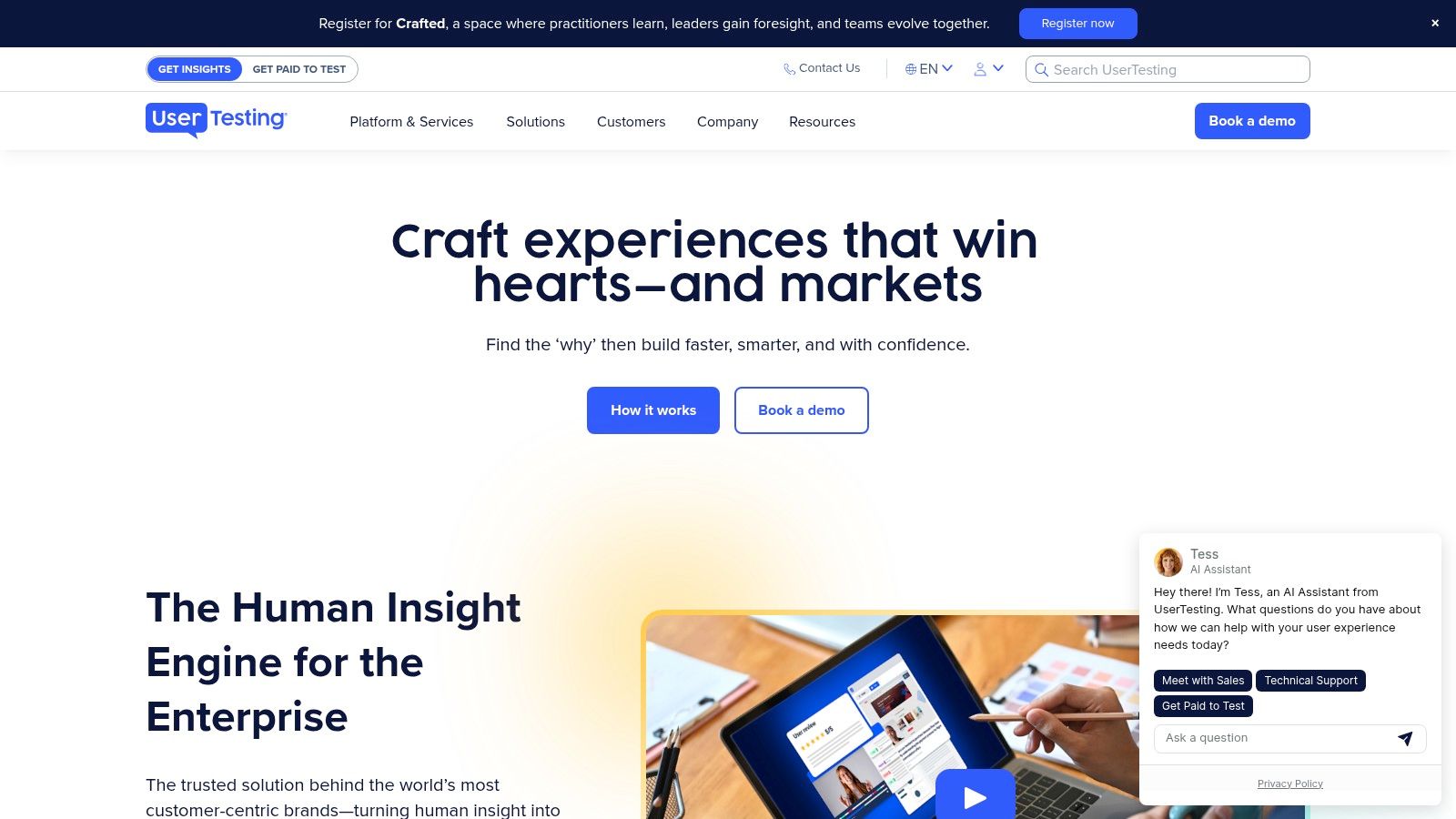
UserTesting is one of the more appealing apps for people who can speak clearly and think out loud while using websites or apps. It’s less mindless than surveys and often more engaging.
The work usually involves trying a product, recording your screen and voice, and giving honest feedback. If you’re articulate and patient with screeners, it can be one of the stronger remote options on this list.
Best for clear communicators
This is not passive earning. You need a quiet space, a stable device setup, and the ability to explain what you’re doing in real time.
That said, the payoff per task can feel better than standard survey work because you’re giving more valuable feedback. Tests often involve prototypes, task flows, and usability reactions rather than repetitive multiple-choice answers.
If this category appeals to you, this guide on getting paid to test apps is a useful companion.
Good UserTesting sessions sound natural. Don’t try to sound clever. Just say what you’re confused by, what you expected to happen, and what actually happened.
Why some people quit
The screener process filters heavily. You won’t qualify for everything, and that can get annoying if you expect a steady stream of paid tests.
You also need the right setup. A poor mic, noisy room, or unstable connection can turn a good opportunity into a rejected one.
UserTesting is worth it if you’re calm, observant, and comfortable speaking while you work. If you hate being recorded or get frustrated by qualifying filters, you probably won’t stick with it.
Top 10 UK Money-Making Apps (2026) Comparison
Which app type pays in a way that suits your routine?
That is the useful question here. A survey app, a cashback app, and a local gig app solve different problems. Comparing them in one table only helps if the trade-offs are clear, so the table below focuses on earning style, payout feel, and the kind of person each app fits best.
Platform | Earning type | Core features | Payouts | Typical value | Best for | Strengths and trade-offs |
|---|---|---|---|---|---|---|
Klink Finance | Active tasks | Web, iOS, Android. Offers can include app installs, games, surveys, and social tasks. Real-time progress tracking. | Flexible cashout options can vary by region and account settings | Usually small, task-based earnings rather than steady income | Students, casual side hustlers, mobile users | Easy to check progress and switch between task types. Offer quality and availability can change by country, and earnings depend heavily on what is live in your app. |
Prolific | Active tasks | Academic studies and research tasks with upfront time and pay info | PayPal. Cashout rules and availability are set by the platform | Often better value per task than standard survey apps, but volume is inconsistent | People who want more serious studies and clearer task info | Better task transparency than many survey apps. You still need patience because study volume changes and some users face waitlists. |
Qmee | Active tasks | Surveys, offer walls, and browser-based earning extras | PayPal and other payout options may vary over time | Best for small withdrawals and spare-moment earnings | Casual users who dip in and out | Fast to start and simple to stack with other apps. Screening can still waste time, and task quality is mixed. |
TopCashback | Passive cashback | Cashback app and browser extension across a wide range of retailers | Bank transfer, PayPal, gift cards, and other methods subject to account options | Best used as spending reduction, not income | Regular online shoppers | Strong fit for people who already shop online. Cashback tracking can take time to confirm, so it does not suit anyone who needs money quickly. |
Quidco | Passive cashback | Cashback portal with app and extension. Often includes retailer promotions and member perks | Bank transfer, PayPal, gift cards, with some features tied to membership level | Good value if you already spend and are willing to track promos | Shoppers who compare rates before buying | Worth checking against TopCashback before larger purchases. Rates and bonuses change often, so lazy use leaves money on the table. |
Shopmium | Passive cashback | Receipt-based supermarket offers on specific grocery products | Cashback after receipt validation, usually withdrawable once account conditions are met | Cuts grocery costs well if the offers match what you buy anyway | Households trying to reduce supermarket spend | Useful for weekly shopping. Savings fall fast if you buy products just because they are on offer. |
Field Agent UK | Local gigs | In-store checks, product photos, audits, and price tasks | Paid after approval | Small job payments that can add up during errands | People already visiting shops and retail parks | Tasks are straightforward and practical. Availability depends on your area, and rejected submissions slow things down. |
Roamler | Local gigs | Retail checks, mystery shopping, merchandising, and short field tasks | Paid after approval, usually through standard digital payout methods | Can beat survey apps on a good route | Users in towns and cities with decent task density | Better if you can batch jobs in one trip. Less useful in low-volume areas, and some tasks involve staff interaction. |
Shepper | Local gigs | Photo and video checks at physical locations, often quick to complete | In-app balance with withdrawal after validation | Short outdoor jobs with modest pay | Users who want quick location-based tasks | Good for people who prefer being out and about. Photo rules are strict, and low task density outside busy areas is a real limitation. |
UserTesting | Active tasks | Recorded usability tests, think-aloud sessions, and product feedback tasks | PayPal after completed and accepted tests | Higher pay per task than survey apps when you qualify | Clear communicators with a quiet setup | One strong test can beat several small survey tasks. Qualifying is the hard part, so it works best as a high-value extra rather than a dependable daily earner. |
A practical way to use this table is to pick one app from each earning type instead of downloading all ten. Use one active app for direct earning, one cashback app for everyday spending, and one local gig app only if your area has enough jobs. That mix usually gives better results than spreading your time too thin.
Final Thoughts
The best money making apps uk 2026 aren’t all competing for the same job. That’s the biggest thing to understand before you install anything.
If you want pure at-home flexibility, apps like Prolific, Qmee, Klink Finance, and UserTesting make more sense. If you already shop online or buy groceries every week, TopCashback, Quidco, and Shopmium are better viewed as savings tools that protect your spending rather than replace income. If you don’t mind getting out of the house, Field Agent UK, Roamler, and Shepper can beat screen-only apps on the right day.
That’s why the smartest approach is usually a mix.
Use one active task app. Use one or two cashback or grocery apps. Add one local gig app only if your area has enough work. That setup is usually stronger than downloading ten similar apps and giving all of them half your attention.
There’s also a practical tax angle that a lot of “best app” roundups ignore. Multi-app earning gets messy fast once you use several platforms at once. The underserved angle here is compliance and tracking. As noted in verified data, gig economy tax compliance and expense tracking are becoming more important for people using multiple earning apps, especially with tighter UK self-employment rules after April 2025. That’s one reason I prefer apps with clear histories, simple payout records, and easy-to-review activity logs.
The same goes for payout expectations. Fast withdrawals matter. Clear tracking matters. Understanding whether an app saves you money or generates income matters. A cashback app can be excellent and still not belong in the same bucket as a task app.
If you’re a beginner, keep it simple.
Start with one app from each category that matches your real life:
At-home earning: Klink Finance or Prolific
Micro-earnings: Qmee
Cashback and shopping: TopCashback, Quidco, or Shopmium
Local tasking: Field Agent UK, Roamler, or Shepper
Feedback-based remote work: UserTesting
Then give each app a fair trial. Not one day. Long enough to see whether it fits your routine, attention span, and payout preferences.
What doesn’t work is constantly switching. People lose more money from poor consistency than from choosing the “wrong” app. They miss better offers, forget cashback clicks, ignore profile updates, or take low-value jobs out of boredom. A simple system beats a chaotic one.
One last point. Don’t judge an app by its best-case story. Judge it by whether you’d still use it on a normal Tuesday. That’s the true test.
If you want the highest upside, local gig apps and feedback platforms can sometimes beat basic surveys. If you want the easiest low-effort wins, cashback and receipt apps are hard to beat. And if you want one flexible rewards platform that combines several earning methods in one place, Klink Finance is one of the most practical options to look at first.
If you’re also comparing broader creator and online earning models, this piece on which platform pays the most for creators in 2026 is worth reading alongside app-based options.
If you want one place to start without juggling lots of separate apps, Klink Finance is a practical option. It lets you earn from simple online tasks, app trials, games, surveys, and partner offers, with flexible withdrawals and real-time tracking that make it easier to see what’s worth your time.


High Quality Offers,
Real Payouts
Start Earning with Klink Now!







Share Article
Related Articles
Read more, Earn more