Want to earn cash from your phone in the UK without wasting hours on apps that barely pay?
Yes, it can work. This means extra income from surveys, paid tasks, app testing, cashback-style offers, and location-based jobs. This is typically a side stream, not a wage replacement, and your results depend more on app choice and routine than luck.
The mistake I see again and again is treating every app as if it should fit the same job. They do not. A survey app, a user testing platform, and a mystery-shopping app solve different problems, ask for different amounts of time, and pay in different ways.
That matters in the UK because payment method affects the effective value of what you earn. Some apps pay straight to bank-linked services or PayPal in GBP. Some push gift cards. Some platforms, including Klink Finance, may also support digital asset payouts for users who want that option. The right choice depends on whether you want simple cash access, faster withdrawals, or more flexibility, and each option has trade-offs on fees, convenience, and risk.
Phone earnings also work better when you treat them like a system. Keep one app for short spare moments. Use another for higher-paying tasks that need focus. Add a fieldwork app if you already travel around town. Then track which ones are worth your time. If you want a wider starting point before choosing, this guide to the best money-making apps in the UK for 2026 is a useful reference.
UK users also need to think beyond the task itself. Check minimum payout thresholds before you start. Know whether rewards arrive in pounds, points, gift cards, or crypto. Keep records if your earnings become regular, because HMRC may treat them as taxable income depending on how much you make and whether it looks like trading or casual side income. Basic safety matters too. Avoid apps that ask for upfront fees, excessive ID without a clear reason, or vague payout terms.
The seven apps below are legitimate options for UK users, but they are not equal. Some are better for consistency. Some are better for higher rates. Some are only worth opening when the right task appears. The smart approach is to build a stack that matches your time, payout preference, and tolerance for low-value offers.
1. Klink Finance
Want one app that lets you test a few earning methods before you decide what is worth your time in the UK?
Klink Finance is a mobile rewards platform that mixes surveys, game offers, app installs, and partner tasks in one place. That matters because individuals often do better with phone earnings when they can switch formats instead of forcing themselves through one repetitive task type.
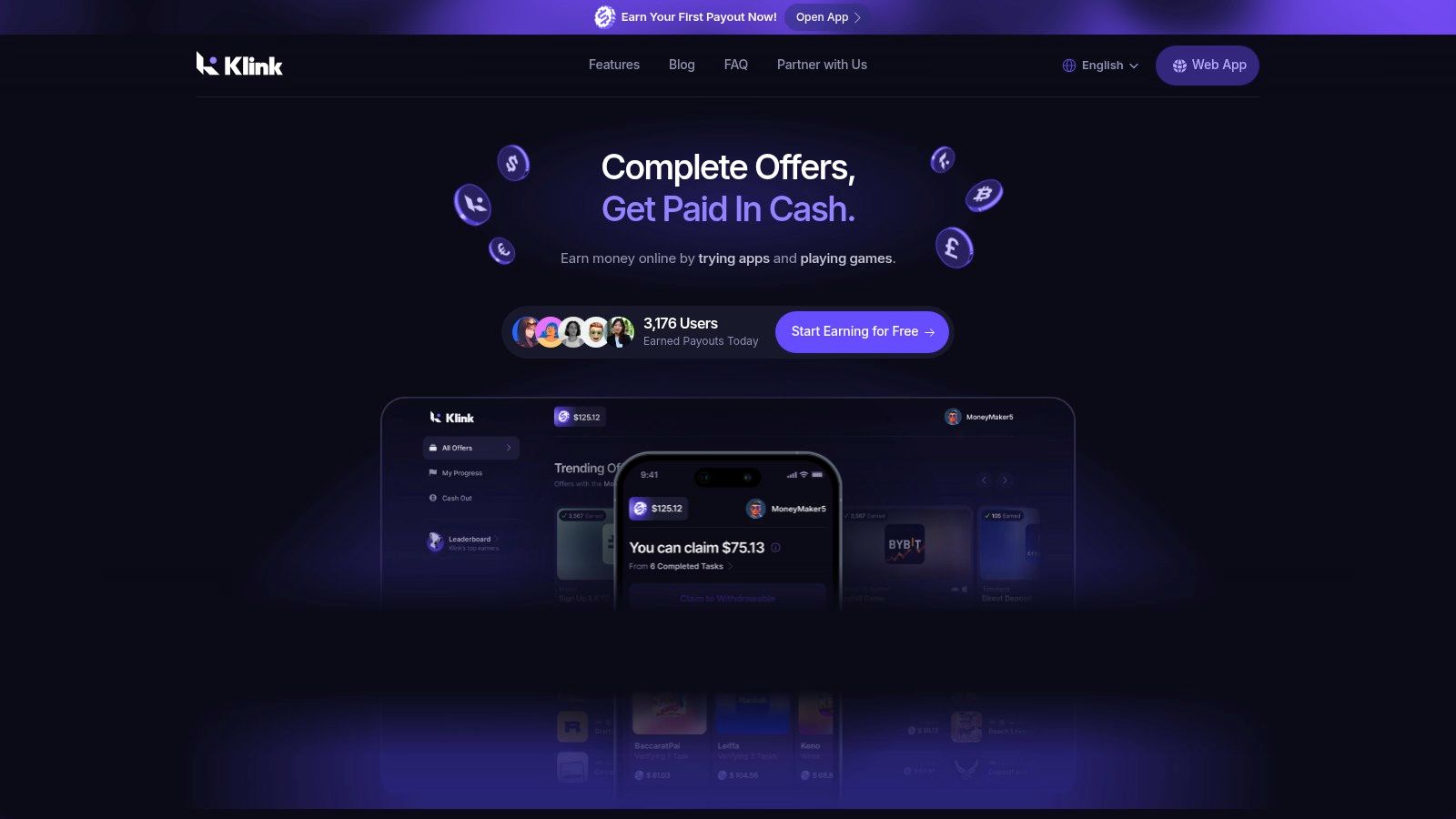
For UK users, the practical advantage is not just variety. It is payout choice. Klink supports fiat withdrawals including GBP, which makes it easier to judge what you are earning in real terms instead of translating points into cash later. It also offers digital asset payouts for people who want that route, but that comes with a different risk profile and usually makes more sense for users who already understand crypto and want that flexibility.
Why Klink Finance works as a starting app
Klink is useful for building a phone earning system because it does several jobs reasonably well. You can use it for quick check-ins during spare moments, test which offer types credit properly on your device, and work out whether you prefer surveys, installs, or game tasks.
A few things stand out:
Mixed task types: Surveys, app offers, games, and promotions give you more ways to earn than a single-purpose app.
Visible progress tracking: Earnings and offer activity are easier to monitor, which helps when you need to check whether a task credited.
Multiple access points: You can use it on web, iOS, and Android.
Useful payout flexibility: GBP cashout is simpler for UK users who want money they can spend, while crypto may suit users who want an alternative payout method.
That mix makes Klink a practical first app, especially for beginners who have not yet worked out which mobile tasks they can tolerate for more than a week.
The real trade-off
Variety helps, but it does not guarantee high earnings.
Offer quality and volume change over time. Some days will have decent options. Other days you may only see low-value tasks or offers that are not worth the effort once you read the terms properly. That is normal for reward platforms, and it is why experienced users track earnings by task type instead of assuming every in-app offer is a good one.
There is another trade-off. Platforms with several earning formats can be more useful overall, but they also require more filtering. Survey users want qualification rates. Offer users care about tracking reliability, hold periods, and payout value. If you skip those checks, it is easy to spend time on low-return tasks.
Best way to use it in the UK
Klink works best as one part of a stack, not your whole plan. Use it for flexible filler tasks and pair it with a stronger specialist app for one category. For example, if you find that surveys pay you better than install offers, compare it with other survey apps that pay and keep Klink for the moments when survey volume is slow.
That approach gives you a better balance between consistency and upside. It also helps you compare payout formats properly. GBP is easier for budgeting and record-keeping. Crypto can be useful, but the value can move after you cash out, which changes the actual amount you end up with.
Best for
Klink Finance is a good fit for:
Beginners who want to test several earning formats without downloading a separate app for each one
Users who get bored easily and want more than surveys alone
UK users who prefer GBP payouts over points-only systems or gift-card-heavy apps
People building a stack of apps rather than relying on a single platform for all earnings
The main limitation is straightforward. You still need to be selective and consistent. Open it regularly, check offer terms before starting, and keep an eye on what pays well for you. That is how this kind of app becomes useful instead of just another icon on your phone.
2. Prolific
Want survey work that feels less like point-chasing and more like paid research? Prolific is one of the stronger options for UK users who would rather do fewer, better studies than grind through low-quality mobile panels.
Prolific started in the UK and still stands out for that research-first approach. Studies usually come from universities, researchers, and companies that need usable responses, not just high click volume. On your phone, that often means questionnaires, opinion studies, short reaction tasks, and occasional follow-up projects completed in your browser.
Why it stands out
The main advantage is trust. Study pages are usually clearer about what you need to do, how long it should take, and what you will be paid than the average survey app.
That matters in practice. Clearer task details make it easier to judge whether a study is worth your time before you start.
Payouts are also more straightforward than many rewards apps. Approved earnings can be withdrawn to PayPal once you meet the platform’s minimum, which is easier to manage than dealing with confusing point conversions or gift-card-only systems. For a UK user trying to track real cash earnings from a phone, that simplicity helps.
The trade-off most people notice
Prolific is better treated as a high-quality earner than a high-volume one.
You may open it and find several good studies. You may also find very little for hours. That is normal. The platform works best for people who can check in regularly and act quickly when a suitable study appears, not for people expecting a constant stream of tasks throughout the day.
There is another trade-off. Researchers want careful answers. If you rush, miss instructions, or multitask badly, you are more likely to hurt your approval rate and future earning potential.
How to use it well in the UK
Prolific fits best into a wider phone-earnings plan. Use it as your quality survey app, then pair it with a testing or task app for the gaps between studies. If you want another format that can pay more per task, this guide on how to earn money testing apps is a useful next comparison.
A few habits make a noticeable difference:
Fill out your profile fully: Better profile data improves your chances of matching with relevant studies.
Check at sensible intervals: Refreshing constantly wastes attention. Checking in short bursts works better.
Read every instruction screen: Prolific studies are usually fair, but they are less forgiving if you skim.
Track your real hourly return: Some short studies are excellent value. Others are only average once you factor in screening and waiting time.
Payouts, tax, and safety
For UK users, Prolific is easier to work with than apps that push you into points or crypto. PayPal withdrawals are simpler for budgeting, and they are easier to record if you need to review your side-income later. That does not remove your tax responsibilities. If your phone earnings start adding up, keep basic records of what you earned, when you withdrew it, and which platform paid you.
Safety is mostly about discipline. Use the official site, avoid sharing more personal information than a study requires, and be cautious with any task that asks you to leave the platform or install unfamiliar software without a clear reason.
Prolific suits people who value cleaner studies, clearer pay, and fewer nonsense tasks. If your priority is constant activity, it can feel slow. If your priority is earning from your phone in the UK without getting buried in low-grade survey spam, it is one of the better apps to keep in your stack.
3. UserTesting
Want something with higher upside than surveys, but without leaving the house? UserTesting is one of the clearer options for UK users who can speak their thoughts clearly and follow a brief without drifting.
You get paid to test websites and apps by recording your screen, completing tasks, and explaining what you notice as you go. Some tests are quick mobile sessions. Others are longer live interviews, which can pay better but demand more focus and a quieter setup.
Why it earns differently
UserTesting is closer to paid feedback work than classic survey grinding.
That distinction matters. You are not tapping through opinion questions for pennies. You are helping product teams spot friction, confusion, and drop-off points before they release changes more widely. Because the work is more specific, individual tasks can be worth more than standard survey app jobs.
The trade-off is qualification. Good opportunities do appear, but you will not match every screener, and the best-paying tests tend to go fast. If you want more options in this category, it also helps to look at other ways to get paid for completing app-based tasks in the UK.
What separates decent earnings from wasted time
This platform rewards clarity, not speed.
If your recordings are muffled, your comments are vague, or you rush through the flow without explaining what confused you, your results will suffer. On the other hand, people who describe what they expected, what happened instead, and whether they trusted the page usually do better here than on low-rate survey apps.
A few practical rules matter:
Use headphones or a quiet room: Clean audio protects otherwise good submissions.
Speak in full thoughts: “I’m looking for pricing, but this button makes me think I’m starting a free trial” is useful. “Bit confusing” is not.
Check device requirements before accepting: Some tests are mobile-only. Others work better on desktop.
Watch the payout route: If you are comparing phone earning apps as a UK side-income stack, simple cash payouts are easier to track than points systems or crypto rewards.
If this work suits you, it can also lead you toward adjacent gigs. A good next step is learning how to become a beta tester and get paid.
Best for
UserTesting suits people who can give calm, specific feedback and do not mind occasional dry spells between opportunities. It works well for students, remote workers, parents with a quiet half-hour, and anyone building a mixed phone-income setup instead of relying on one app alone.
It is less practical if you only want quick one-handed tasks on the bus.
For UK users, the bigger point is fit. UserTesting can raise your average earnings per task, but it is less predictable than survey apps with constant low-value activity. Keep records of payments, note which devices you used, and treat it as part of a broader mobile earning plan rather than your only source. That approach is usually the difference between a useful side earner and another app that sits on your phone unused.
4. Field Agent UK
Want an app that can pay more than a quick survey, but only if the numbers still work once you leave the house? Field Agent UK is one of the clearest examples of that trade-off.
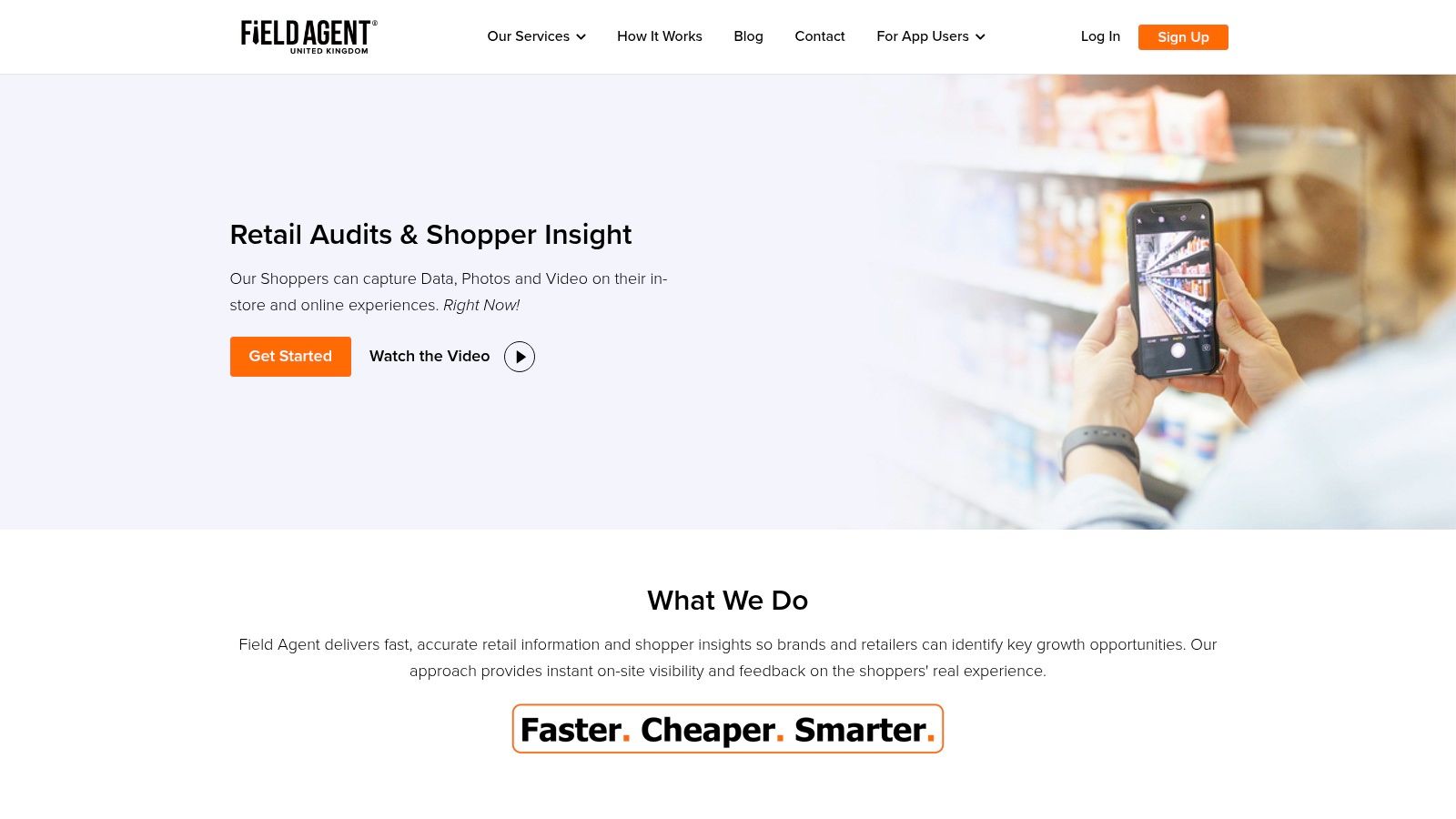
Field Agent UK pays for in-person jobs such as price checks, shelf audits, mystery shopping, and store visits. You claim a task, follow the brief closely, submit photos or answers through your phone, and get paid if the submission meets the client’s requirements.
When it makes sense
Field Agent works best as part of a wider UK phone-earning plan, not as a standalone income source. The sweet spot is simple. You are already going to Tesco, a retail park, or the high street, and there is a job close enough to add with little extra time.
That distance check matters more here than with almost any app in this guide. A task that pays well on screen can turn into poor hourly pay once you add walking time, parking, bus fare, or a detour across town.
If you want a broader view of this category, Klink has a useful guide to apps that pay you to complete tasks in the UK.
The real trade-off
Field Agent can beat low-value survey apps on pay per task. It also has more friction.
The work is less flexible than it first appears because each job has fixed locations, deadlines, and proof requirements. Miss one photo, shoot the wrong shelf, or ignore a note about store entry, and the job stops being worth much. That is why experienced users treat these apps like small field assignments rather than casual taps for spare change.
A few habits improve your odds:
Check the full route before accepting: One decent task near your current location is often better than three scattered jobs.
Read every instruction twice: Retail audit apps reject work for small misses, especially on photo angles and product counts.
Watch payout method and timing: Cash in GBP is easier to track for UK budgeting and tax records than points or crypto-style rewards used by some earning apps.
Keep basic records: Note the date, task, payment, and any travel cost so you know your true return.
Best for
Field Agent UK suits people in towns and cities who already spend time near supermarkets, shopping centres, and chain stores. It is much weaker in rural areas, where fewer missions and more travel can wipe out the value.
It also suits a certain mindset. The strongest users are methodical, comfortable speaking to staff if needed, and willing to skip jobs that look profitable until travel and hassle are counted properly.
If you want more than retail tasking, it can pair well with adjacent phone-based work such as how to become a beta tester and get paid. That mix is often smarter than relying on one app category alone.
For UK users, the bigger lesson is strategy. Field Agent is useful when you stack it with remote apps, choose cash payouts you can track easily, and treat travel time as a real cost. Used that way, it can be a solid part of a mobile earnings setup. Used badly, it is just an expensive walk with a few photos attached.
5. BeMyEye
Want an app that pays for quick jobs while you’re already out shopping or commuting?
BeMyEye is one of the better-known UK options for short retail missions done entirely from your phone. Typical tasks include checking whether a product is on the shelf, photographing a display, confirming pricing, or answering a few questions about what is happening in store. The workflow is simple. Claim a mission, follow the brief closely, upload the evidence, and wait for approval.
Where it works well
BeMyEye is strongest for people who already move through busy retail areas. City centres, retail parks, supermarkets, and chain stores give you a better shot at seeing enough missions to make the app useful.
Coverage matters more here than app quality. In a large town or city, BeMyEye can fit neatly into errands you were already doing. In a smaller town, the app may still work, but gaps between worthwhile jobs get bigger and travel starts eating the margin.
That trade-off is the whole point with apps like this.
What the experience is actually like
Compared with some other retail task apps, BeMyEye often feels faster to complete. Jobs are usually narrow in scope, and once you understand how the briefs are written, you can move through the good ones efficiently.
The catch is approval quality. Small mistakes cost money. A blurry photo, the wrong shelf angle, or missing part of the display can turn a paid mission into wasted time. That makes BeMyEye a better fit for careful users than rushed ones.
A few habits improve results:
Prioritise missions already on your route: Extra travel kills the hourly rate fast.
Read the brief before entering the store: It saves awkward backtracking once you are inside.
Check every photo before submitting: Clear, well-framed images reduce the risk of rejection.
Keep a simple log of payment and travel cost: That gives you a real GBP figure, not a guessed one.
BeMyEye pays best as part of a plan, not as a standalone earner.
Payouts, tax, and how to use it in a UK earning stack
Payout flexibility helps, but payout type still matters. If an app pays in cash to a bank or PayPal-style account, it is usually easier to budget, compare against travel costs, and track for UK tax records than rewards that sit in a points system or fluctuate in another format.
That is why BeMyEye works best as one layer in a broader phone-earning setup. Use location-based apps for short local missions, then pair them with remote options you can do from home when retail jobs are quiet. That gives you better consistency across the week and lowers the risk of relying on one app category.
BeMyEye is a practical choice if you want real-world tasks, live near active stores, and treat each mission like a small job with a real cost base. Used that way, it can add steady extra cash. Used casually, it often looks busier than it pays.
6. AttaPoll
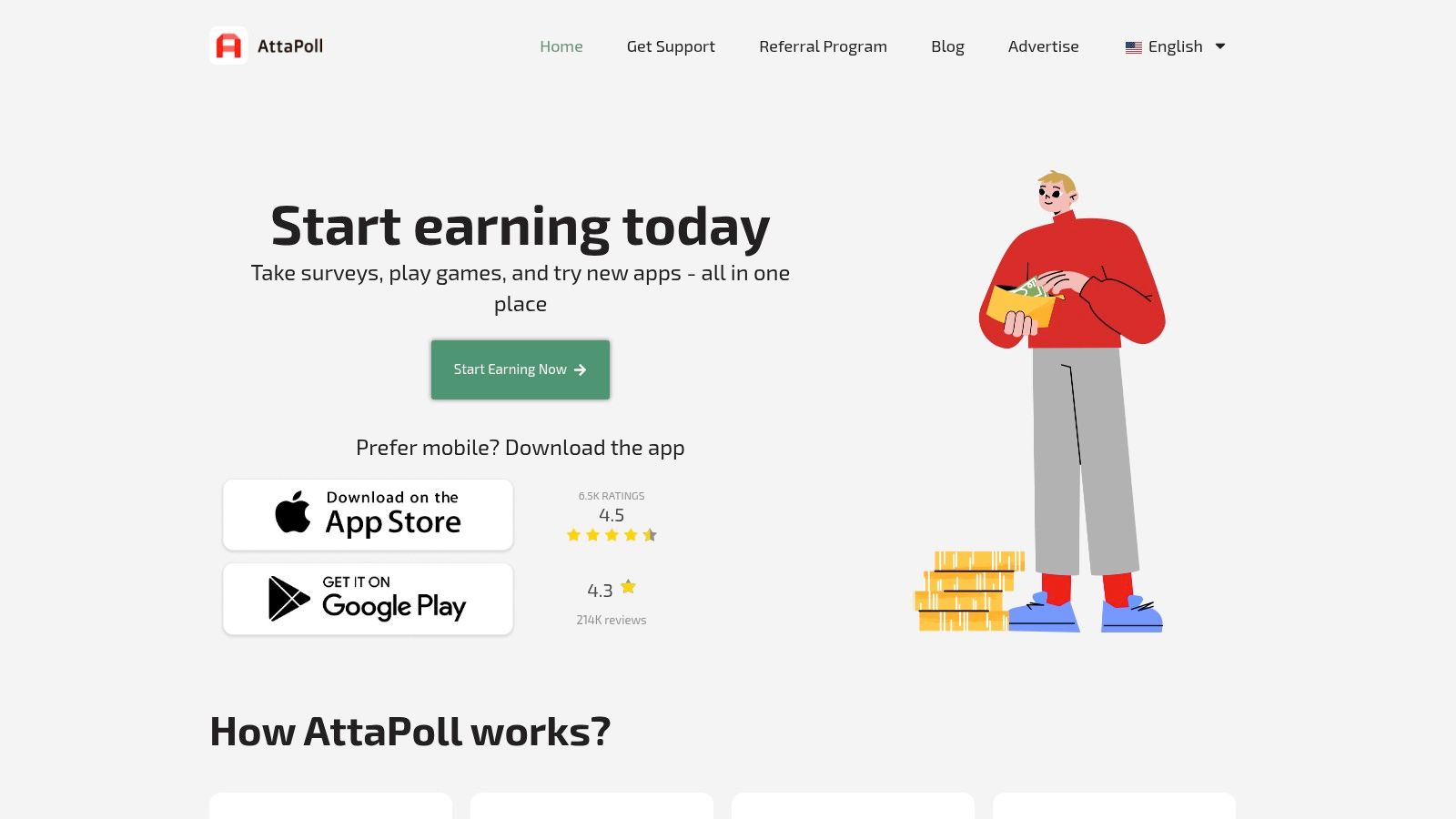
Need something you can open, use for five minutes, and cash out without much setup? AttaPoll is one of the cleaner options for that job.
It is a phone-first survey app with a simple loop. Open the app, check what is available, answer the screening questions, and complete the surveys you fit. That makes it easier to use in short gaps than platforms that expect a laptop, webcam, or a longer block of concentration.
Why it works for casual use
AttaPoll suits people who want low effort and fast access. If you are waiting for a train, sat in a queue, or filling ten spare minutes, it is easier to use than a formal research platform.
The trade-off is familiar. Survey apps waste time through screen-outs, and AttaPoll is no exception. You will sometimes answer a few qualification questions and get rejected before the paid part starts. That is normal in this category, so the right benchmark is not "no disqualifications." It is whether the app makes those dead ends short and gives you enough decent matches to stay worthwhile.
How to use it without kidding yourself on earnings
AttaPoll is better as part of a UK phone-earning stack than as your main earner. Use it for idle minutes, then rely on stronger apps for higher-value work when you have proper time to focus. That split matters because payout style and task type affect how useful the money feels in practice.
With AttaPoll, a few habits make a real difference:
Fill out your profile fully: Better matching usually means fewer wasted starts.
Prioritise shorter surveys on mobile: They fit the app's strength and reduce frustration if you get screened out.
Track earnings in GBP terms: If you use several apps, compare them by actual cash received, not by points or rough estimates.
Cash out on a sensible routine: Regular withdrawals make it easier to budget and keep records for UK tax purposes if your side-income grows.
Where it fits in a real strategy
AttaPoll earns its place by being easy to pick up and easy to repeat. That convenience matters for UK users who do a lot on mobile and want direct cash-style rewards rather than a more complicated system.
Ofcom has reported that many UK adults still use smartphones as a major route to getting online, and for some people it is their main device, which helps explain why simple phone-only earning apps keep finding an audience. You can check Ofcom's broader digital usage reporting here: Ofcom's online nation research.
Keep expectations sensible. AttaPoll is not built for the highest hourly return. It is built for convenience, quick withdrawals, and low friction on a phone. If you treat it as a small cash top-up tool and pair it with better-paying options elsewhere in your weekly mix, it does its job well.
7. Swagbucks UK
Want one app that gives you more than just surveys?
Swagbucks has stayed around for years because it spreads your earnings across several task types. In the UK version, that usually means surveys, offer walls, cashback-style shopping actions, and occasional low-effort app activities. That mix is useful if you want one account that can fill small gaps during the week instead of relying on a single task format.
The trade-off is simple. Swagbucks gives you range, but not much clarity at first glance. Earnings are tracked in points, so it takes a bit of discipline to judge whether an offer is worth your time in pound terms.
Who it suits
Swagbucks works best for UK users who are organised enough to treat points as money. If you do that, the app becomes much easier to manage.
It tends to fit people who:
want multiple ways to earn from one phone app
are happy taking PayPal or gift cards
don’t mind checking payout rates before starting an offer
can be patient with slower, pieced-together earnings
That last point matters. Swagbucks is usually stronger as a background earner than as a high hourly-rate option.
How to use it without wasting time
Many people often get disappointed. They bounce between offers, collect points in small amounts, and never check what those points are worth in GBP.
A better approach is to split tasks by purpose. Use short surveys or simple daily actions when you have dead time. Save longer offers for moments when you can finish them properly, take screenshots if tracking fails, and compare the likely payout with what you could earn on Prolific, UserTesting, or Klink Finance for the same half hour. That kind of comparison matters more than brand familiarity.
Payout choice is another practical factor. Some UK users prefer PayPal because it is easier to track as cash income. Others like gift cards because they can ring-fence rewards for groceries or personal spending. If you also use apps that pay in crypto or direct cash, keep a simple note of what each payout method is worth to you after conversion or withdrawal friction. Points, pounds, gift cards, and crypto rewards can look similar on-screen but feel very different once you cash out.
What to expect in practice
Swagbucks UK is legitimate and flexible, but it is rarely the top option for one specific earning method. Survey quality can be uneven. Offer walls can pay better, but they need more caution because tracking issues and completion rules can turn a decent offer into wasted time if you rush it.
For UK users building a phone-based earning setup, Swagbucks makes sense as a secondary app. Use it to add variety, pick off decent-value offers, and widen your payout options. Just keep records, cash out on a routine, and treat every points offer like a small transaction rather than easy money.
Top 7 UK Phone Cash Apps, Comparison
Item | Implementation complexity | Resource requirements | Expected outcomes | Ideal use cases | Key advantages |
|---|---|---|---|---|---|
Klink Finance | Low (mobile/web onboarding) | Smartphone/PC, internet, time; multi‑currency withdrawals | Variable: passive ~$100+/mo, active up to ~$1,000/mo; fiat & crypto payouts | Side‑hustlers, students, mobile gamers, app testers | Flexible fiat/crypto cashouts, real‑time tracking, large user/community |
Prolific | Low (browser studies) | Browser, PayPal, time; occasional screening | Higher pay per study vs typical surveys; intermittent study supply | Participants seeking better‑paid academic/market research | Enforced fair‑pay rates, transparent payouts, reliable cash‑out |
UserTesting | Medium (recorded tasks, live sessions) | Smartphone/PC, good mic/camera, PayPal, time | Per‑test pay shown up front; higher hourly on well‑matched tests ($4–$10+, live pay higher) | Usability testers comfortable speaking and recording | Clear per‑test rewards, higher effective hourly rates for matched tests |
Field Agent UK | Low–Medium (in‑store missions) | Mobile app, travel to stores, camera, time | Per‑job pay ~£3–£10; better when batching nearby tasks | People running errands in towns/cities who can batch jobs | Upfront pay per mission, bank transfer withdrawals, detailed task guidance |
BeMyEye | Low (in‑app missions) | Mobile app, proximity to stores, PayPal/Mangopay | Small per‑mission payouts; frequent city campaigns, low PayPal min (~£5) | Urban users wanting quick on‑the‑go micro‑tasks | Fast PayPal payouts, frequent brand campaigns in cities |
AttaPoll | Very low (short surveys) | Mobile phone, internet, PayPal/gift cards | Modest per‑survey pay; very low cash‑out (~$3) | Casual, snackable earnings in spare moments | Very low withdrawal threshold, quick PayPal processing |
Swagbucks UK | Low (multiple earning paths) | Mobile/web, retailer accounts for cashback, time | Slow accrual but many earning channels; redeemable for PayPal/gift cards | Users wanting variety (surveys, shopping, offers) | Wide variety of ways to earn, reputable long‑running platform |
Your Game Plan for Mobile Earnings in the UK
Want to make phone earnings in the UK stick, instead of turning into another abandoned app folder?
Use a simple stack and run it properly. Two or three apps is generally sufficient. I’d pair one higher-value option such as Prolific or UserTesting with one low-friction app such as Klink Finance or AttaPoll. If you regularly pass shops during the week, add one fieldwork app such as Field Agent UK or BeMyEye.
That mix does three jobs. It gives you better-paid opportunities when they appear, fills short gaps in the day with lighter tasks, and stops your income from depending on a single app going quiet.
Build around your actual week
The highest earners on these apps are rarely the people downloading the most platforms. They’re the ones who know when they can work, what tasks they tolerate well, and what payout level makes a task worth accepting.
Set time blocks that match real life. Ten minutes in the morning for survey checks. Twenty minutes in the evening for testing or app offers. If you already do the school run, commute by train, or shop in town, location-based jobs can fit naturally. If you work from home and hate going out for low fees, skip them.
The wrong app in the wrong setting wastes time fast.
Check how you’ll be paid before you do any task
A lot of disappointment comes from treating payout details as an afterthought.
Check the withdrawal minimum. Check whether the app pays in GBP, sends USD to PayPal, or uses another route entirely. Check how often you can cash out, and whether fees or exchange rates could trim your earnings. Crypto payouts can look interesting on paper, but they add price volatility and extra admin. For most UK users who want predictable side income, GBP or PayPal cashouts are easier to track and easier to use.
Phone-based payments are now normal in the UK, so cashing out to digital methods feels much less clunky than it did a few years ago, as noted earlier. That doesn’t mean every app handles payouts well. Read the payment page before you invest your time, not after.
Protect your hourly rate
The easiest way to improve earnings is to reject weak tasks faster.
Use a basic filter:
Take studies and tests with clear pay and clear instructions.
Batch in-store jobs only if they’re close together.
Skip tasks that need lots of personal data for little reward.
Drop any app that regularly screens you out after several minutes.
Cash out whenever you hit a sensible threshold, so money isn’t left sitting in an app account.
A decent side-income setup is partly about earning more, and partly about preventing quiet losses.
Keep records from day one
If your app income grows, admin becomes the annoying part. It still matters.
HMRC explains the Trading Allowance, which lets some people earn up to £1,000 from trading income before needing to report it. Once app income starts stacking across surveys, testing, cashback, referrals, and local jobs, it gets harder to guess what you made. Keep a simple spreadsheet with date, app, task type, amount earned, payout method, and whether it arrived in GBP or another currency.
That one habit solves a lot later. It helps with tax, makes it easier to spot which apps are worth your time, and shows whether a flashy payout method is leaving you worse off after conversion.
Treat this like useful side income
These apps can cover small but real costs. Travel. Groceries. Subscriptions. A savings pot. They do not reliably replace a salary, and guides that suggest otherwise usually ignore rejection rates, dry spells, travel costs, and payout thresholds.
Pick apps that match how you already live. Keep the stack tight. Review your results once a month. If an app feels vague about payment, asks for more data than the task justifies, or keeps dragging down your hourly return, remove it and use the time elsewhere.
If you also need a better device for this kind of side hustle, a practical way to save money is buying a refurbished iPhone in the UK instead of paying full price for a new one.
FAQs
Can you really earn cash from your phone in the UK
Yes, but the better question is how much and how consistently.
For most UK users, phone apps are a practical way to bring in side income from surveys, app testing, cashback, and local task work. Earnings usually come in unevenly. One week might be strong, the next might be quiet, which is why it makes sense to build a small stack of apps with different task types and payout methods rather than relying on one.
What’s the best app for beginners
That depends on what kind of work you will stick with.
If you want simple, phone-first surveys, AttaPoll is easy to start with. If you want a broader mix of offers, games, and app-based tasks, Klink Finance gives beginners more variety without needing to learn a complicated setup on day one.
Which app usually feels higher quality for surveys
Prolific usually stands out for people who want more structured academic and research-based studies instead of standard consumer survey panels.
The trade-off is volume. You may see fewer opportunities than on broad survey apps, but the work often feels more worthwhile.
Are phone earning apps in the UK safe
Some are. Some are not.
Stick with platforms that explain how payments work, what data they collect, and what happens if a task is rejected. Be cautious with apps that ask for identity documents too early, push you toward unclear crypto payouts, or stay vague about withdrawal minimums and fees.
Do I need PayPal to get paid
No. UK phone earning apps use a mix of payout options, including PayPal, bank transfer, gift cards, and in some cases crypto.
That matters more than many guides admit. A payout that looks generous can lose value if you have to convert currencies, pay withdrawal fees, or wait too long to cash out. Check whether you are being paid in GBP, points, dollars, or crypto before you spend time on the task.
Do I need to pay tax on money earned from apps in the UK
You may need to, depending on how much you earn and how HMRC views the income.
The key point is not to leave it until year end. Once earnings come from multiple apps and arrive through different payout methods, it gets much harder to reconstruct what happened.
What’s the fastest way to earn more from these apps
Use your time where your hourly return is strongest.
In practice, that usually means keeping a mix such as one survey app, one user testing platform, one local task app, and one general rewards app. Drop anything with low pay, frequent screen-outs, or awkward withdrawals. The people who do best with phone earnings in the UK are usually the ones who review results, cut weak apps quickly, and keep the process simple.
If you want a straightforward place to start, Klink Finance is one option for trying app offers, surveys, games, and mobile tasks in one place. As noted earlier, it supports UK users alongside other regions, and it can make sense if you want variety before deciding which task types are worth your time.


High Quality Offers,
Real Payouts
Start Earning with Klink Now!








Share Article
Related Articles
Read more, Earn more